Skip to content
View in the app

A better way to browse. Learn more.

ParkCrafters

A full-screen app on your home screen with push notifications, badges and more.

To install this app on iOS and iPadOS
  1. Tap the Share icon in Safari
  2. Scroll the menu and tap Add to Home Screen.
  3. Tap Add in the top-right corner.
To install this app on Android
  1. Tap the 3-dot menu (⋮) in the top-right corner of the browser.
  2. Tap Add to Home screen or Install app.
  3. Confirm by tapping Install.

RollerCoaster Tycoon

All custom scenery, attractions, parks, fireworks, and more for the RollerCoaster Tycoon franchise.

No files in this category yet.

Files from subcategories

  1. Made by Cinipaes.
    • 46 Downloads
    • 105 Downloads
  2. Made by Coasterinc.
    You can make this ride with the in-line twist ending or the double corkscrew ending.
    • 119 Downloads
    • 72 Downloads
  3. Coaster sounds
    -------------------------
    This (rather old) mod replaces the in-game coaster sounds with NL and ScreamMachines-based ones.
    To install, after backing up the original files, put the OVL files inside this archive in
    RCT3 Install Dir\Tracks\TrackSounds
    Made by FranceCoaster.
    • 75 Downloads
    • 2 Comments
    • 73 Downloads
  4. Reuploaded from CS Depot
    Made by MF-RCT and Cinipaes.
    • 137 Downloads
  5. Made by CFH-Rides.
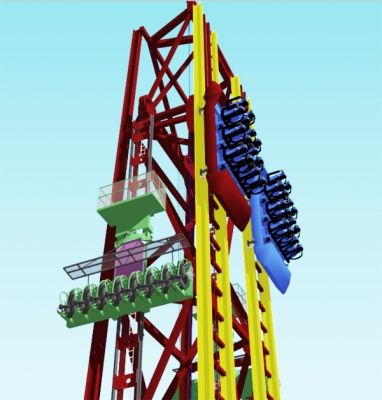
    This adds in a twin-tracked Intamin Reverse Freefall coaster to the game.
    • 61 Downloads
  6. Made by StickyGum32. Reuploaded from CS Depot
    • 34 Downloads
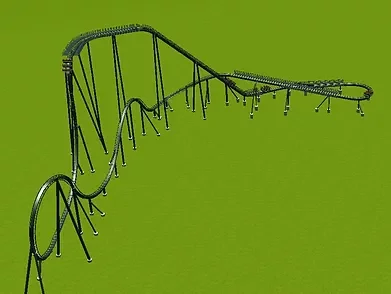
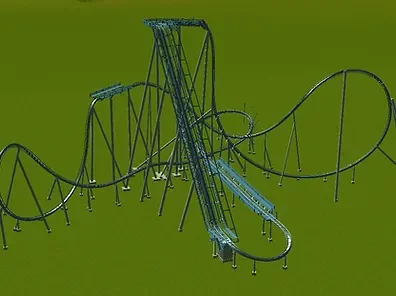
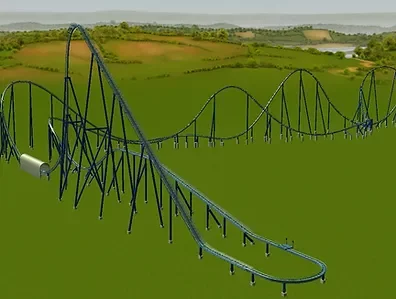
  7. Made by Coasterinc.
    This CT adds in the MASSIVE and INTENSE Intamin Giga Coaster from Kings Dominion to the game.
    • 143 Downloads
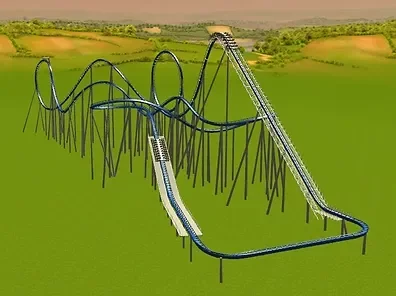
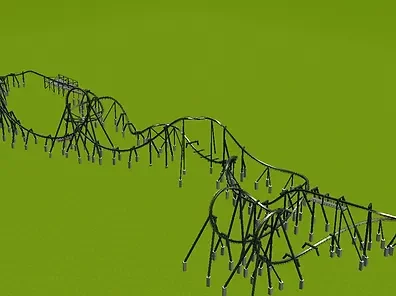
  8. Made by RCTK1.
    This CT adds in the Intamin multi-looper Fahrenheit to the game.
    • 72 Downloads
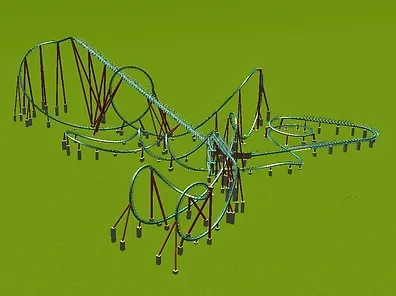
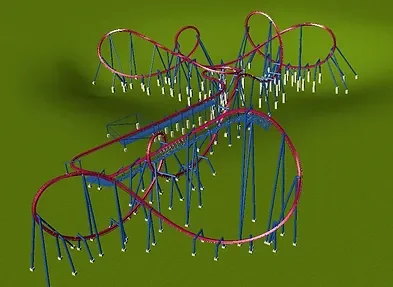
  9. Made by both Cinipaes and Coasterinc.
    This RAR contains 2 CTs:
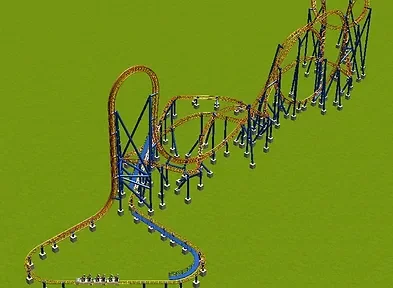
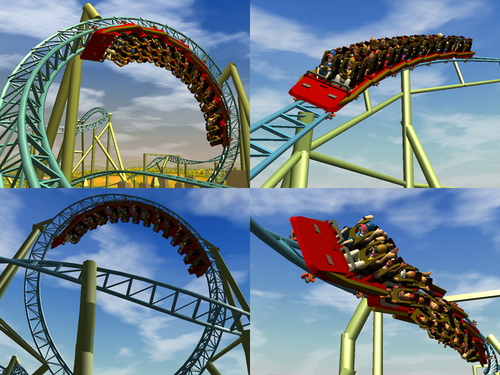
    The Intamin 10 Inversion Rev. A model, like Colossus at Thorpe Park.
    The Intamin 10 Inversion Rev. B model, like Sik at Flamingo Land.
    These trains are also included in the CTs:
    https://rctgo.com/downloads/view/intamin-loopers-red-force-update.20508
     
    Images and trains credits to pearh046.
    • 65 Downloads
  10. Made by Samplerocker.
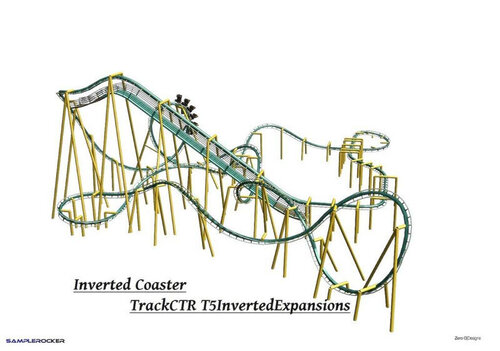
    This CT is an expansion of the Inverted Coaster type, by adding more elements to the track type.
    • 66 Downloads
  11. Made by Samplerocker.
    Just like the Track 11 Expansion Set, this CT is an expansion of the Giga Coaster, adding more elements to it.
    • 83 Downloads
  12. Made by Samplerocker.
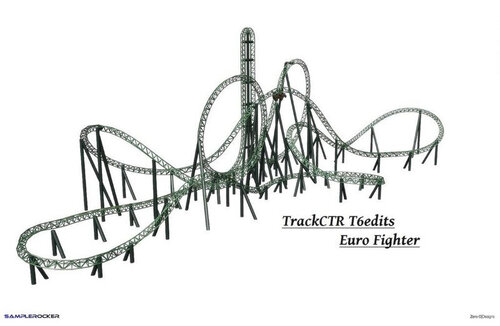
    This CT is an expansion of the game's Track 11, which is the Looping Coaster.
    This adds in more pieces and elements to the track, thus making you go crazy with your layouts!
    • 66 Downloads
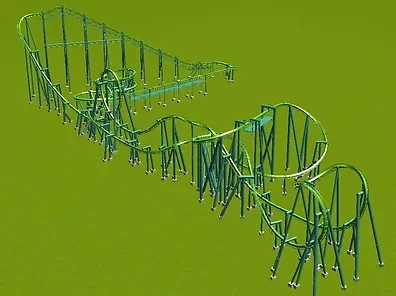
  13. Made by RCTK1.
    This CT adds in the infamous 6 Ring Roller Coaster to the game.
    The 6 Ring Coaster, made by Chinese manufactuer Zhipao, is well-known for featuring a triple corkscrew element on it's installations.
    • 67 Downloads
  14. Made by RCTK1.
    This CT adds the Intamin Mega-Lite model to the game.
    • 71 Downloads
  15. Made by Coasterinc.
    This CT adds the defunct Arrow looping coaster Vortex to the game.
    • 90 Downloads
  16. Made by Coasterinc.
    This CT adds the Arrow Mega-looper Viper to the game.
    • 105 Downloads
  17. Made by SuperLegoChannel.
    This CT adds the Vekoma LSM coaster to the game, Rock N Roller/Xpress layout.
    • 103 Downloads
  18. Made by Francescoaster.
    This CT adds the Vekoma Double Loop Corkscrew model to the game.
    • 66 Downloads
  19. Made by RealTycoon3.
    This CT pack adds the following Schwarzkopf looping coasters to the game:
    - Portable Shuttle Loop (Bullet)
    - Olympia Looping
    - Shuttle Loop
    - Zonga
    - Dreier Looping
    • 158 Downloads
  20. Originally made by Coasterinc.
    This CT adds the Vekoma Corkscrew with Bayerncurve model to the game.
     
    • 148 Downloads
  21. This is mt first CSO for an Efteling project.
    I hope it will be used mutch for Python remakes.
    Author/Creator: jordy_rym
    • 39 Downloads
  22. Targets in 16 different placements allowing for virtually any placement. The centers have an animated texture so they flash green when they are "hit."
    Author/Creator: Rct3Mike
    • 24 Downloads

Account

Navigation

Search

Search

Configure browser push notifications

Chrome (Android)
  1. Tap the lock icon next to the address bar.
  2. Tap Permissions → Notifications.
  3. Adjust your preference.
Chrome (Desktop)
  1. Click the padlock icon in the address bar.
  2. Select Site settings.
  3. Find Notifications and adjust your preference.