Skip to content
View in the app

A better way to browse. Learn more.

ParkCrafters

A full-screen app on your home screen with push notifications, badges and more.

To install this app on iOS and iPadOS
  1. Tap the Share icon in Safari
  2. Scroll the menu and tap Add to Home Screen.
  3. Tap Add in the top-right corner.
To install this app on Android
  1. Tap the 3-dot menu (⋮) in the top-right corner of the browser.
  2. Tap Add to Home screen or Install app.
  3. Confirm by tapping Install.

RollerCoaster Tycoon

All custom scenery, attractions, parks, fireworks, and more for the RollerCoaster Tycoon franchise.

No files in this category yet.

Files from subcategories

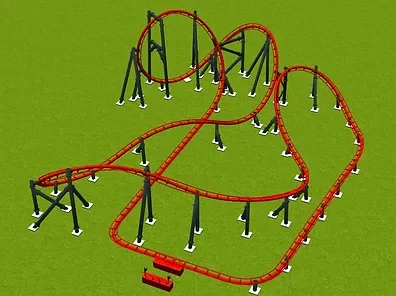
  1. Made by Adrenaline Studio.
    • 59 Downloads
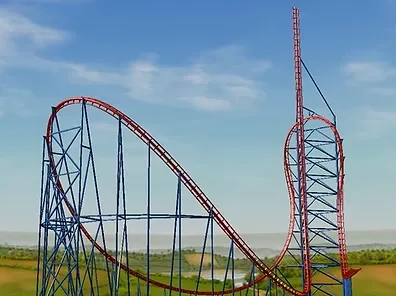
  2. Based on the big dipper at Santa Cruz Boardwalk. Includes left and right-sided exit versions.
    Made by StationJimJr
    • 28 Downloads
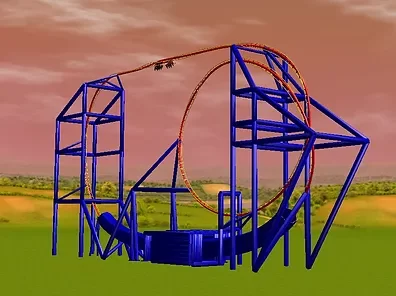
  3. Made by Patrick DVZ.
    • 30 Downloads
    • 1 Comments
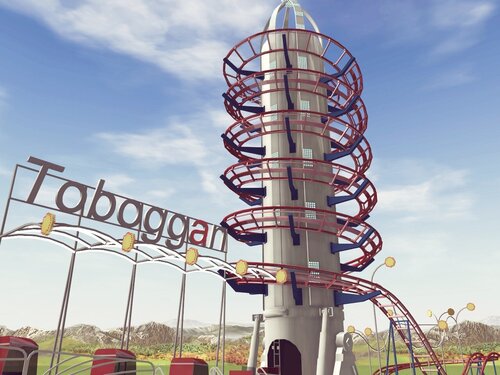
  4. Wooden Coaster CTR featuring 4, 6, and 8-seat cars plus 2 versions of the Millennium Flyer.
    • 38 Downloads
  5. The Beast/Six Seater Wooden Coaster CTR.
    • 28 Downloads
    • 127 Downloads
  6. Made by Coasterinc.
    Also included are the vehicles needed for the CT. 
    • 270 Downloads
    • 77 Downloads
  7. Made by Steel Rides.
    • 81 Downloads
  8. Made by SuperLegoChannel
    • 42 Downloads
  9. Made by Coasterinc.
    • 129 Downloads
  10. Made by Steel Rides.
    Also includes Space Moon scenery.
    • 105 Downloads
    • 1 Comments
  11. Made by SuperLegoChannel.
    • 47 Downloads
    • 51 Downloads
    • 79 Downloads
  12. Made by Coasterinc.
    • 103 Downloads
    • 74 Downloads
    • 104 Downloads
  13. Made by Coasterinc.
    • 75 Downloads
  14. Made by Coasterinc.
    • 82 Downloads

Account

Navigation

Search

Search

Configure browser push notifications

Chrome (Android)
  1. Tap the lock icon next to the address bar.
  2. Tap Permissions → Notifications.
  3. Adjust your preference.
Chrome (Desktop)
  1. Click the padlock icon in the address bar.
  2. Select Site settings.
  3. Find Notifications and adjust your preference.