


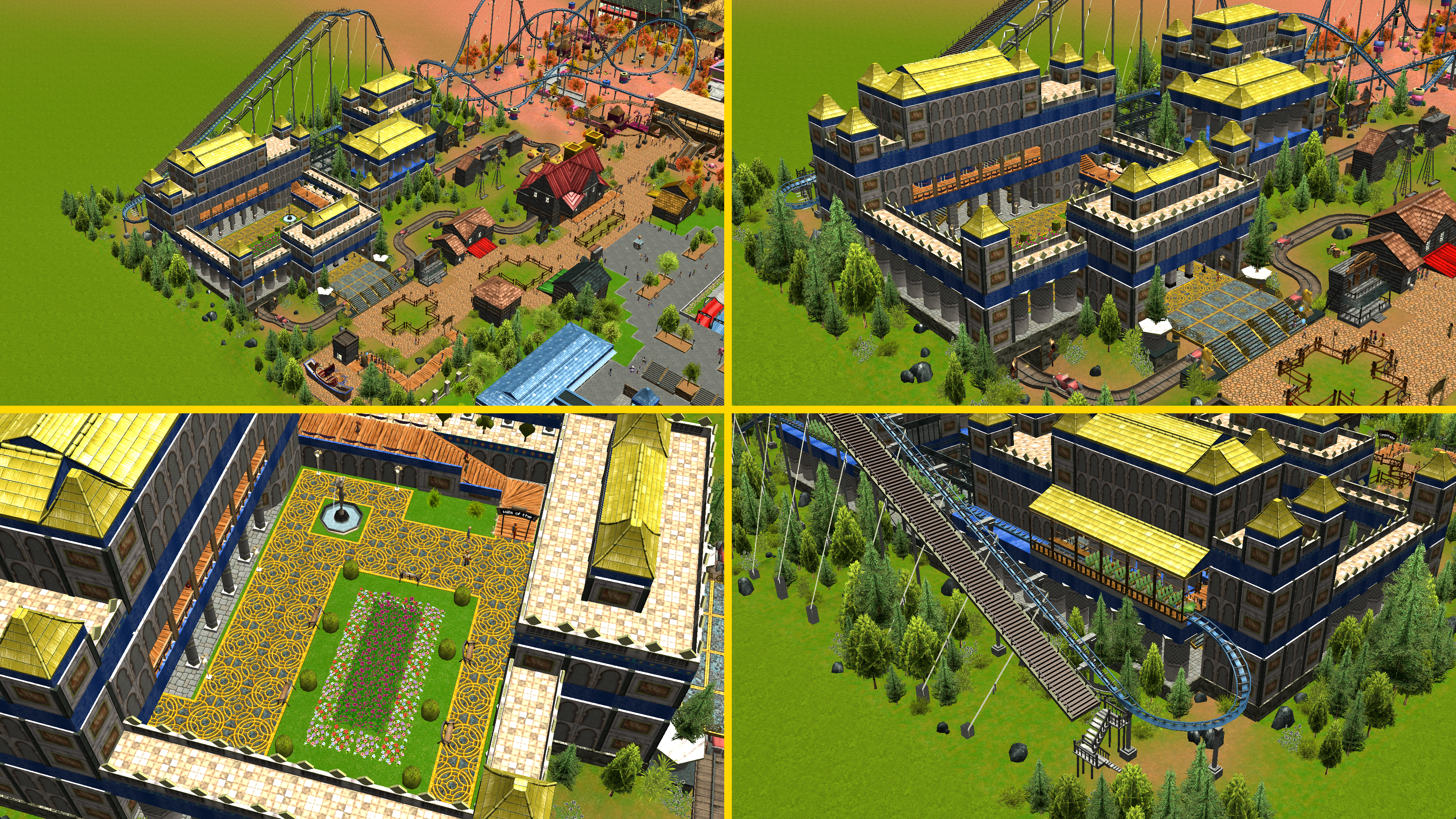
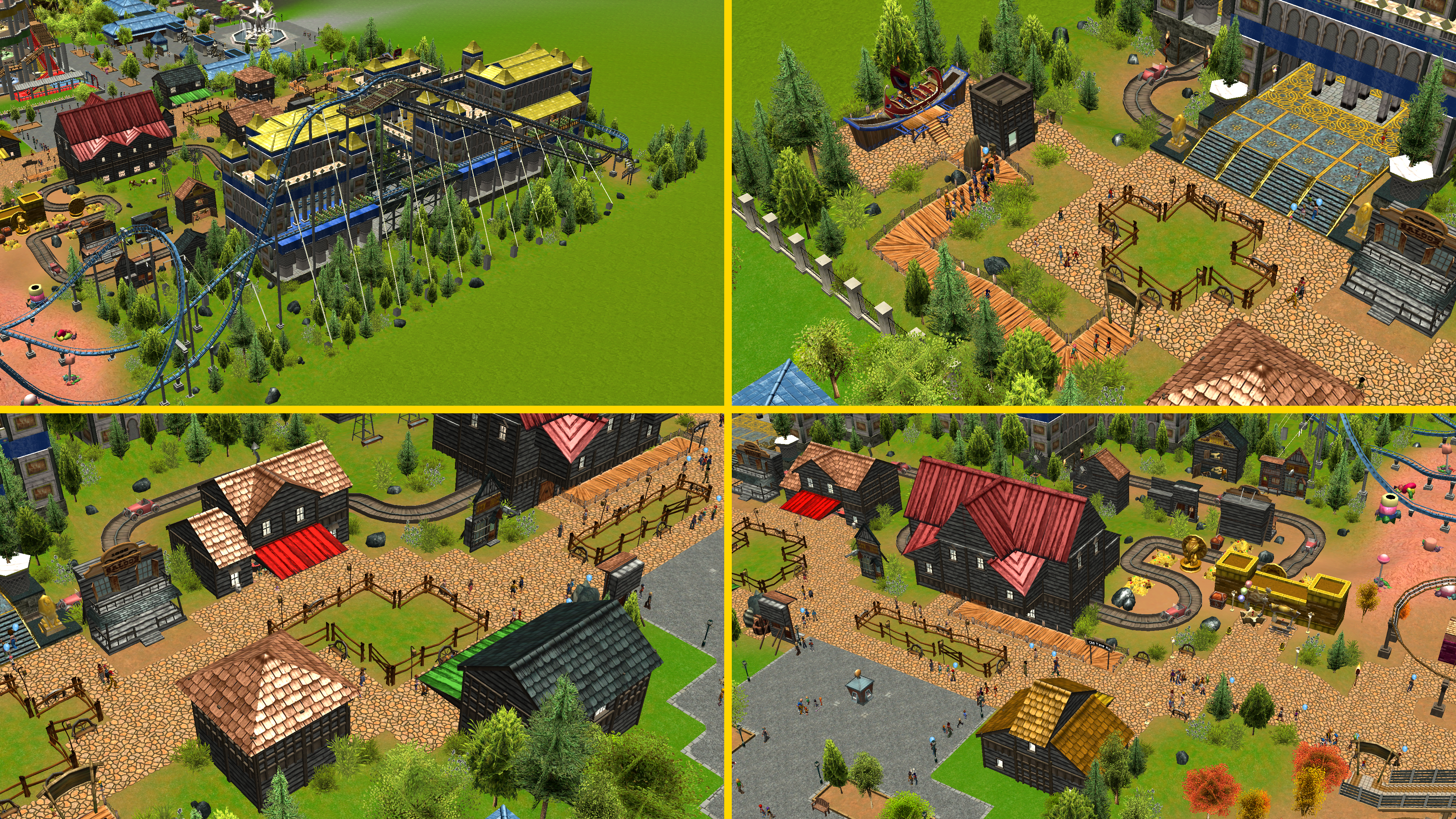
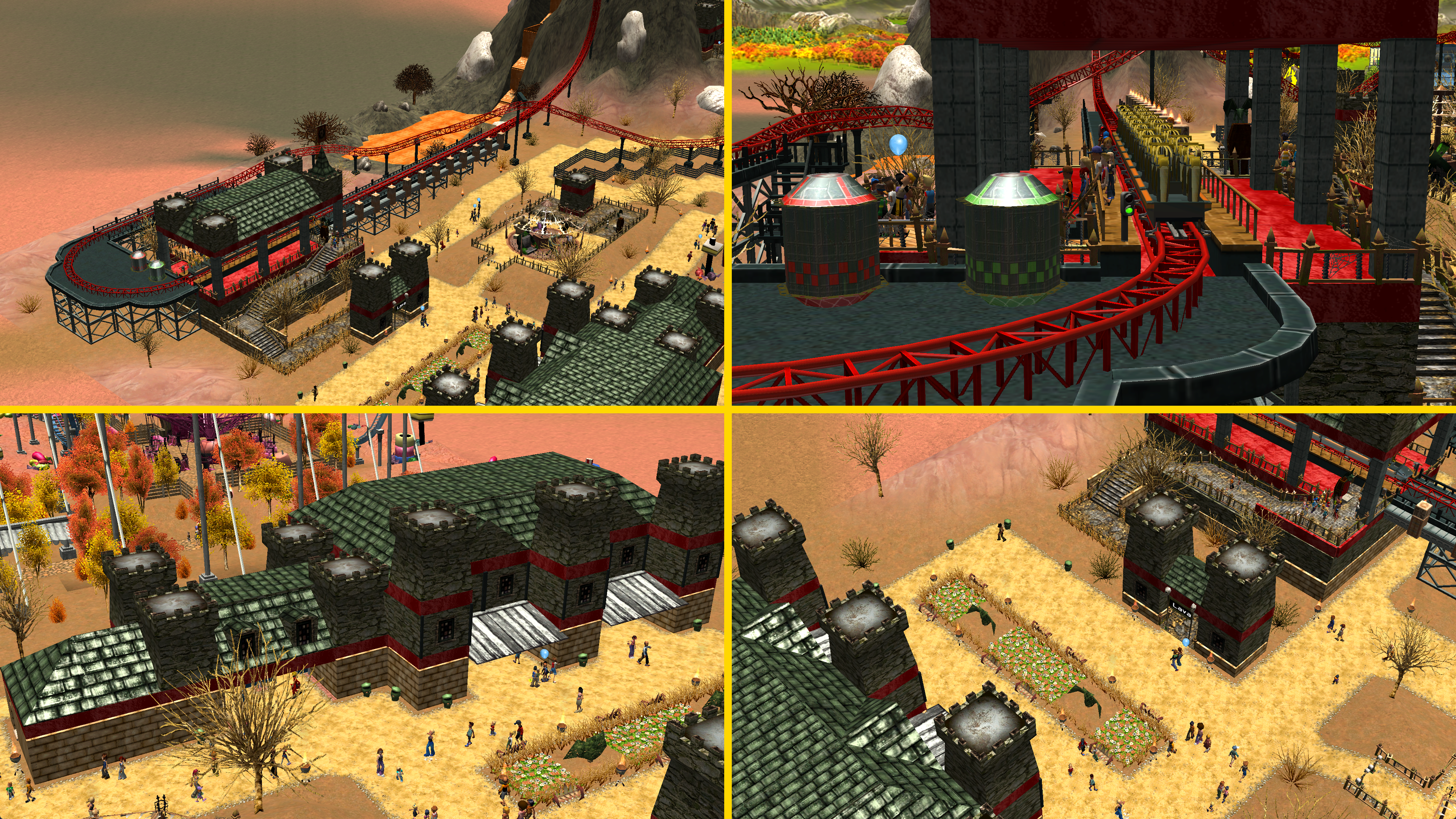
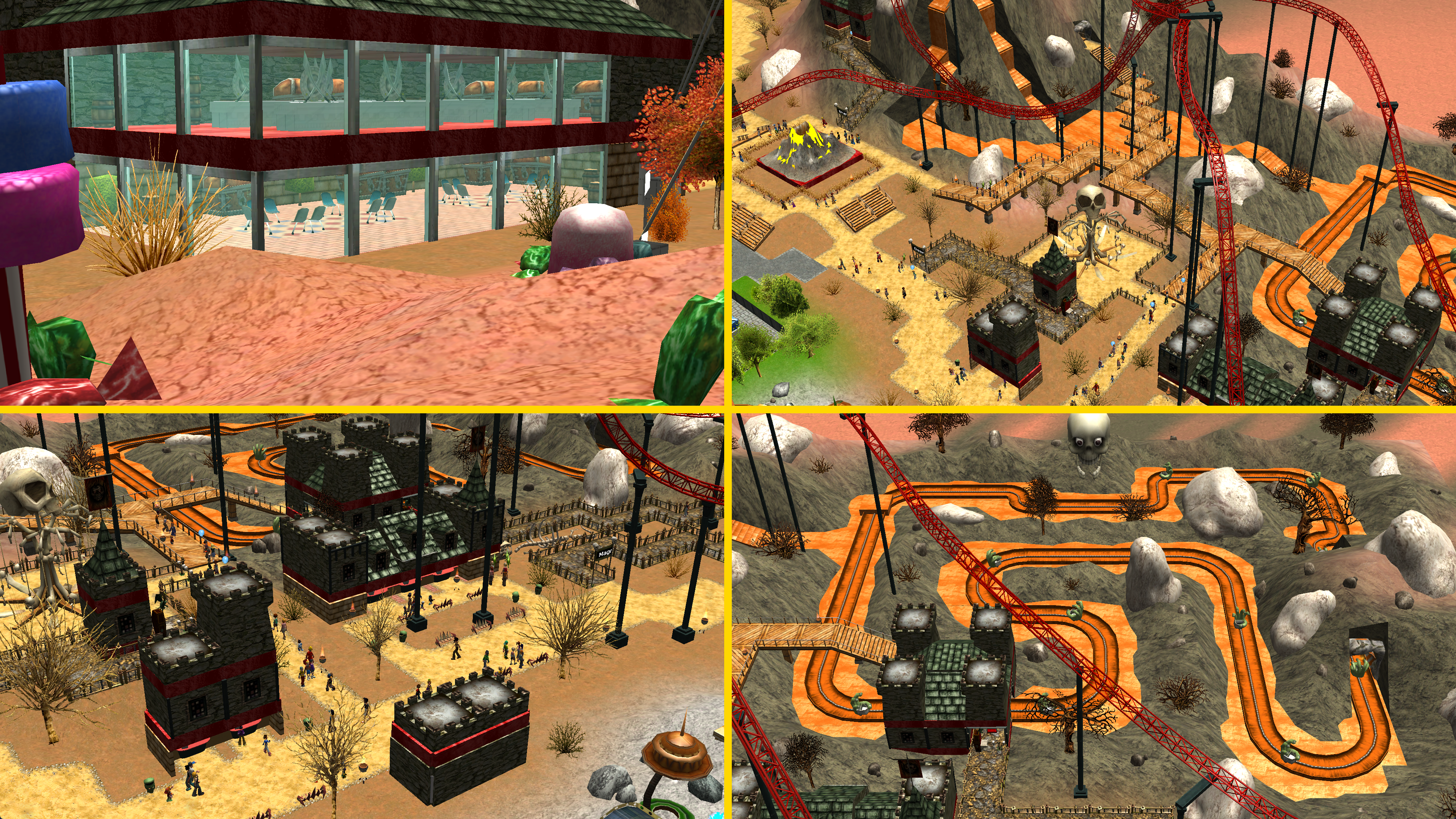
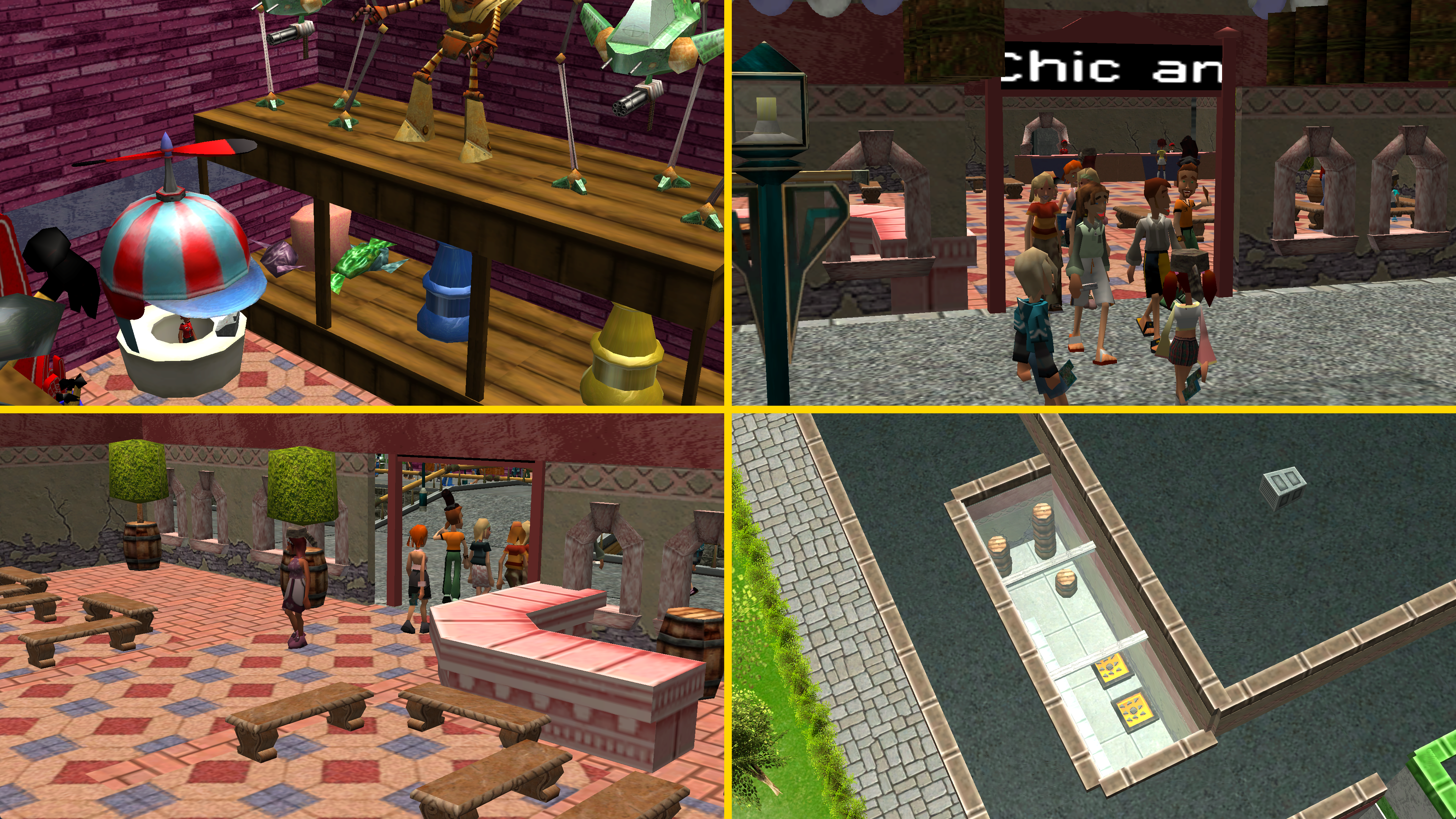
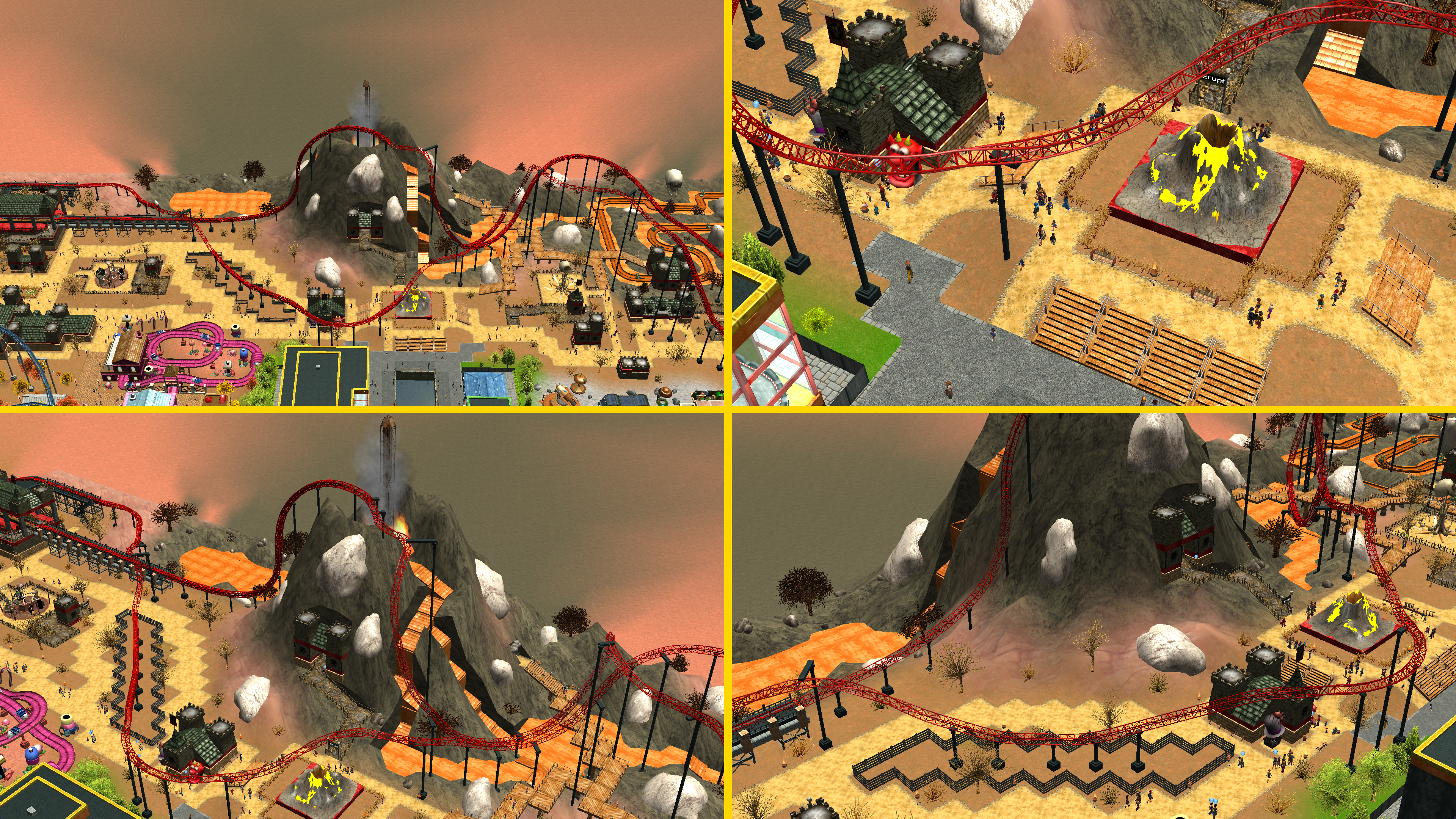
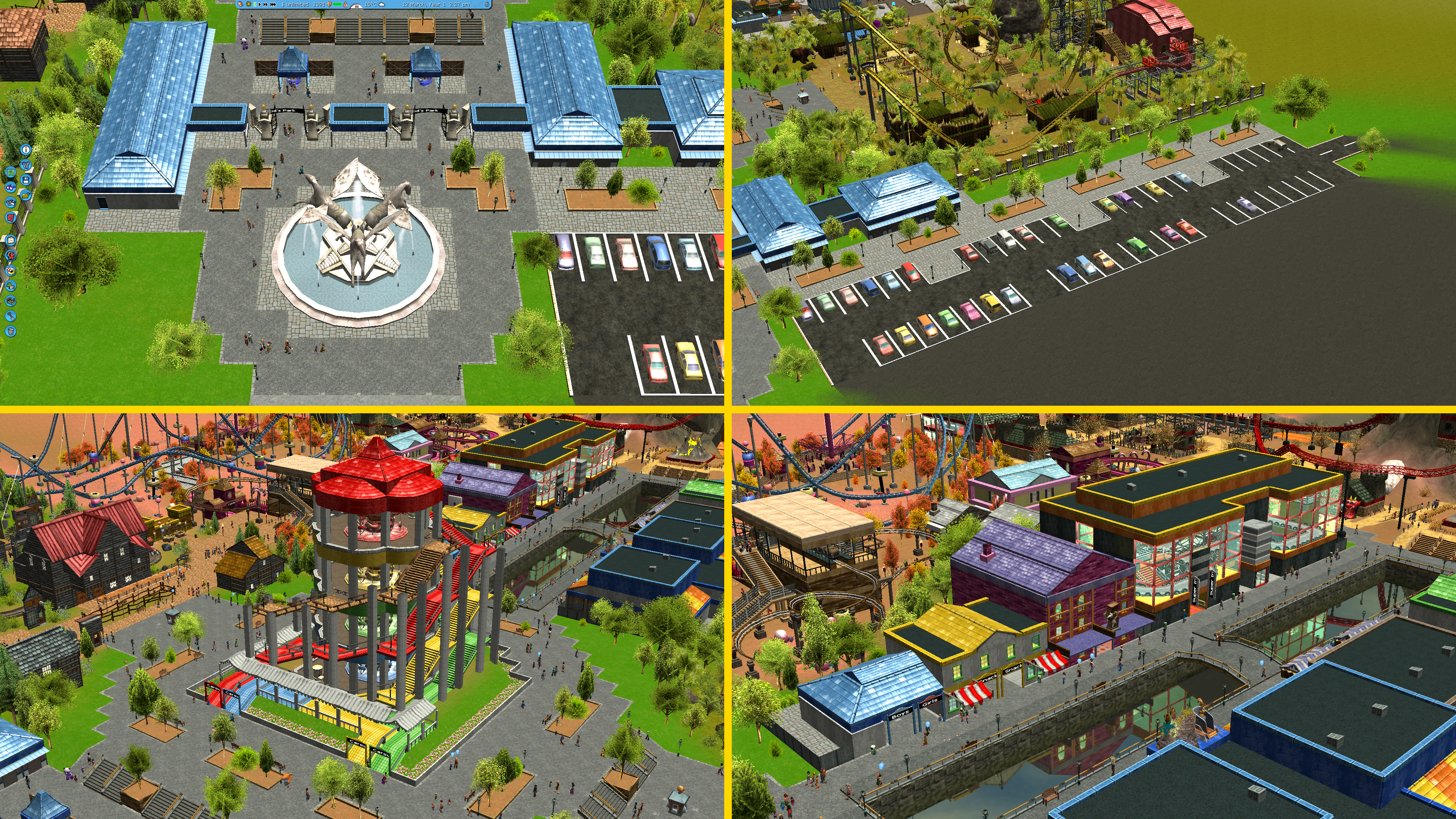
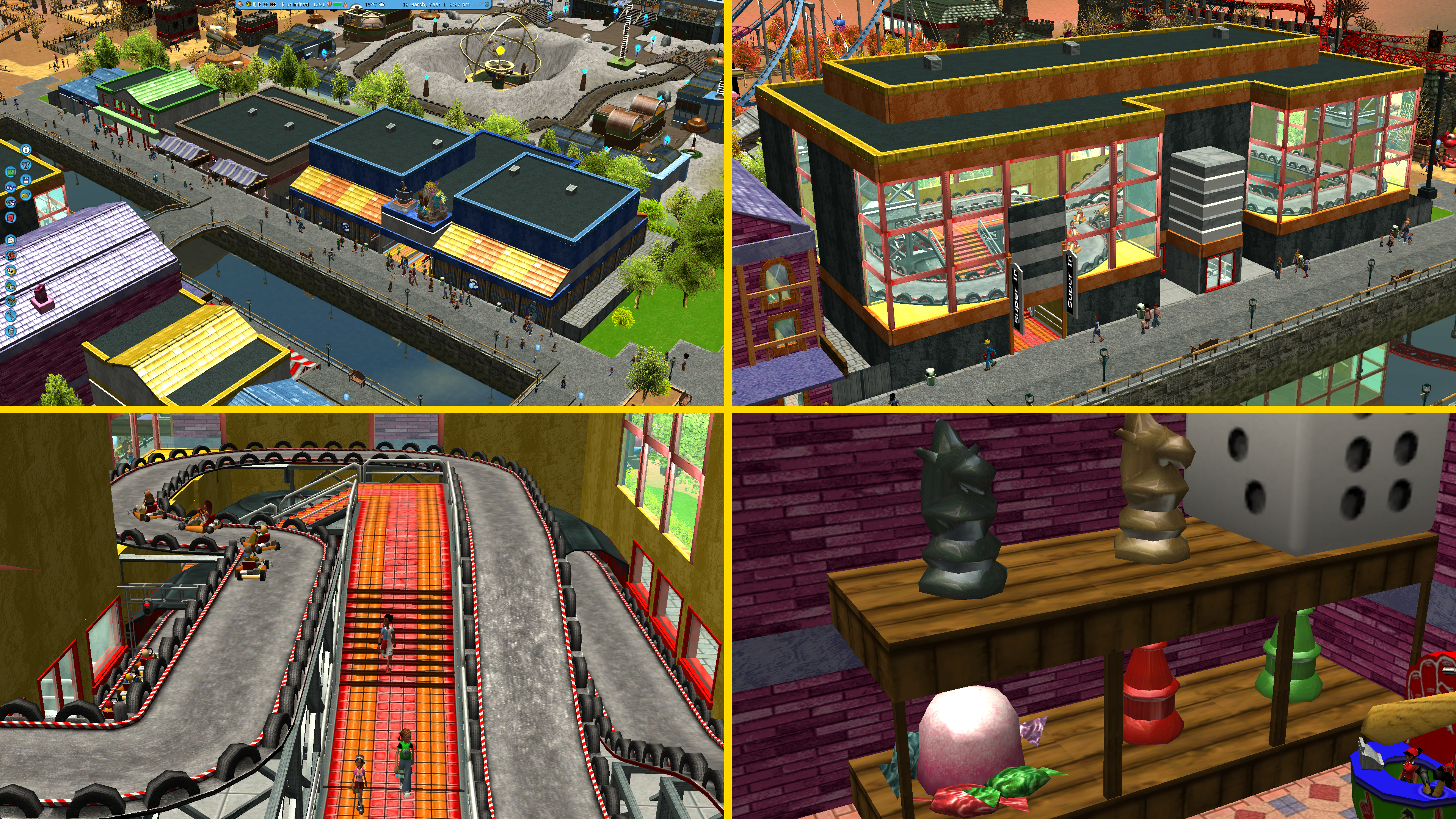
Hello! :D
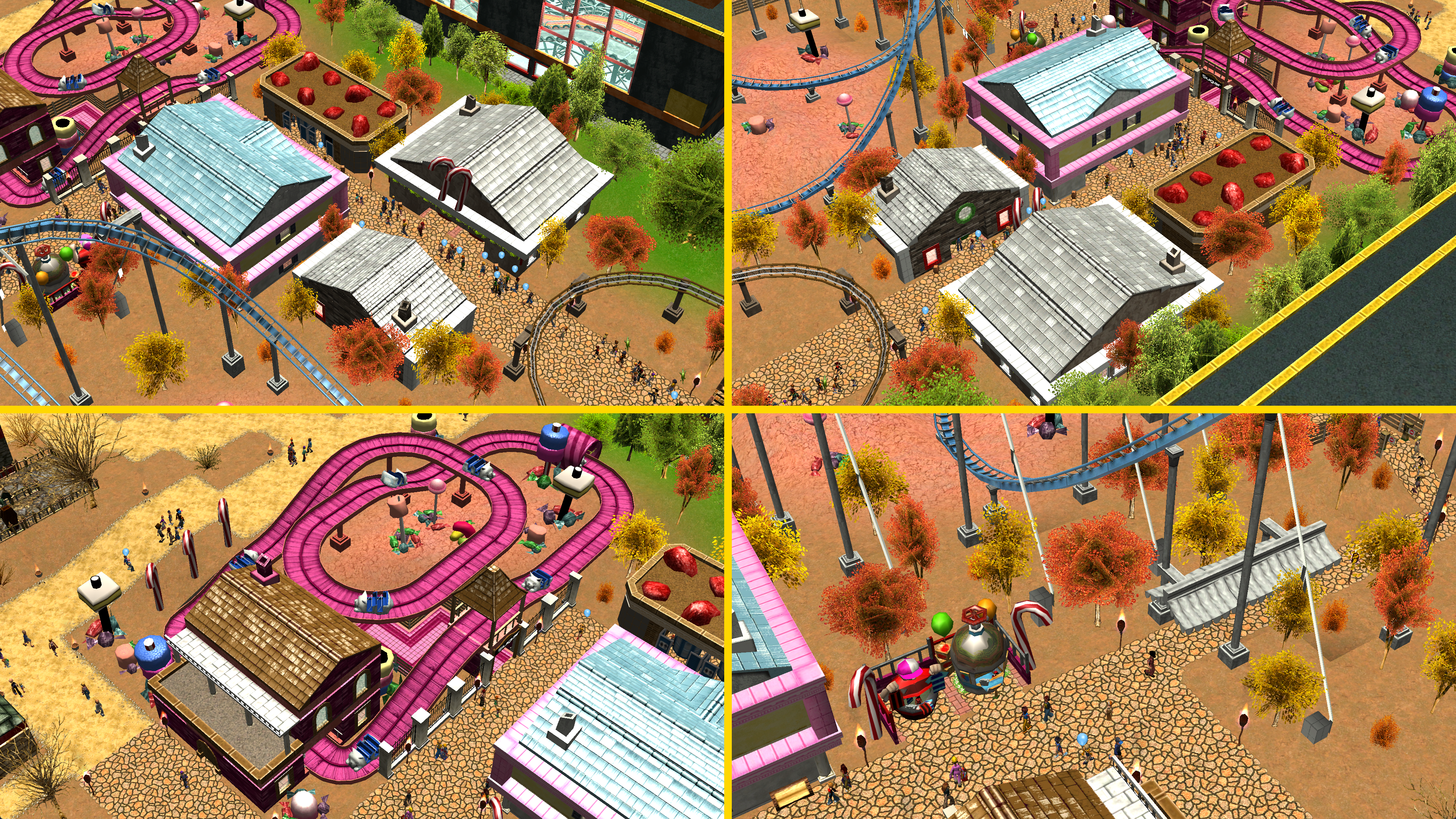
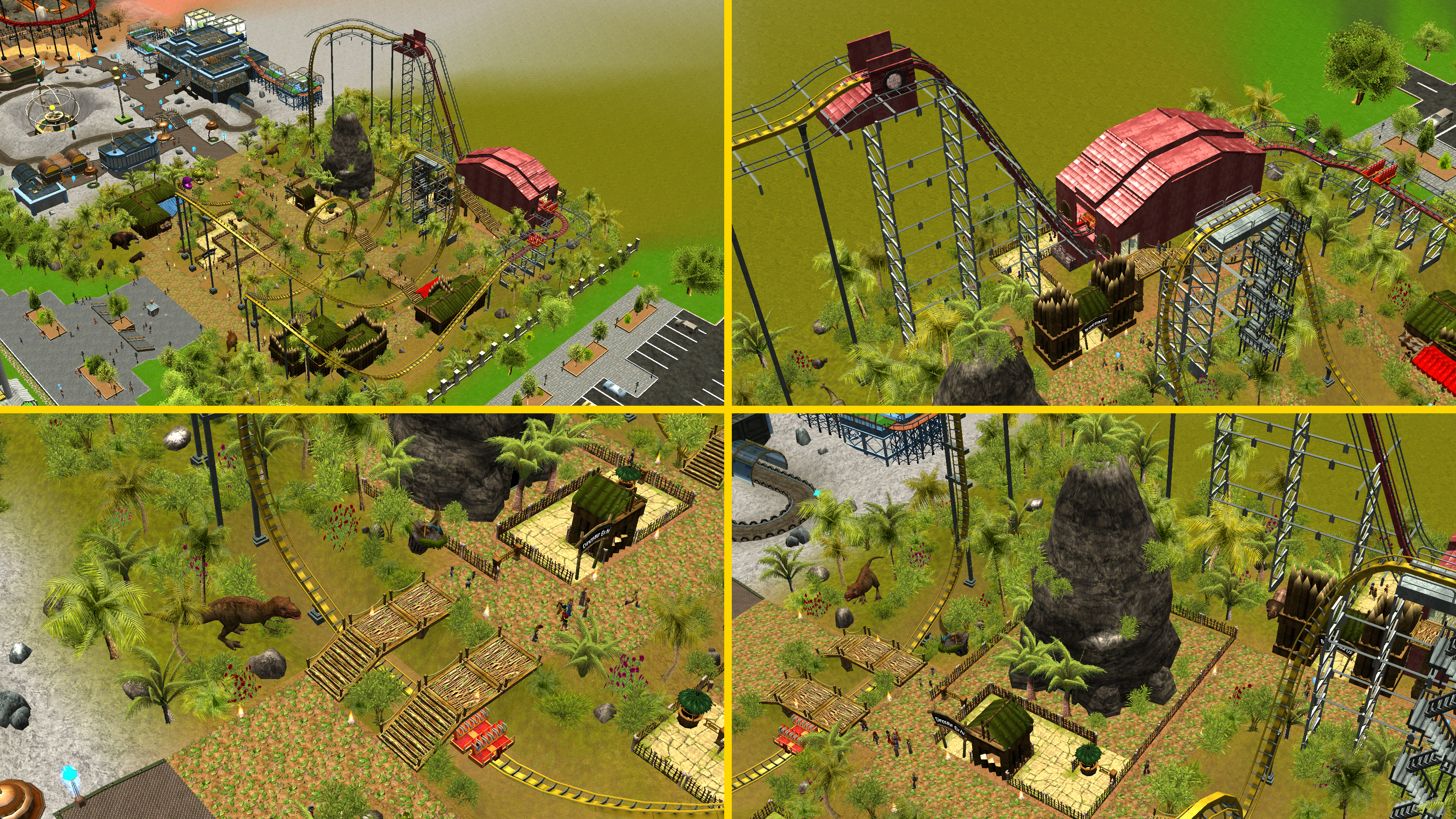
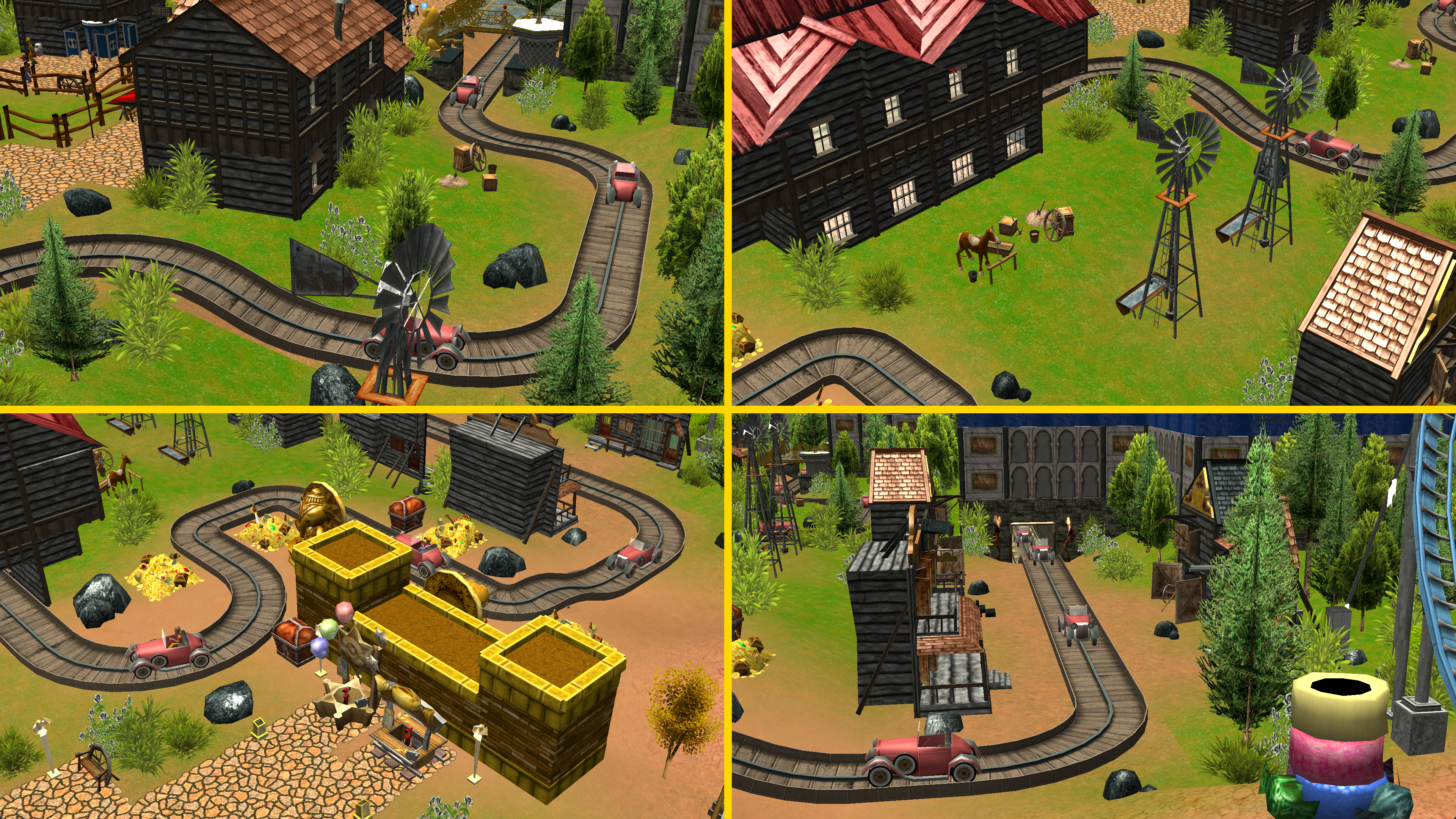
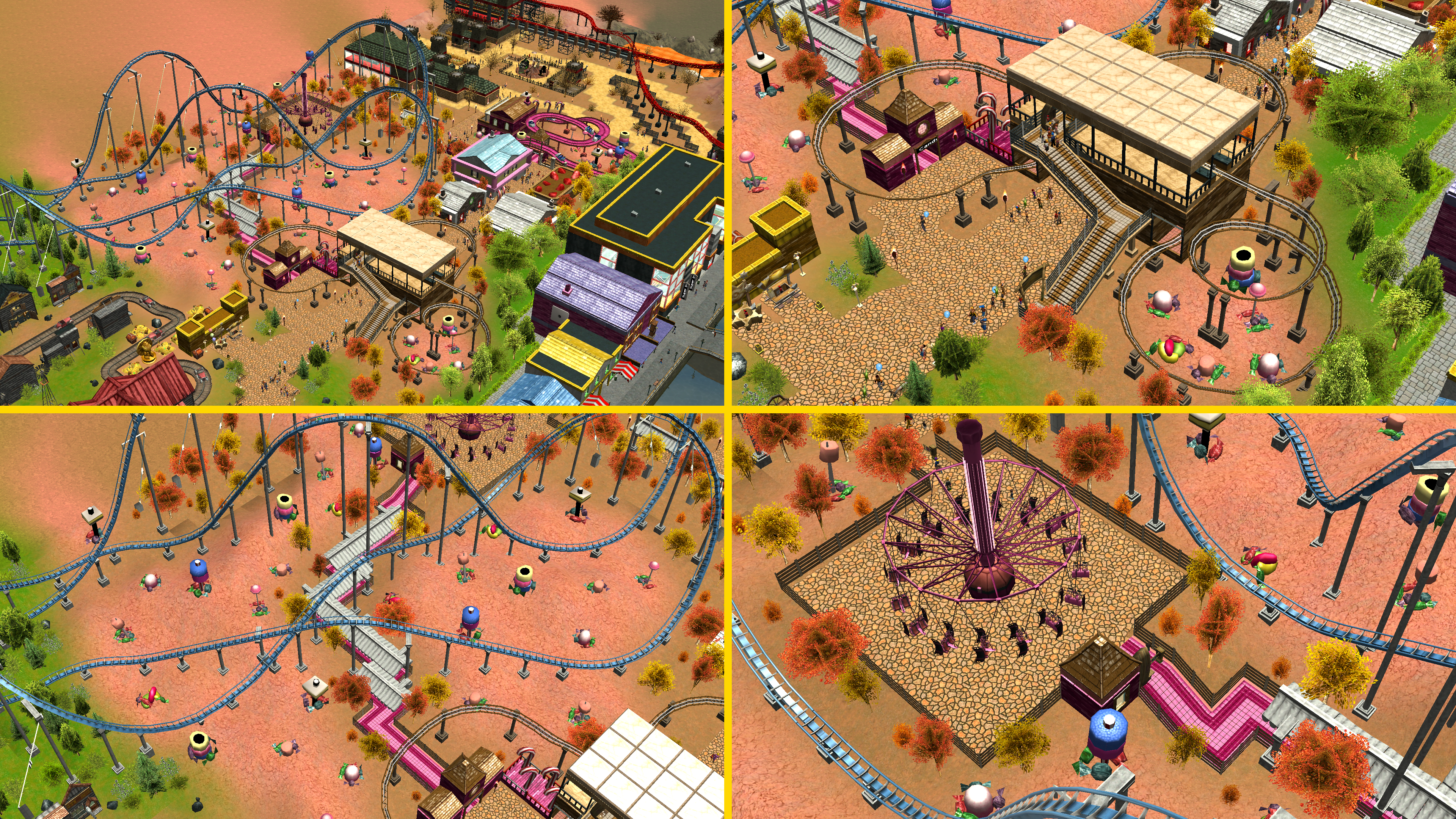
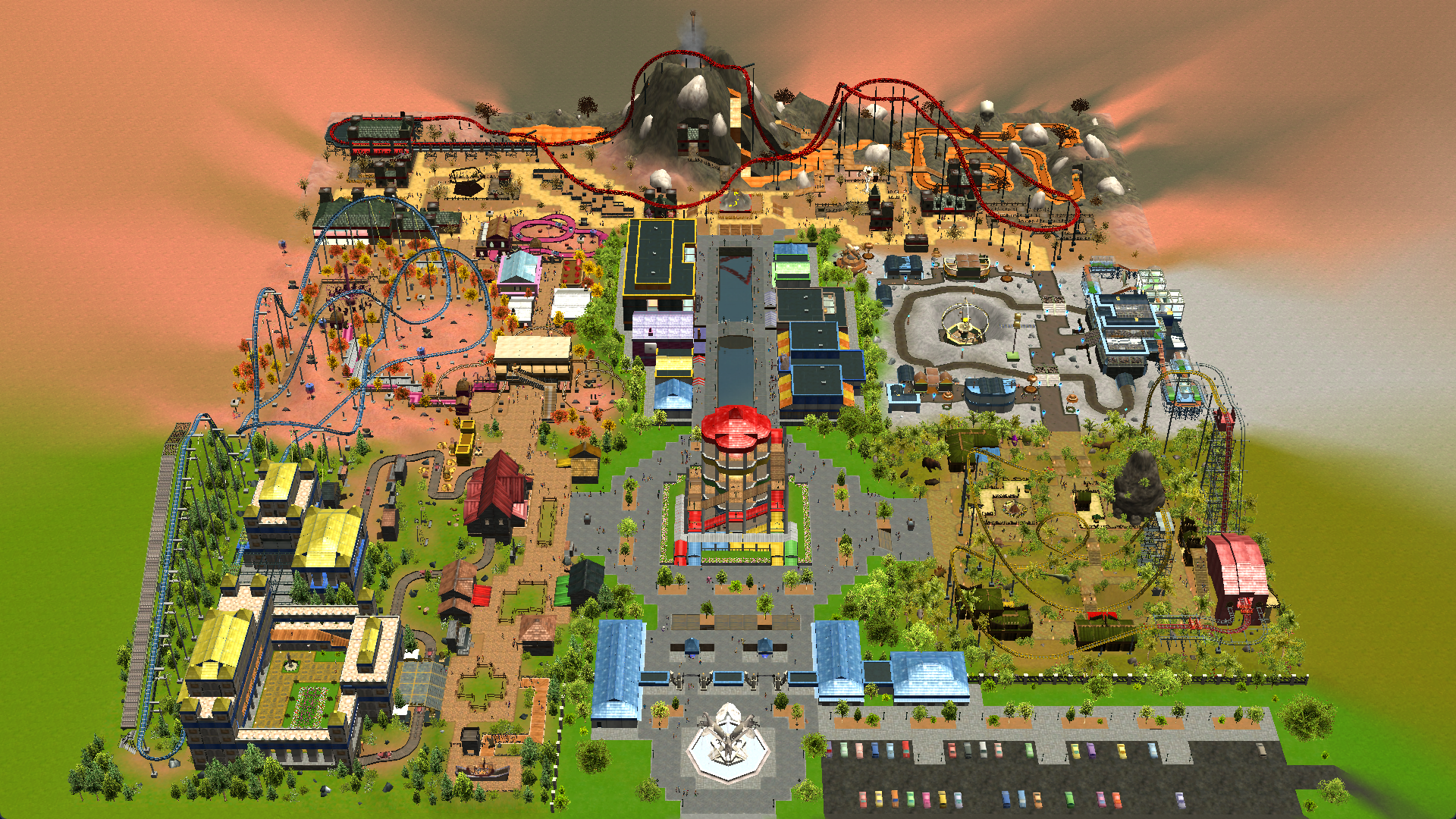
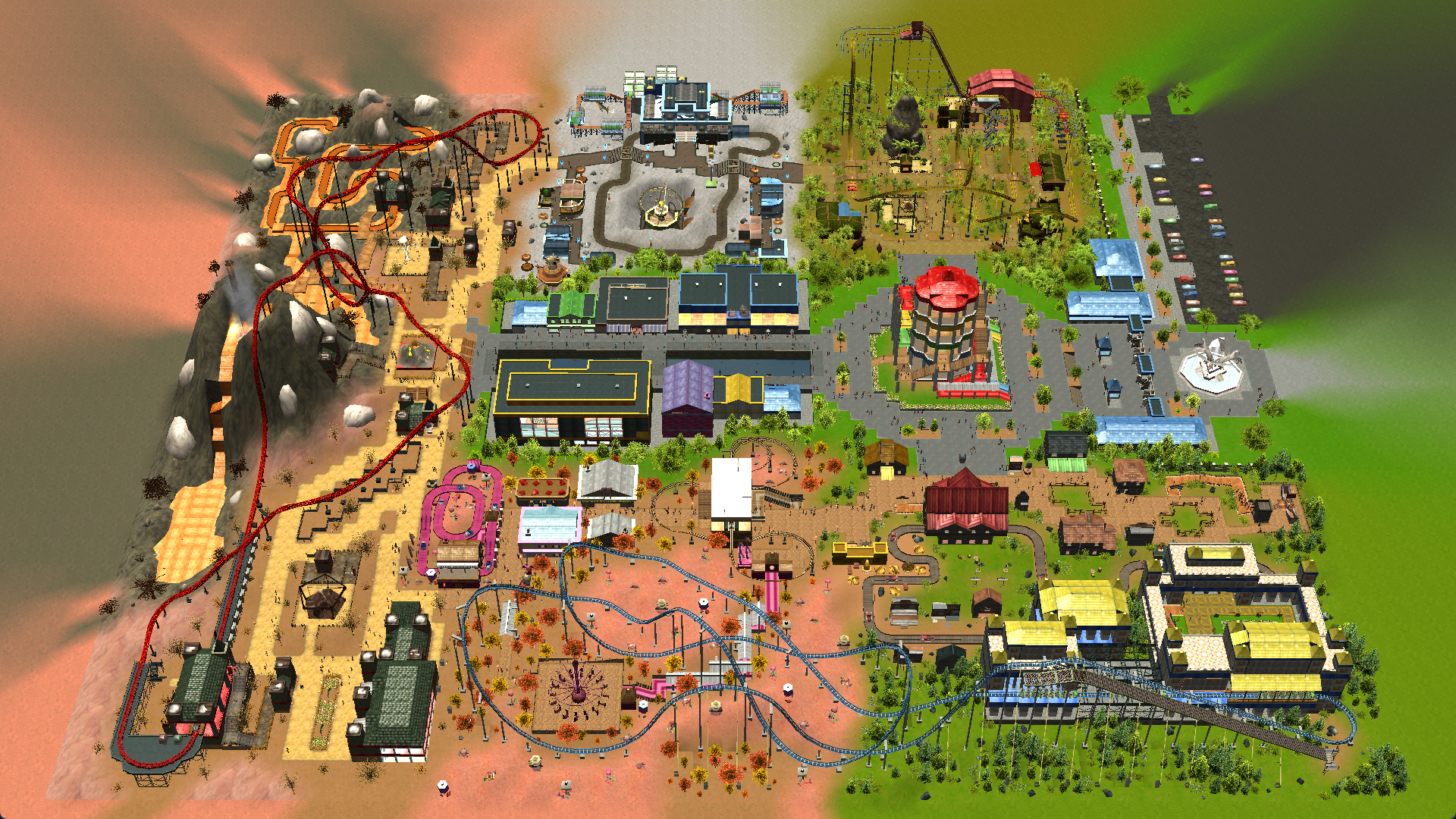
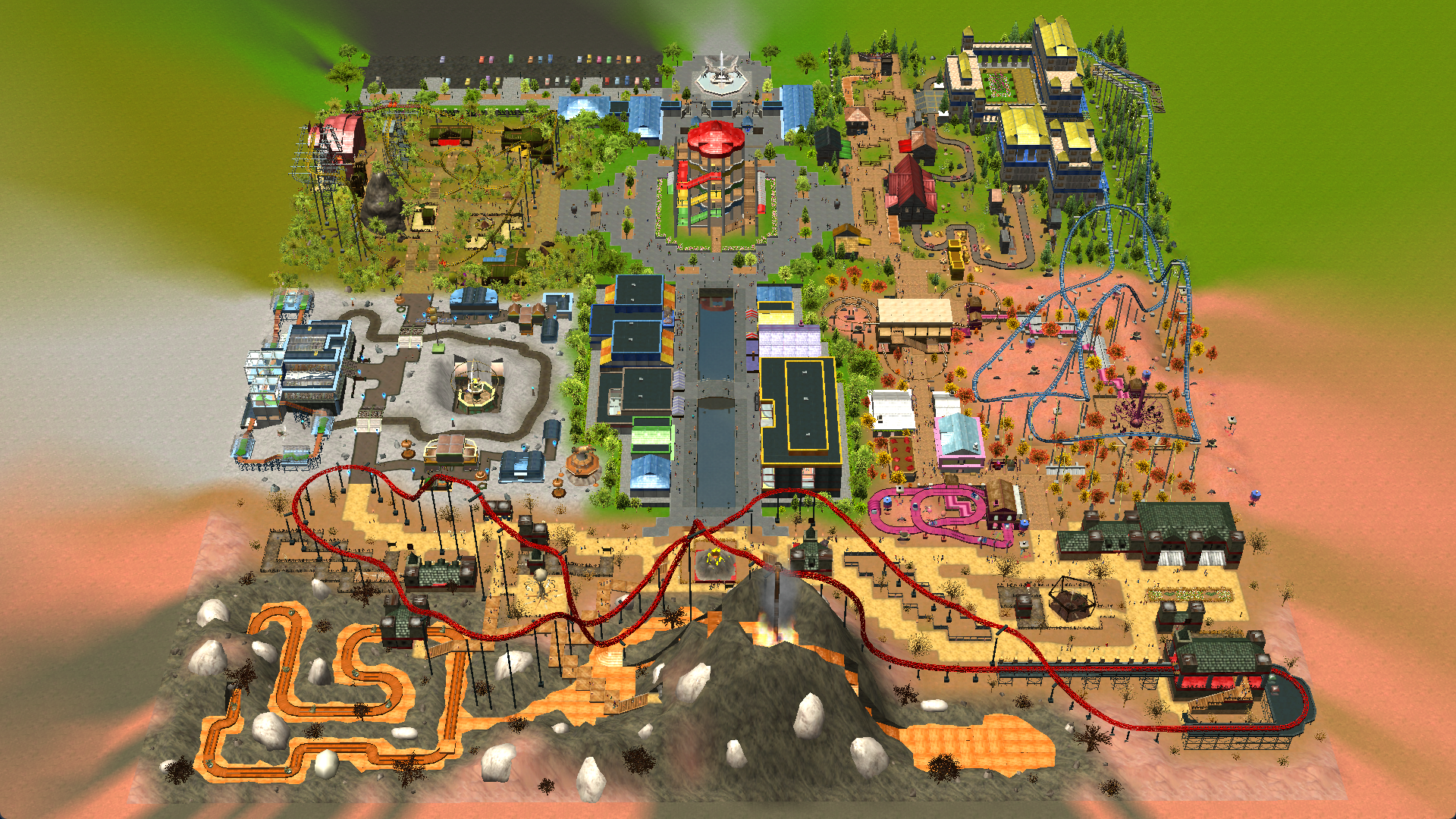
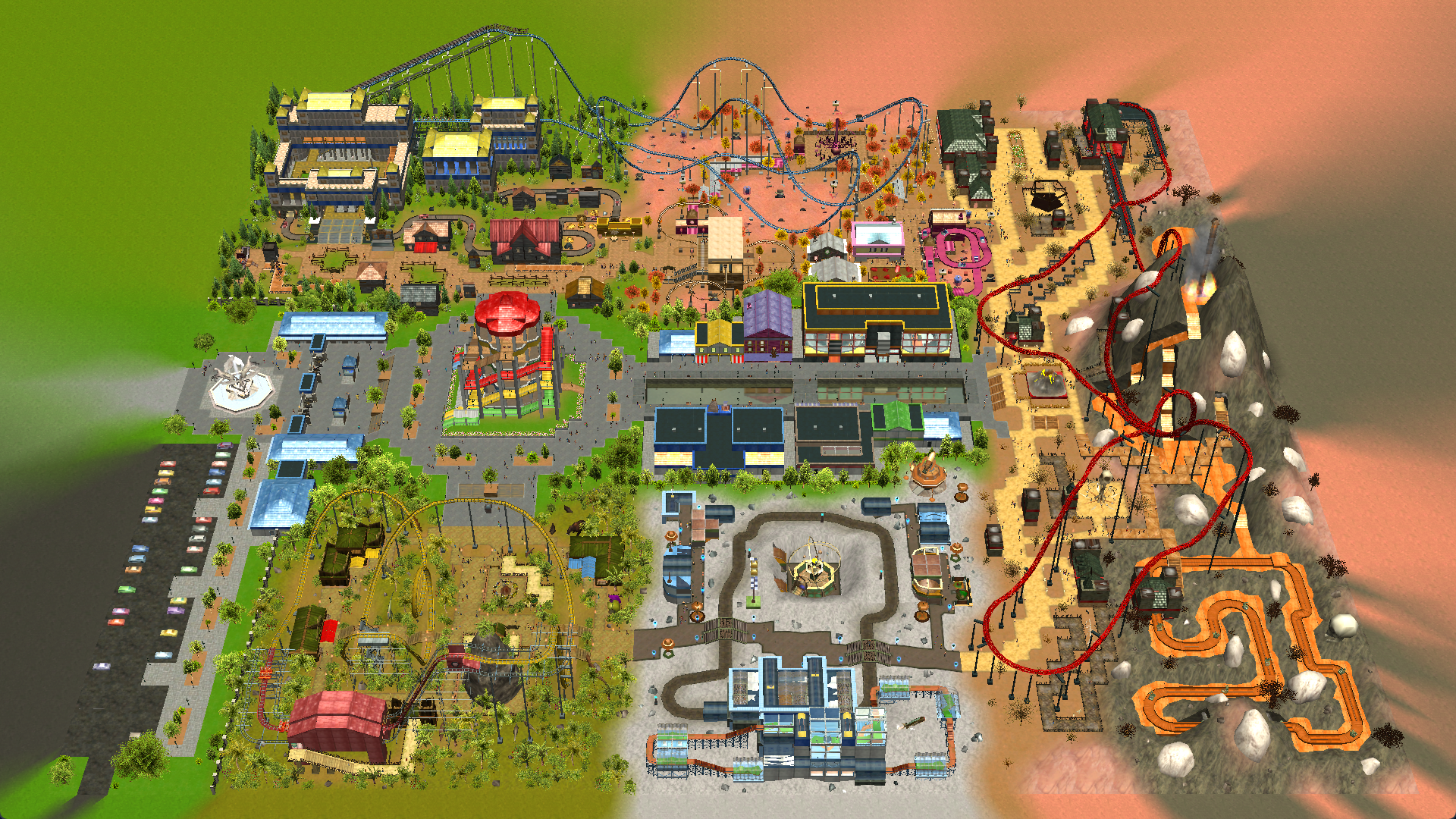
This was my entry for ParkCrafters' RCT3 20th Anniversary Competition. The rules, in general, were to make something in Rollercoaster Tycoon 3 as vanilla as possible, without using custom objects, name cheats or option modifiers.
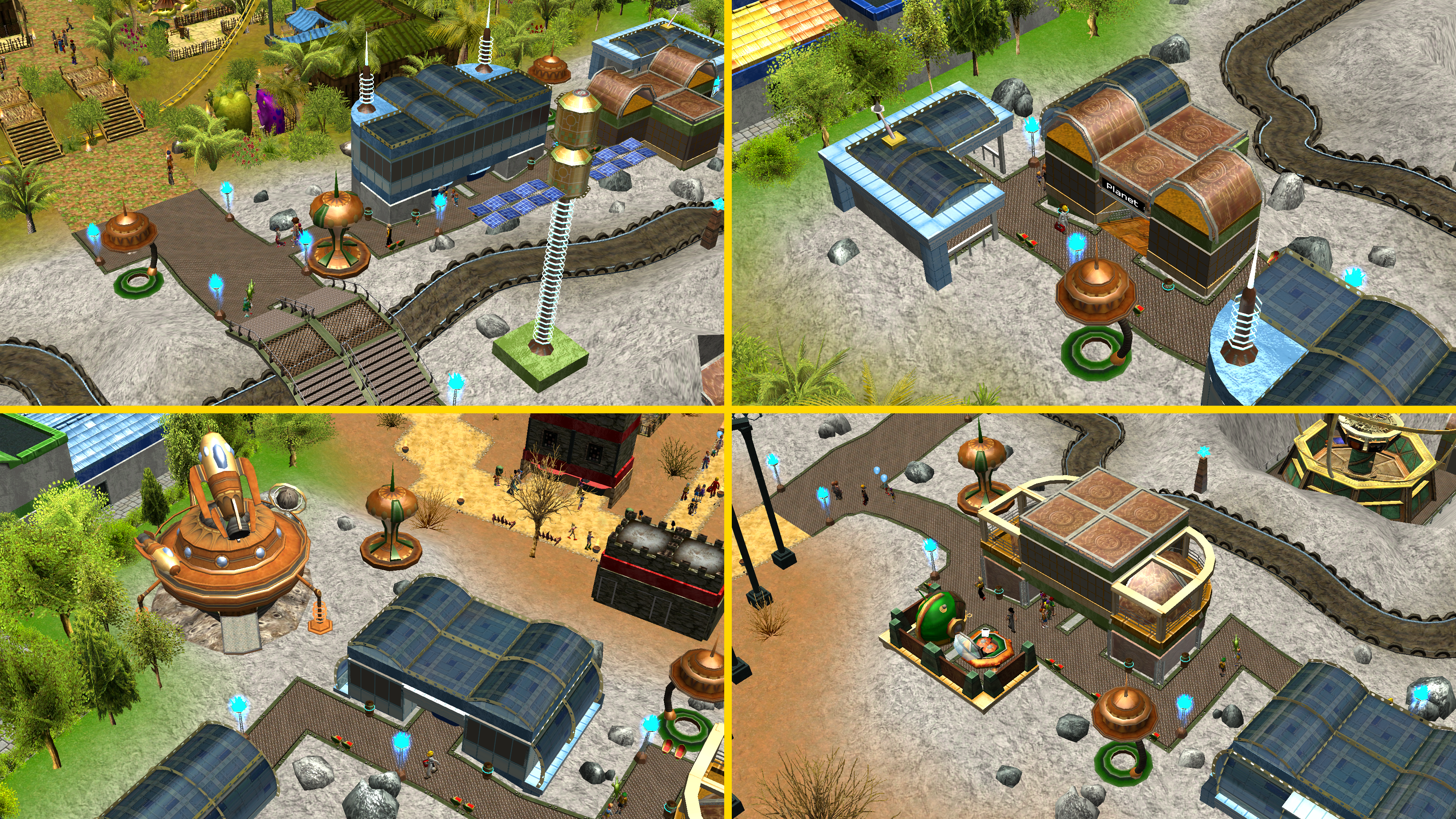
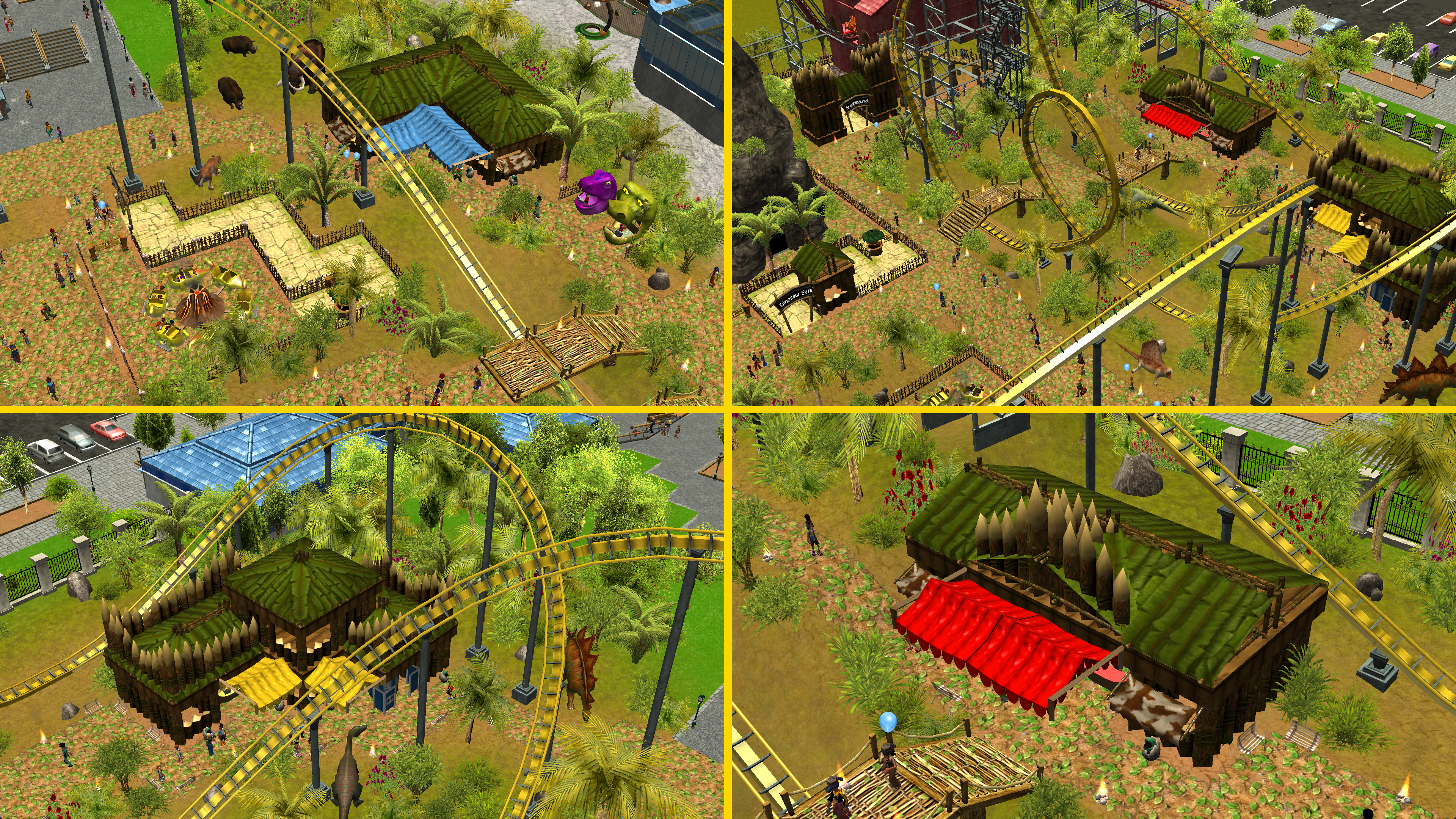
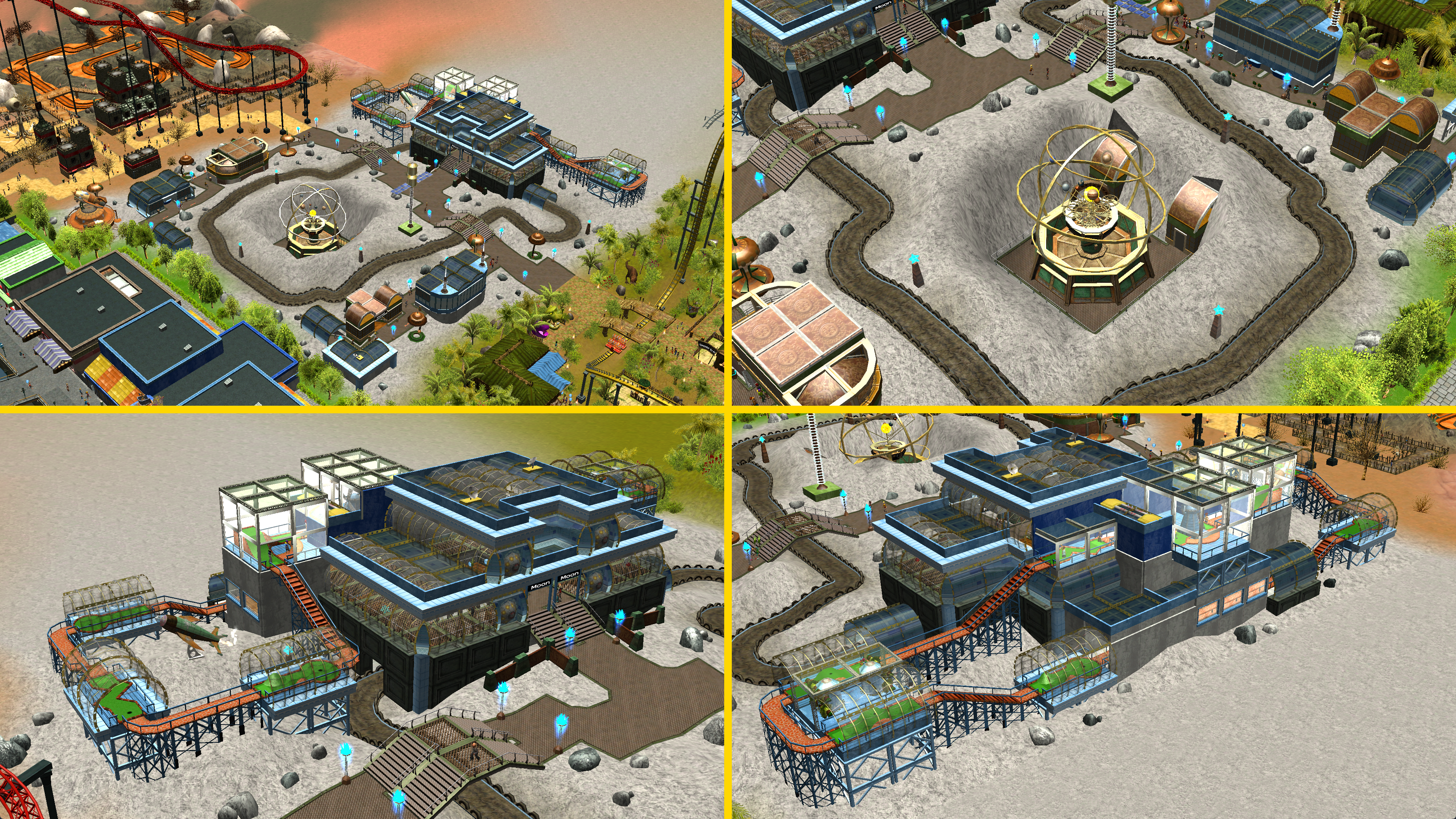
"This is Kid's Park, a theme park designed around a child's fantasies. A giant volcano, a huge castle, a candy land, a dinosaur world or a trip on the moon, those are some of the biggest childhood dreams come to life!"
This park was very experimental. Because I play RCT3 rarely, it was one of the only times that I could mess with the game's mechanics and the objects' properties. Those special tricks included using the terrain to create inclined fences in the air (for creating coaster supports), using track pieces for decoration, exploiting the weird clearance checks of scenery objects, changing the height of the land very slightly in order to avoid texture blending, and using the terrain to move scenery objects where clearance checks would not allow.
I created this park in a very full month, so I was very burned after. Still, it is one of the projects that I am the most proud of due to a memorable theme and a great execution.
Park tour here.
I hope you like it. :D
You may only provide a review once you have downloaded the file.
There are no reviews to display.