



Hello! :D
This is my entry for Canvas Clash 2025. The reference for that contest was the color Gold.
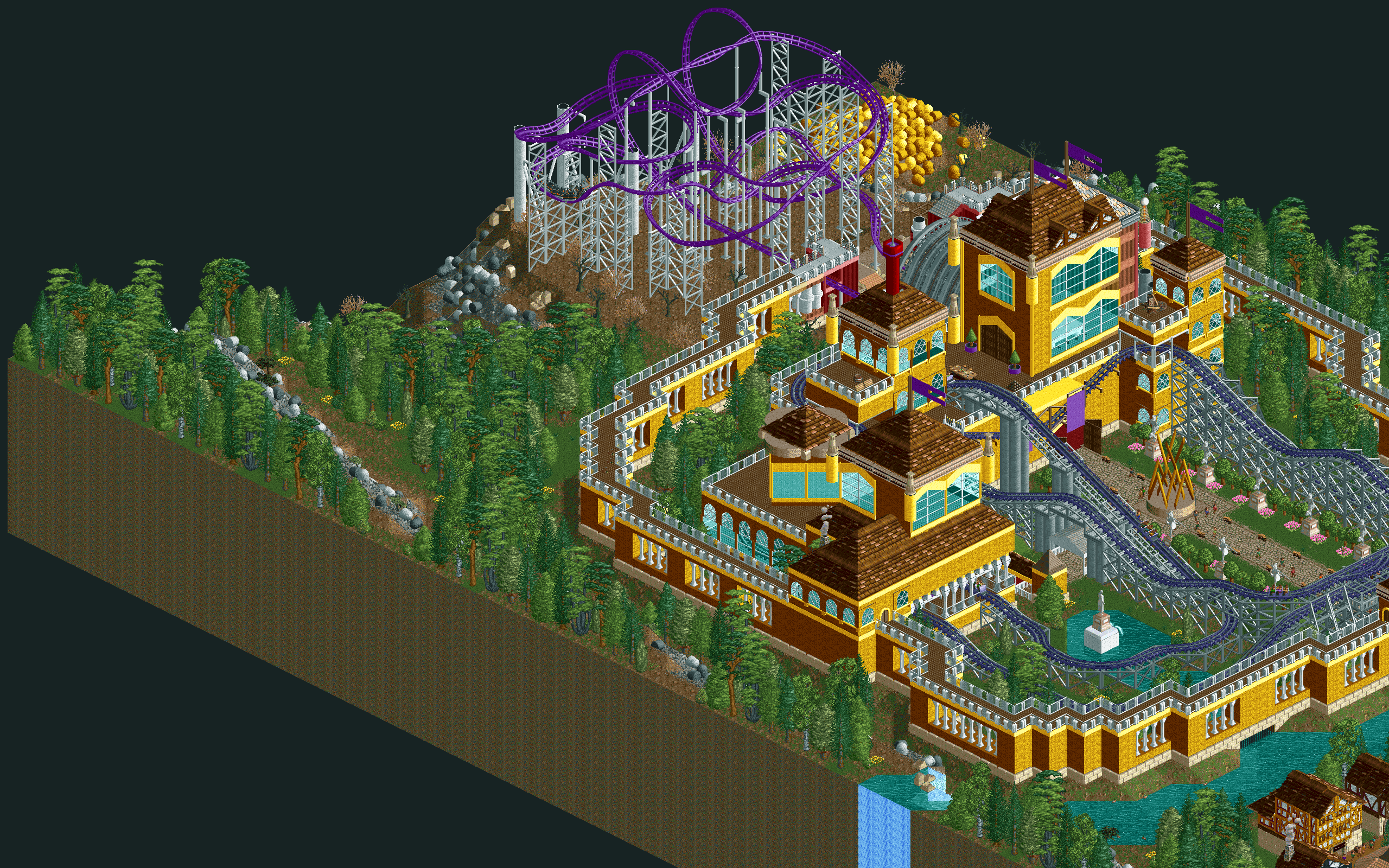
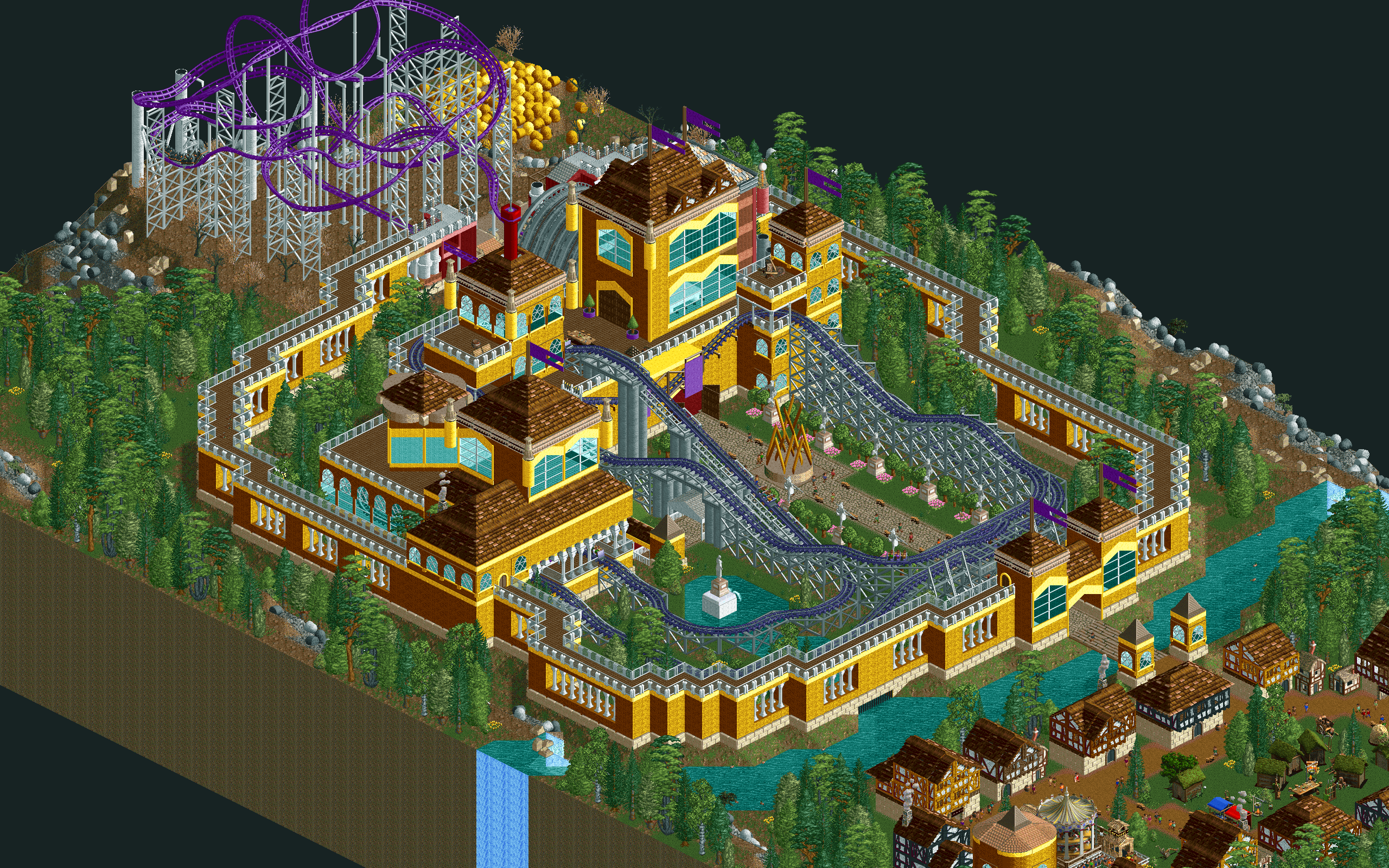
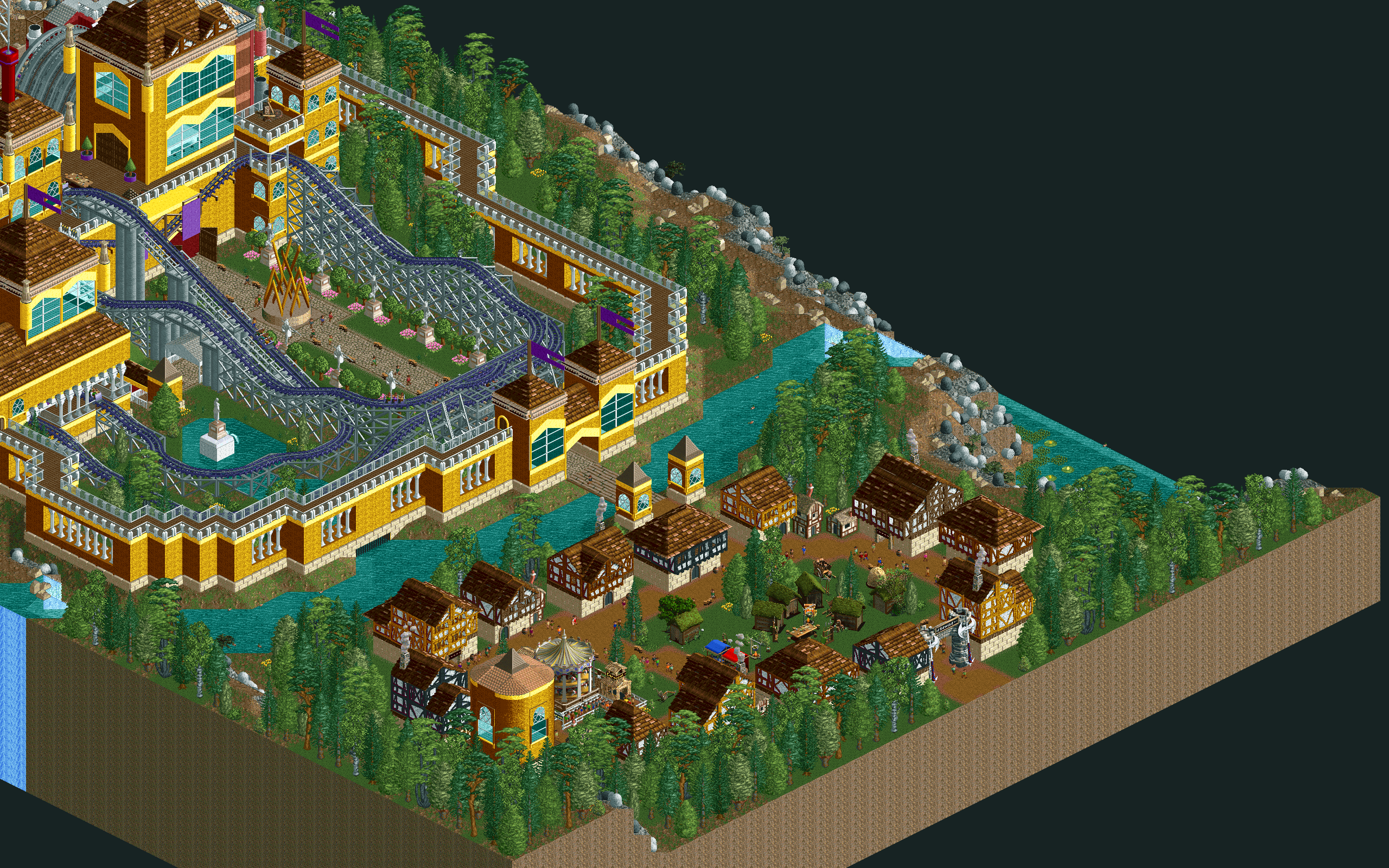
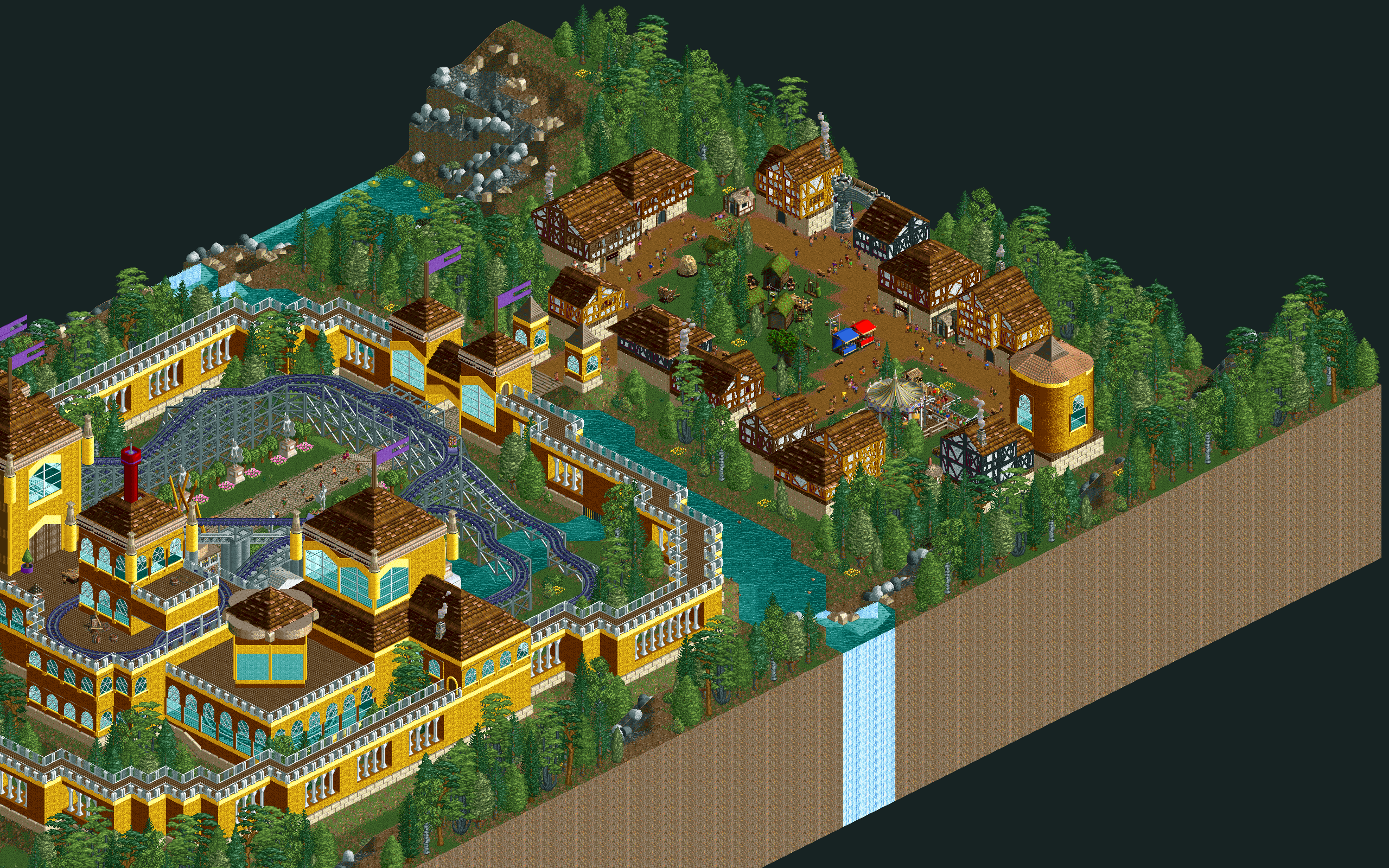
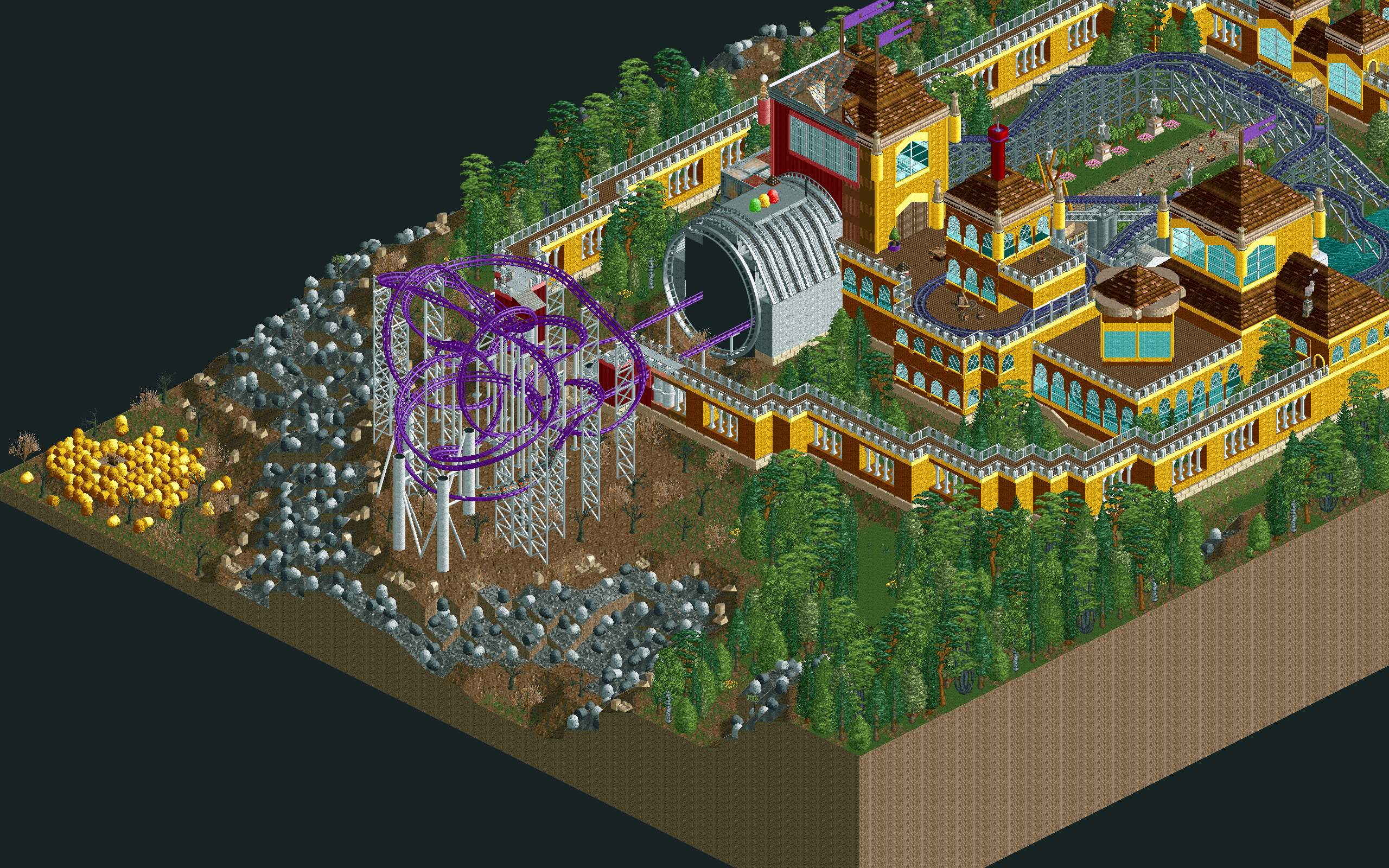
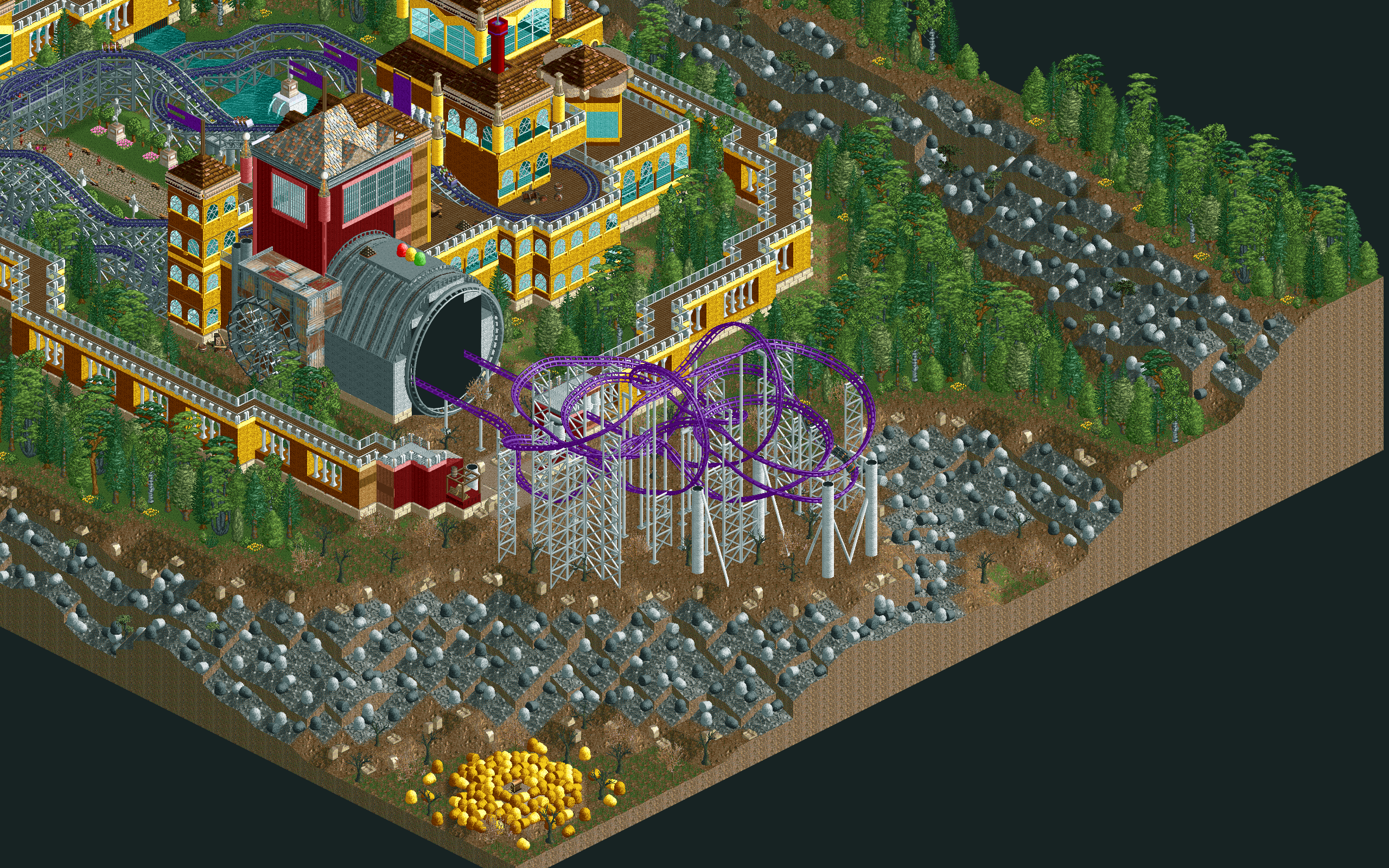
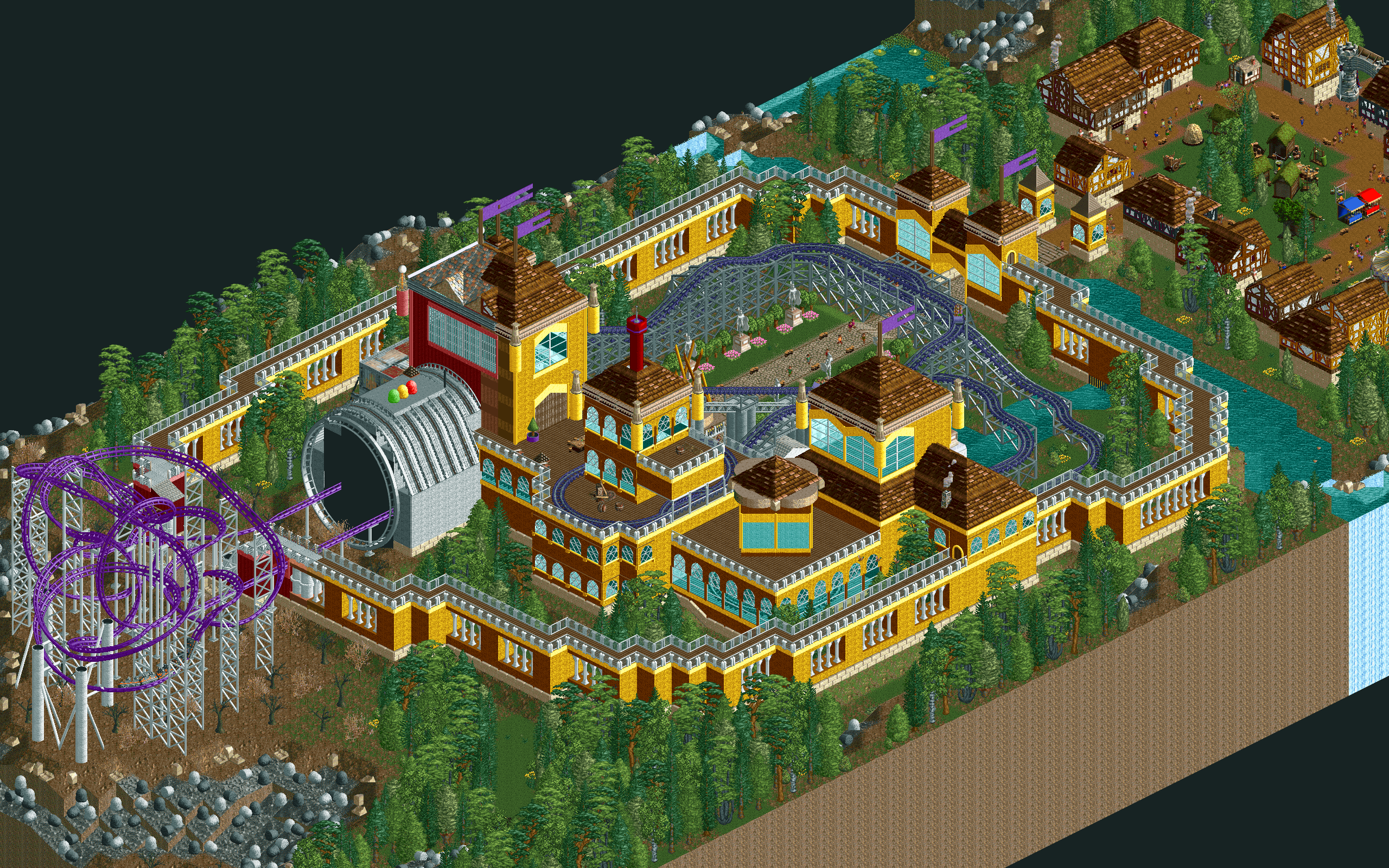
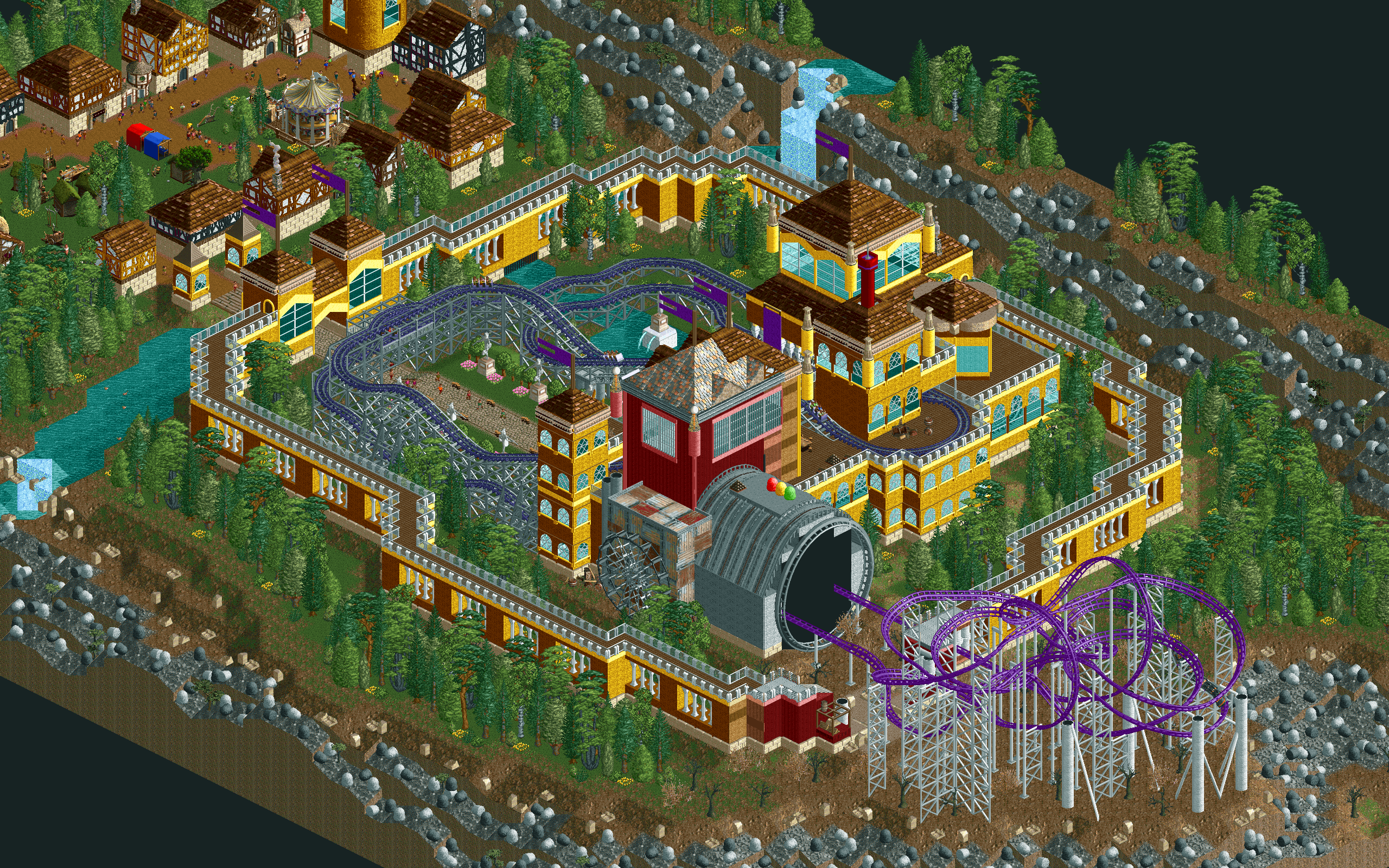
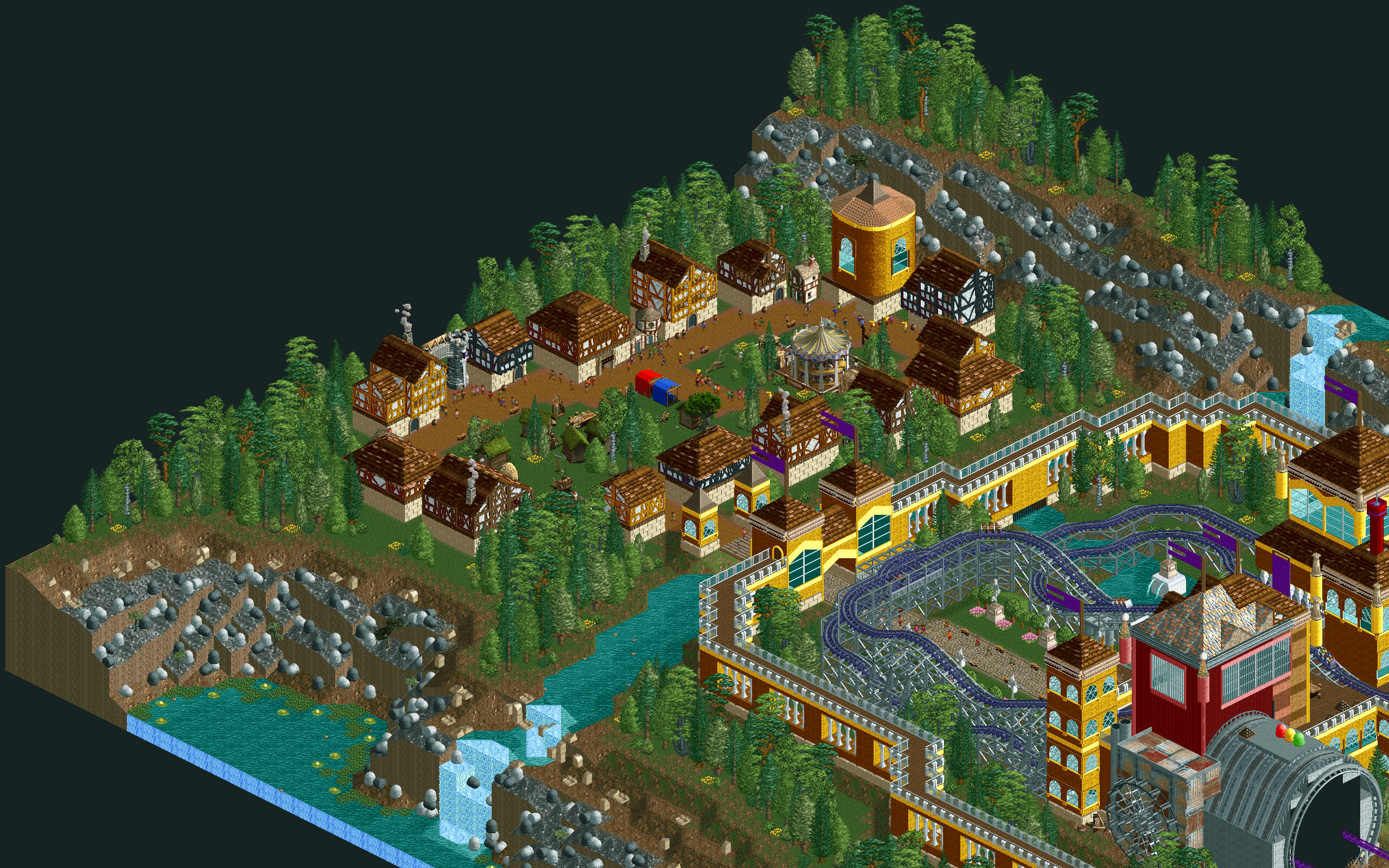
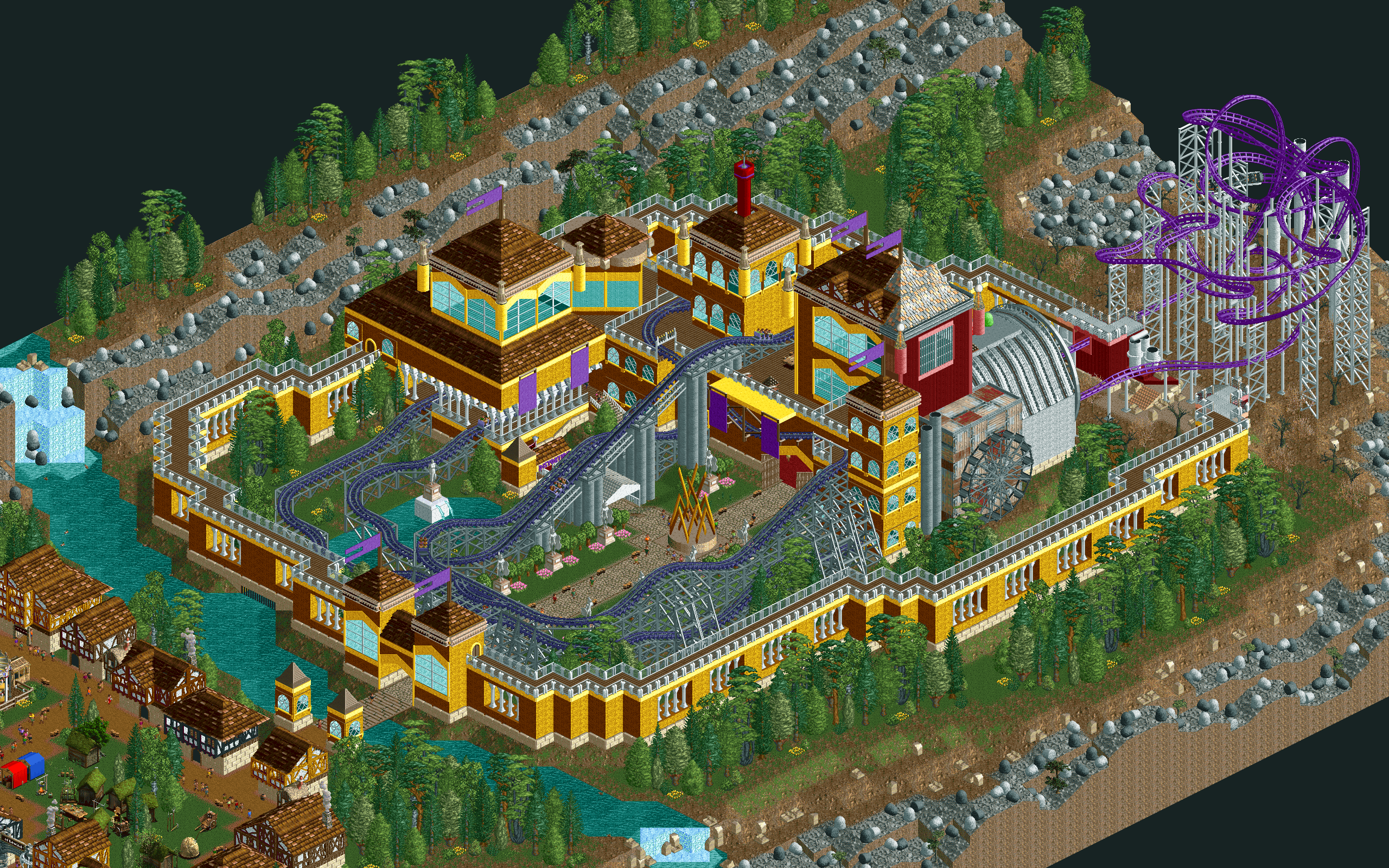
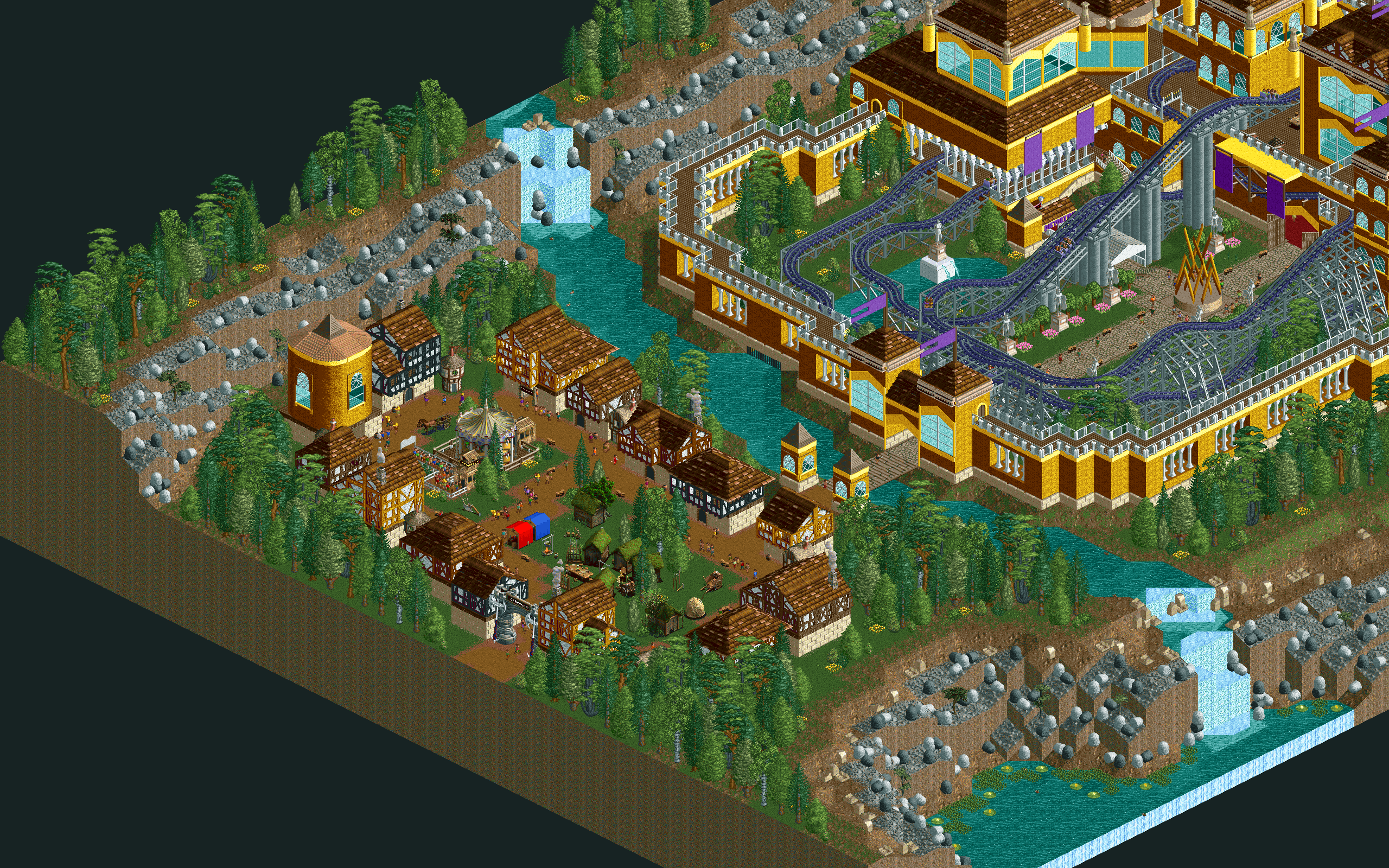
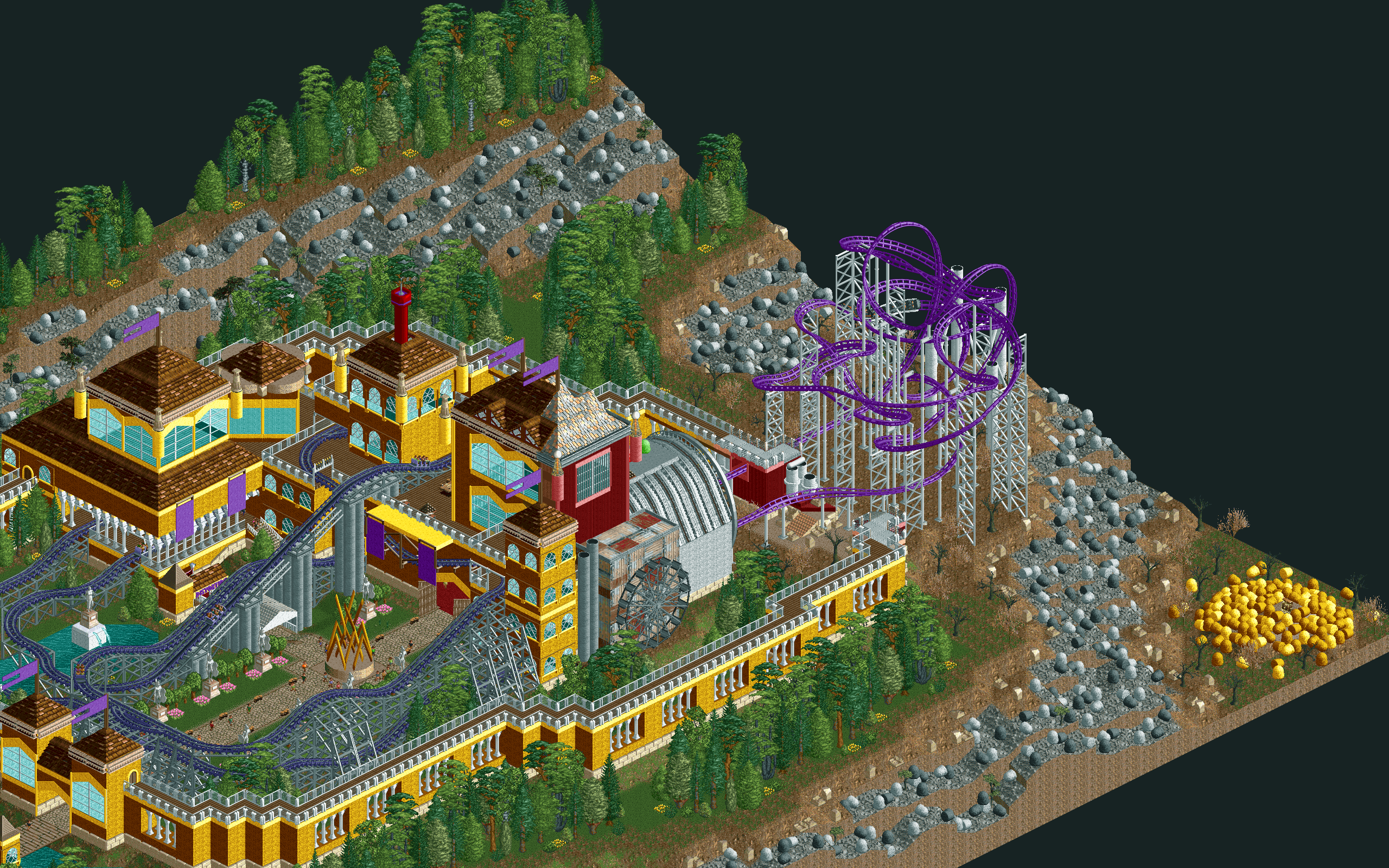
"Welcome to the Castle of Rewind, a prosperous gold castle that sees its timeline being twisted under mysterious circonstances! Here, you can visit the village, take a seat on a ride full of reversals, and travel in time to an industrial future. Have a nice visit!"
My idea for this park was to reuse the idea from my roller coaster Spiraling Timelines and apply it to a different context. The map was built around a castle colored gold to fit the reference, and contains other details like a medieval village, an elaborate foliage and more elements to support the reference. The castle has a reverser roller coaster that travels around and inside of it. A time machine emerges from the main tower and distorts its environment to a gloom, industrial setting.
This entry was made with almost no cheat. Clearance checks and support limits were enabled, the tile inspector was unused, and no plug-in that would alter the main gameplay was used. The only cheats that were used were special color schemes and using regular paths as queue.
Done without custom scenery. The latest version of OpenRCT2 is required.
NB: RCT1/RCT1 Deluxe installation might need to be attached to OpenRCT2 in order to view the park in its true nature.
I hope you like it. :D
You may only provide a review once you have downloaded the file.
There are no reviews to display.