


Author: jakecallan
Reuploaded by: Wilhelm1407
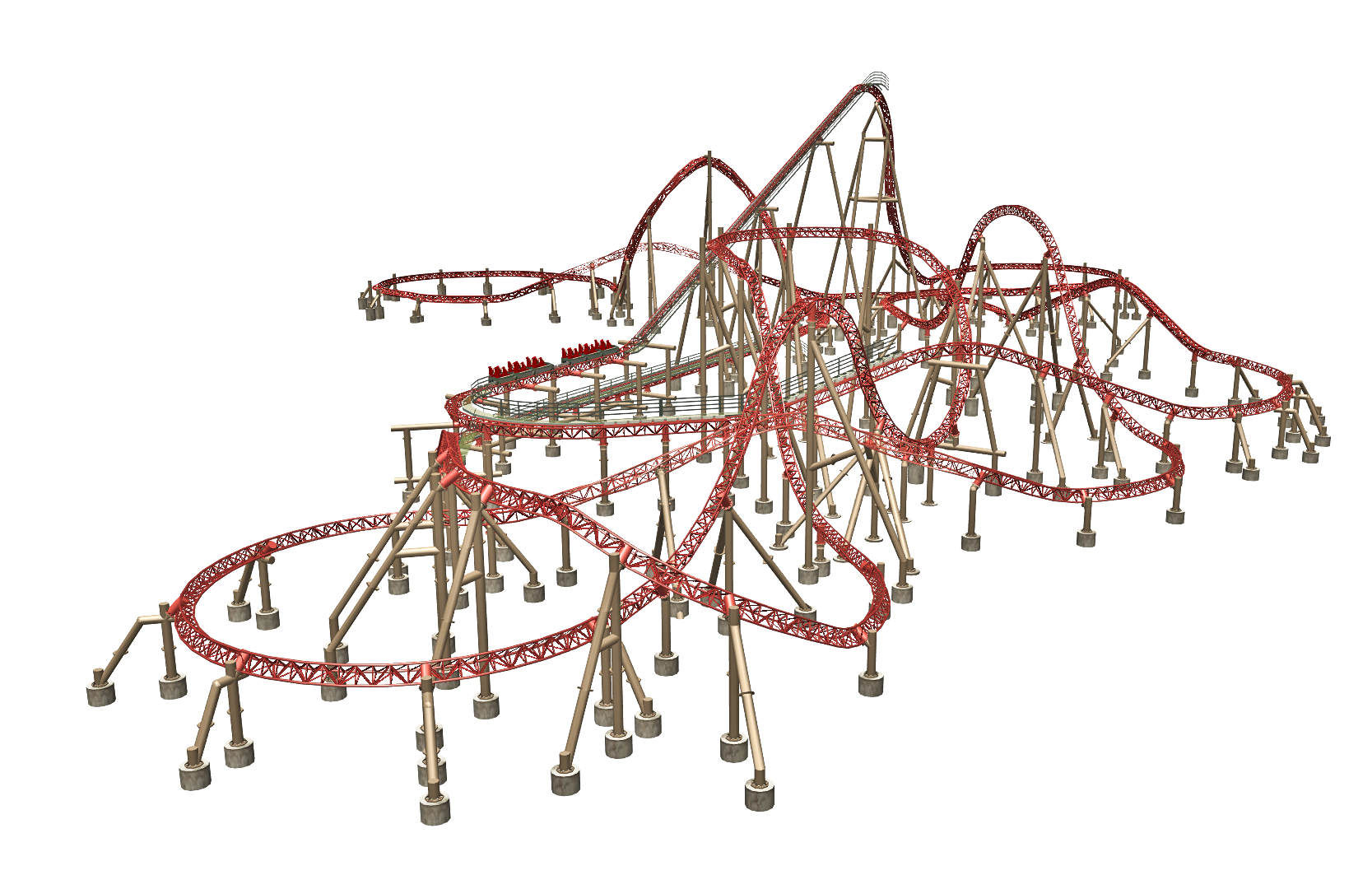
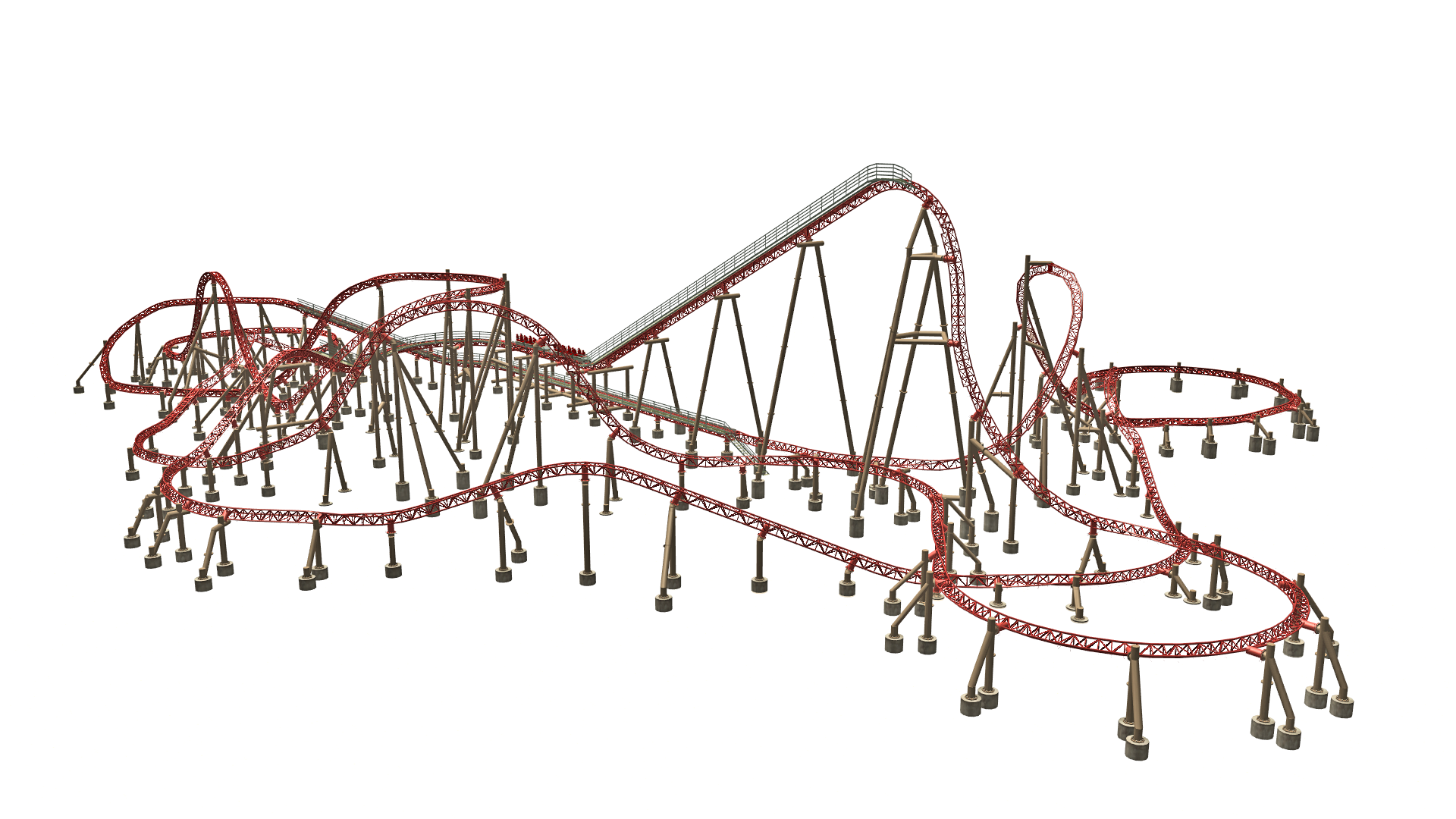
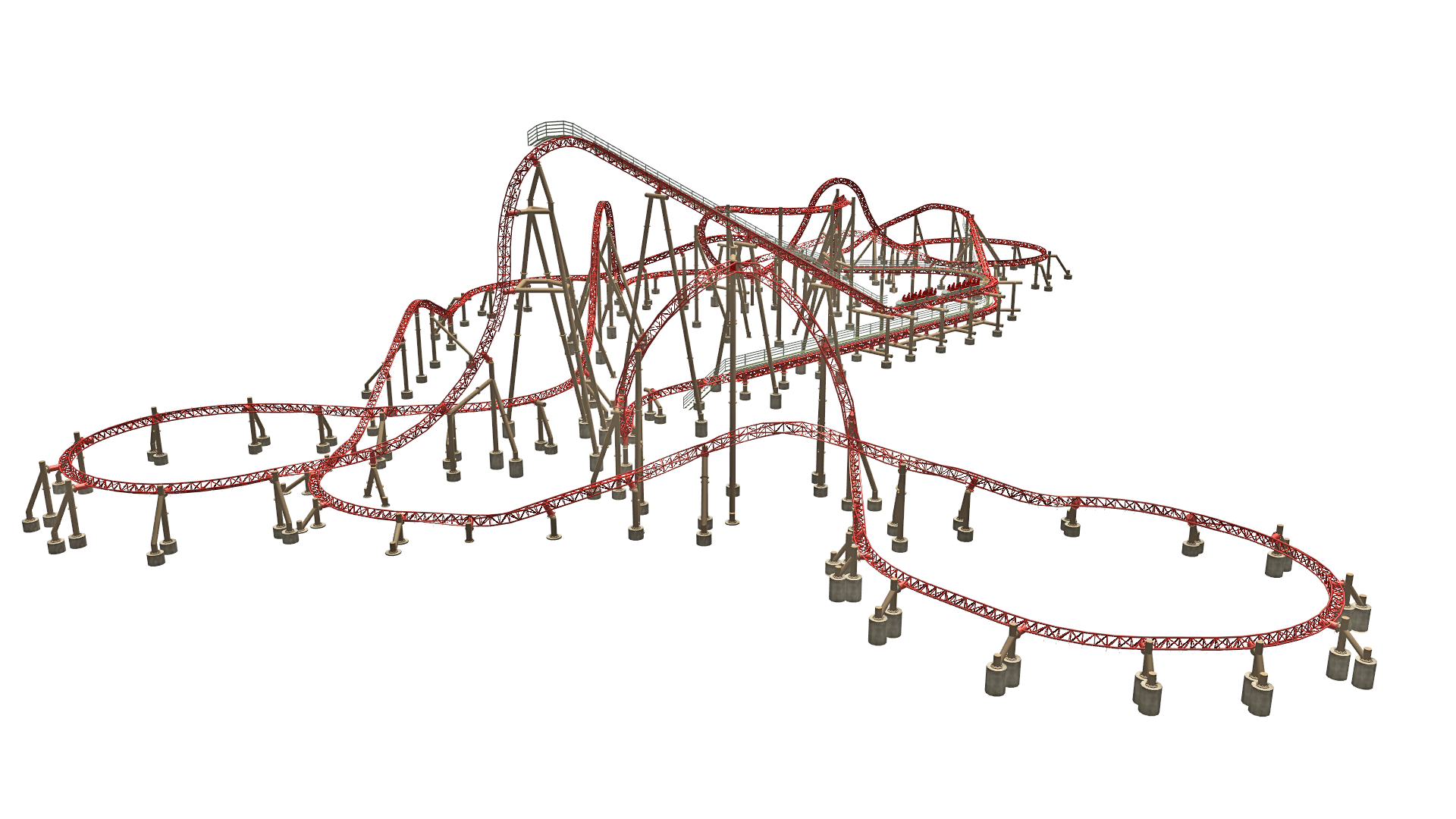
This beautiful Intamin Blitz coaster file had lost its file extension at some point in history. When I added it on again it turned out to be a park file, and had been corrupted loosing some of the scenery objects. I saved the layout, moved it to an empty sandbox, and restored the coaster by reinserting the footers and fixing some of the supports. I then saved it as a blueprint track file, so it is no longer a park file. You can now use this in any park you want!
Please see the included Read Me file for installation instructions. If you have any issues please leave a comment in the comment section.
..::REQUIRED DOWNLOADS::.
These are the downloads you will need for this track file to work properly.
CUSTOM SCENERY:
✦ Webers Aged Footers
https://parkcrafters.com/files/file/895-webers-aged-footers/
✦ Mobys Steel Jungle
https://parkcrafters.com/files/file/3925-mobys-steel-jungle-v1-v2/
✦ Coster Freaks Mega Coaster Connectors and Additions
https://parkcrafters.com/files/file/3377-coasterfreak90s-mega-coaster-additions/
✦ Ark Angle LIMS
https://parkcrafters.com/files/file/3709-ark-angels-lims/
✦ ATH Catwalks
https://parkcrafters.com/files/file/3926-ath-catwalks-and-accessories/
✦ Gadget's Roller Coaster Goodies 1.2
https://parkcrafters.com/files/file/2833-roller-coaster-goodies-12/
CUSTOM TRACKED RIDES:
✦ Techno Dudes Intamin Blitz Car
https://parkcrafters.com/files/file/1514-intamin-blitz/
Enjoy the ride! 😀
Edited by Wilhelm1407
You may only provide a review once you have downloaded the file.
There are no reviews to display.