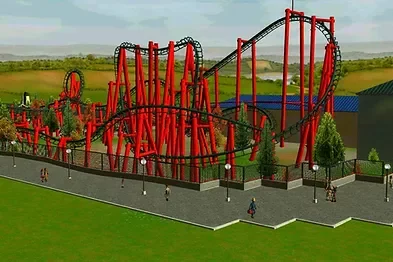
Custom Attractions
All custom attraction files for RollerCoaster Tycoon 3.
942 files
-
Made by Krypt.
Original description:
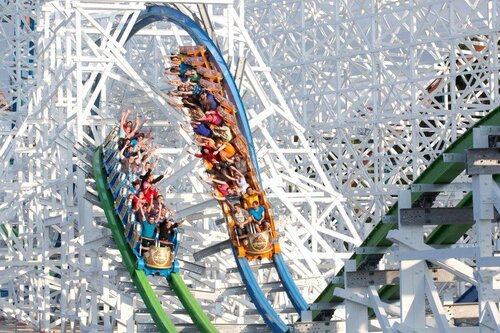
Mine train cars based off of the ones at Six Flags Over Texas.
- 29 Downloads
-
Made by StationJimJr.
Original description:
Classic wooden cars in 3 textures - Timberwolf, halloween and plain :) Have fun!
- 31 Downloads
-
Made by jasonstuehmer.
Original description:
Hello everyone,
The FINAL release of my Python CTR has been given free and is now also available here over at SGW!
The picture uploaded is from a week or two ago so it is NOT pretty recent.
The picture misses these things:
- New texture style (Reflection) for the eye's and main body. (the skin stays normal)
- Restraints are bigger.
- More space between the cars.
- And maybe more, I don't remember.
I hope you enjoy the CTR.
- 22 Downloads
-
- 132 Downloads
- 2 Comments
-
- 58 Downloads
-
- 126 Downloads
-
Made by RCTK1.
Reuploaded again because i uploaded it in the wrong category.
- 91 Downloads
-
- 138 Downloads
-
- 88 Downloads
-
- 98 Downloads
-
- 82 Downloads
-
- 86 Downloads
-
- 48 Downloads
-
- 47 Downloads
-
- 27 Downloads
-
- 47 Downloads
-
- 49 Downloads
-
- 85 Downloads
-
- 130 Downloads
-
- 106 Downloads
-
- 119 Downloads
-
- 118 Downloads
-
- 87 Downloads
-
- 49 Downloads
-
- 56 Downloads