


-
 Je pense que le petit utilitaire ctr*creator aurai besoin d'une mise à jour pour fonctionner sous windows 11. Les programmeurs à vos clavier merci !!!
 -
 Je ne trouve pas de resultats dans les menus objets. je met 3 etoiles pour le travail et je reviserai ma note si j'arrive à y faire fonctionner.
 -
 Superbe travail. Juste une question comment faire pour tenir les personnage sur les chemine du château extérieur et intérieur ? Merci pour ce château
 -
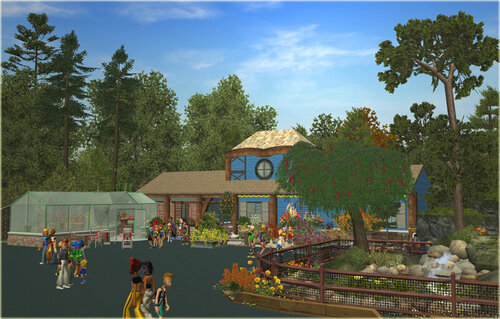 Enfin un une creation qui fonctionne; Merci
 -
 Ce serai bien si j'arrivais à l" installer et le rendre fonctionnel non reconnu dans rct 3 J'y suis enfin arrivé.;MERCI
 -
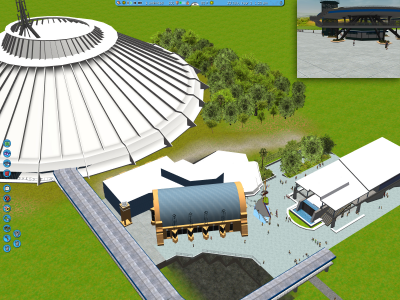 Bonjour à tous, je suis un vieux débutant (RCT 3) et je pose une question car je voudrais ajouter à mon parc l'attraction RCTMAN12 WDW Space Mountain V.1, j'aimerai que quelqu'un m'explique comment faire Merci
