



Wilhelm1407
Moderators
-
Joined
-
Last visited
Files posted by Wilhelm1407
-
A set of ropes made by Elch - vertical, horizontal and diagonal pieces. Also ideal for hanging up lamps, boxes or other decoration. Also contains knots, loops, hooks and buckets.
60 pieces
- 37 Downloads
-
With these files, you can replace the 2D vanilla wooden supports, with 3D wooden supports. Created by DasMatze.
- 119 Downloads
-
Description written by Old-Spice:
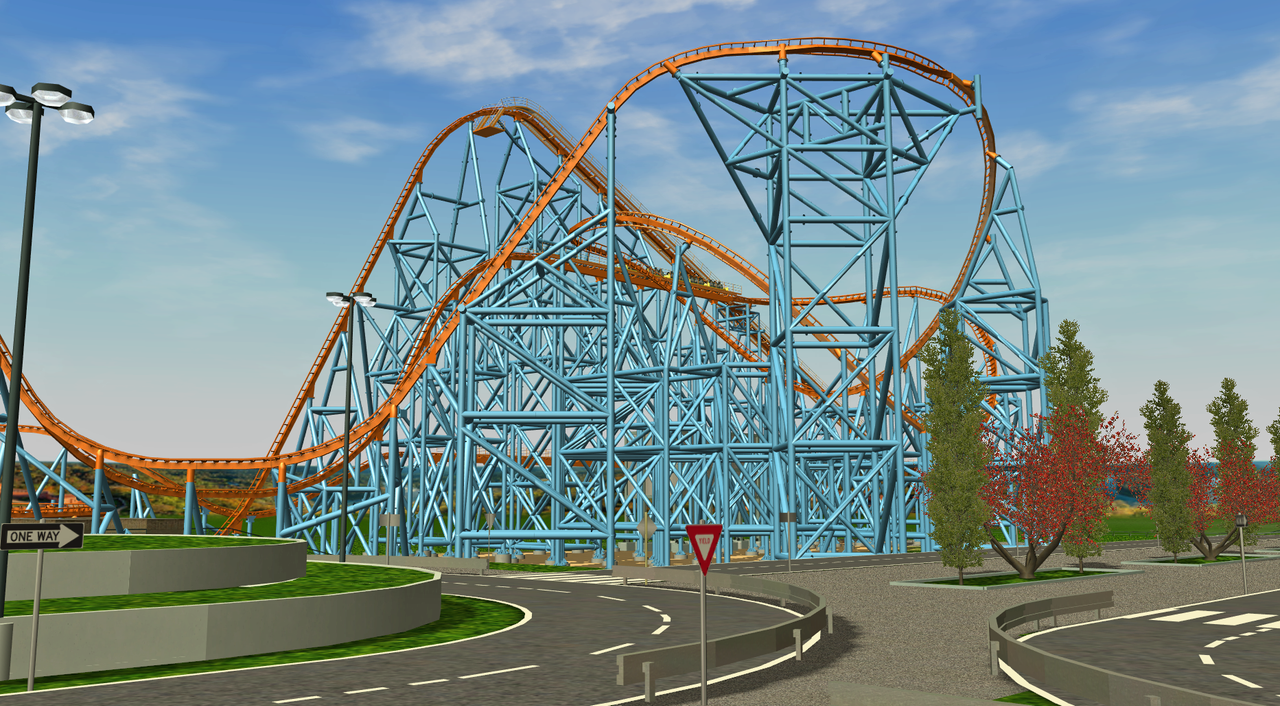
I remade the steel supports. I thought that it may make supporting a little easier with out having to remove the entire rides supports. My supports are .5m wide, or 500mm and they have 8 sides as well.
Install:
Place the folder "ts1" in "C:\Program Files (x86)\Atari\RollerCoaster Tycoon 3 Platinum\Supports" or whatever your directory is.
- 83 Downloads
.thumb.jpeg.effaa4818e8ee32c22d6093a5cb20087.jpeg)

