Skip to content
View in the app

A better way to browse. Learn more.

ParkCrafters

A full-screen app on your home screen with push notifications, badges and more.

To install this app on iOS and iPadOS
  1. Tap the Share icon in Safari
  2. Scroll the menu and tap Add to Home Screen.
  3. Tap Add in the top-right corner.
To install this app on Android
  1. Tap the 3-dot menu (⋮) in the top-right corner of the browser.
  2. Tap Add to Home screen or Install app.
  3. Confirm by tapping Install.

Yo viajo en bogavantes

Members
  • Joined

  • Last visited

Everything posted by Yo viajo en bogavantes

  1. Your stuff is incredible. Keep it up, buddy
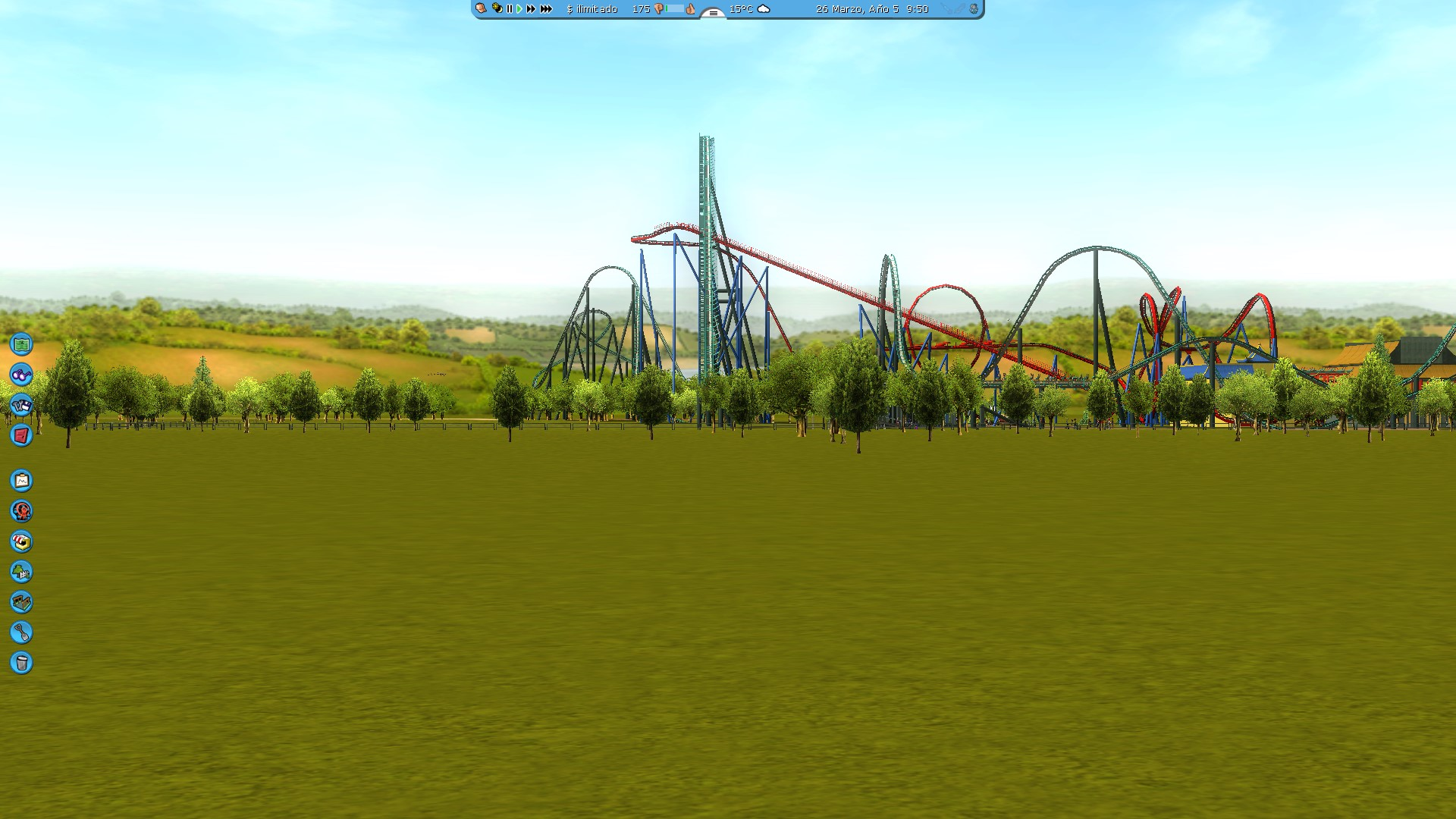
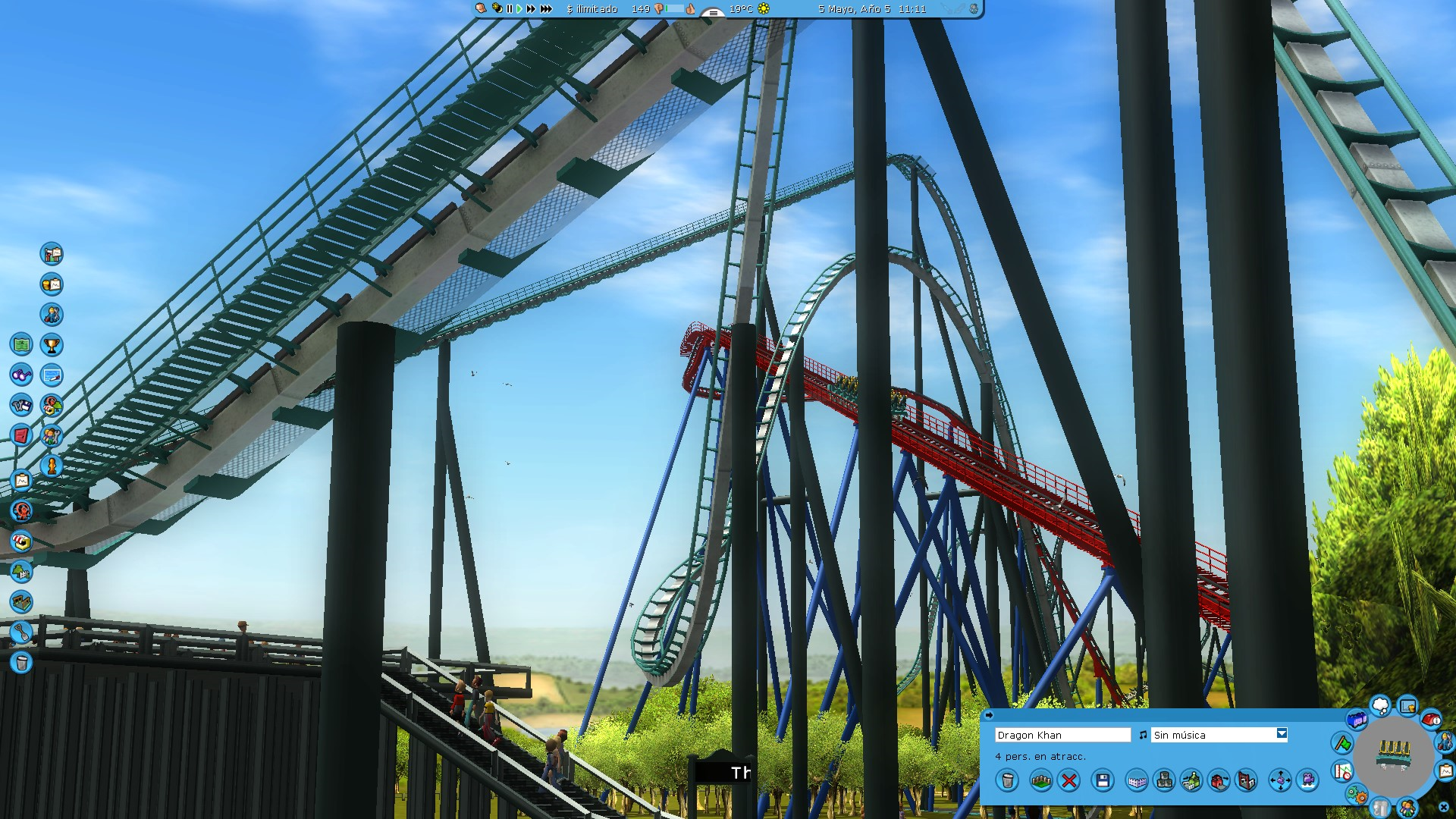
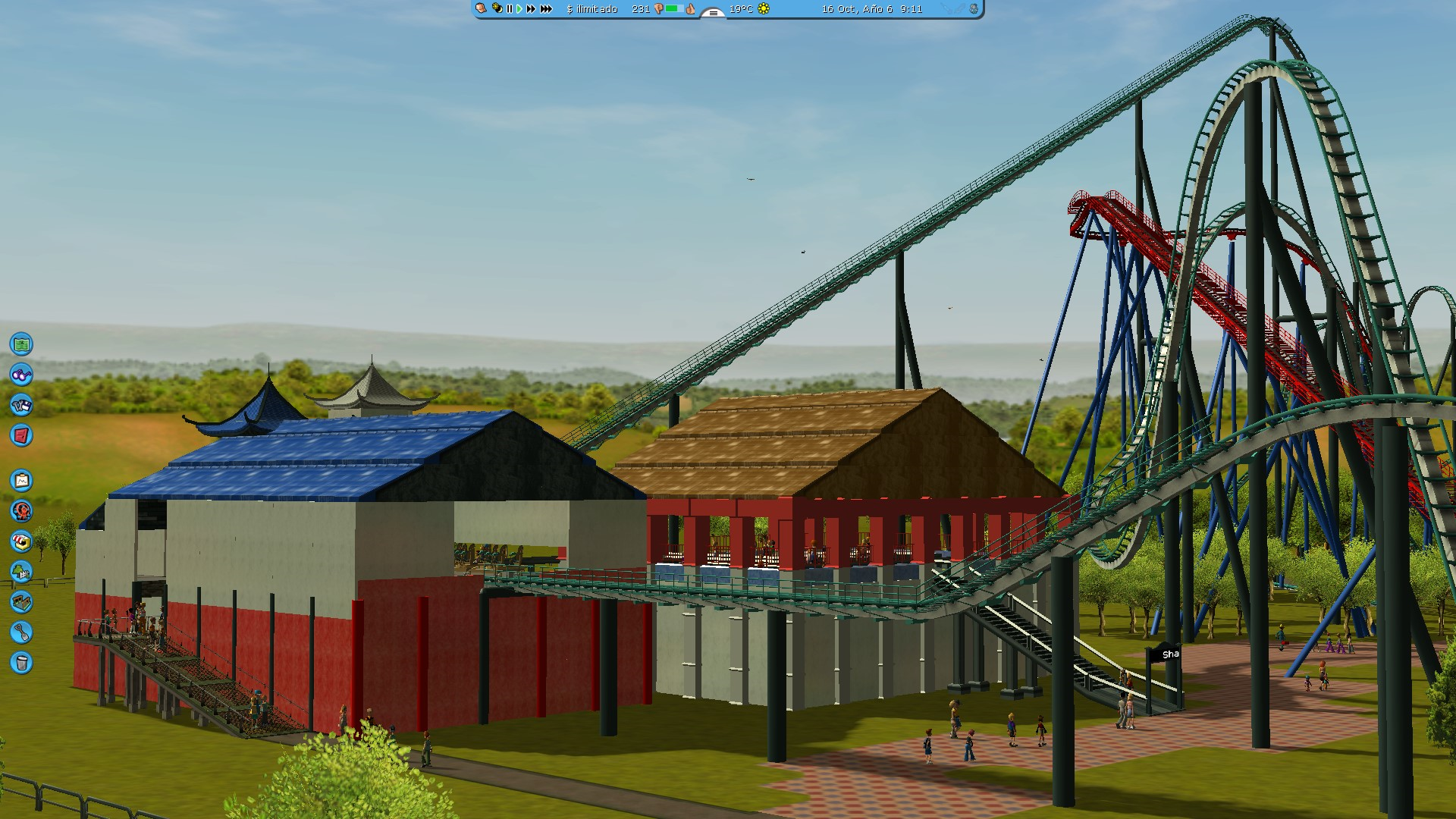
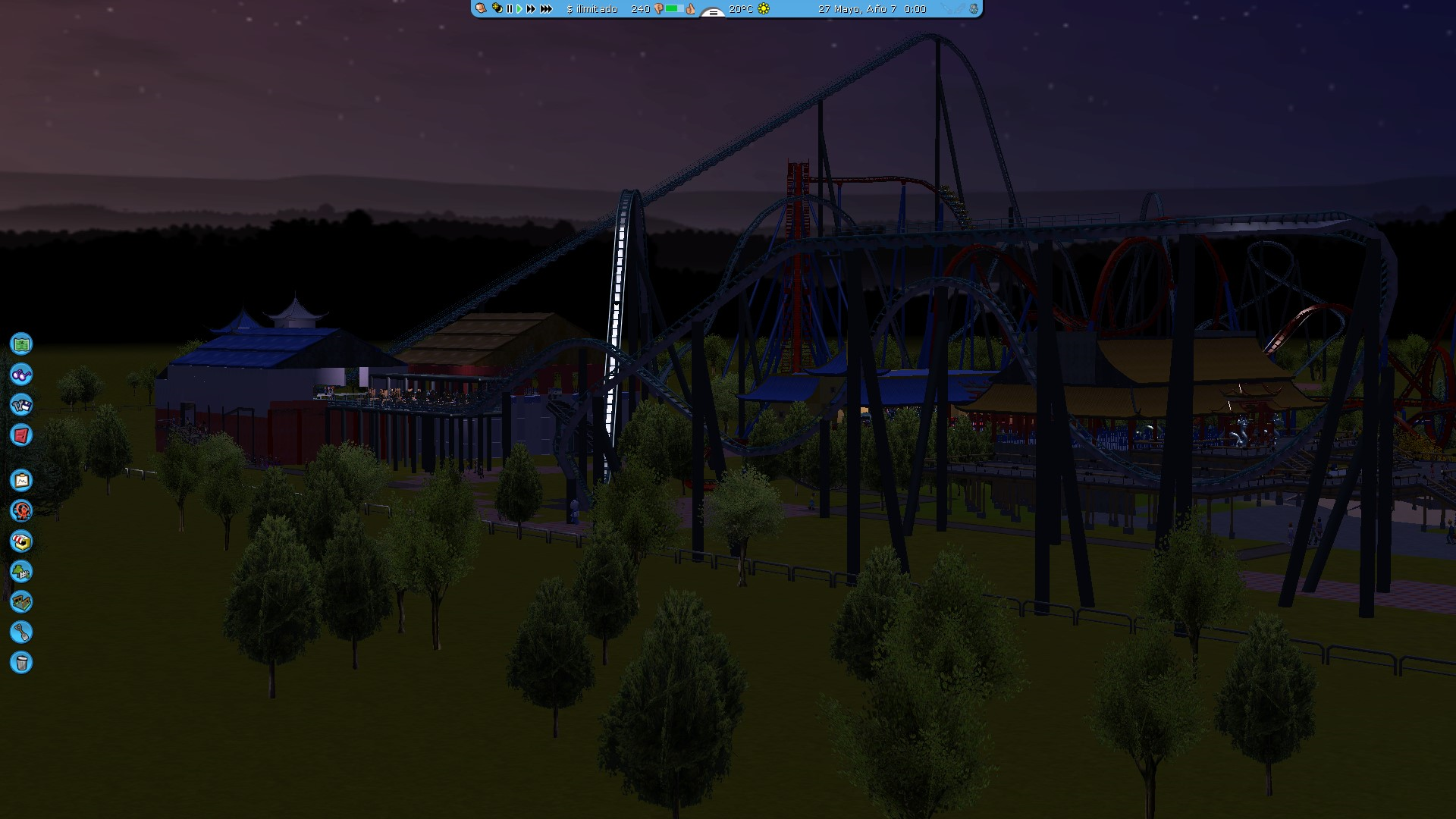
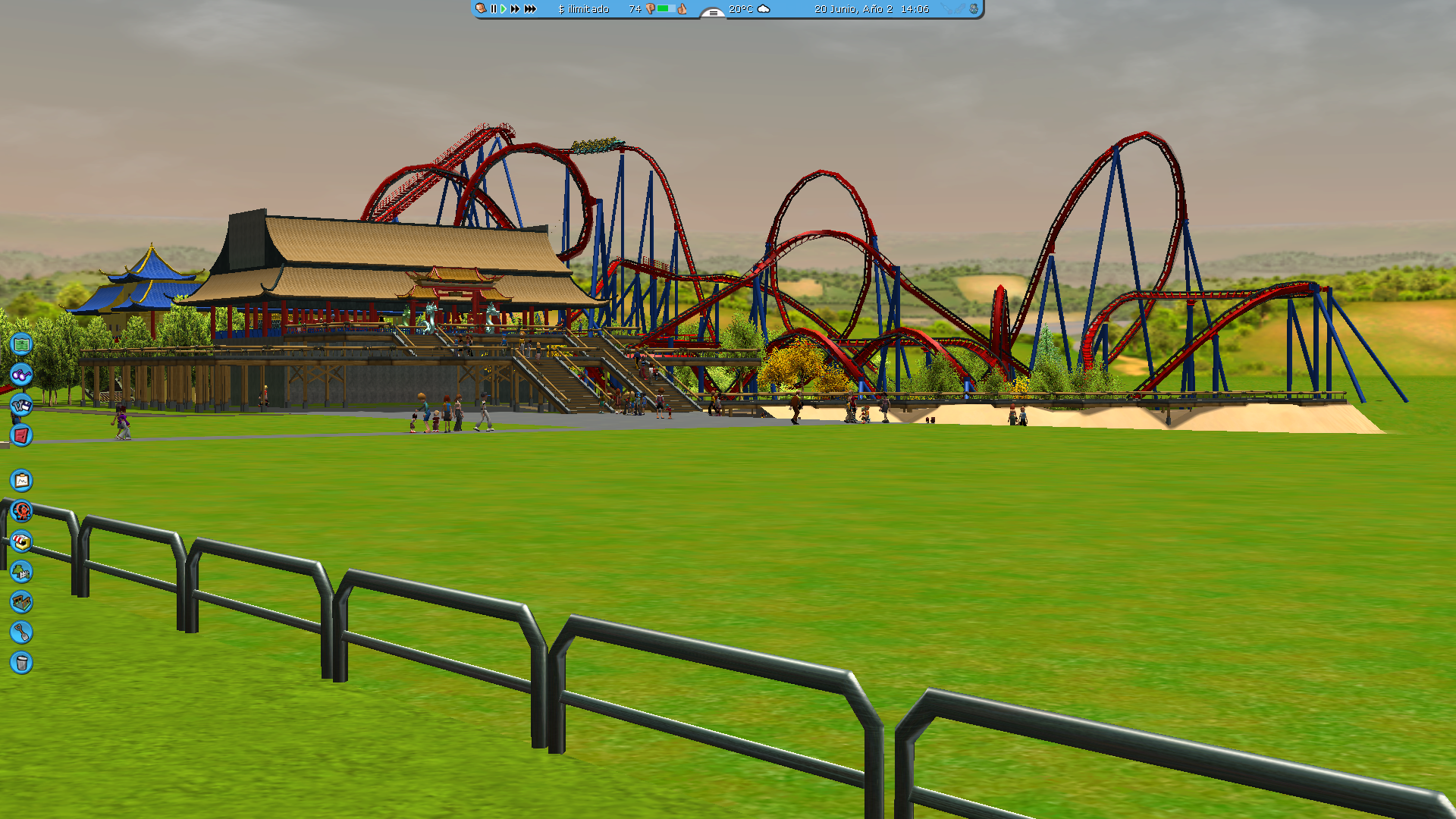
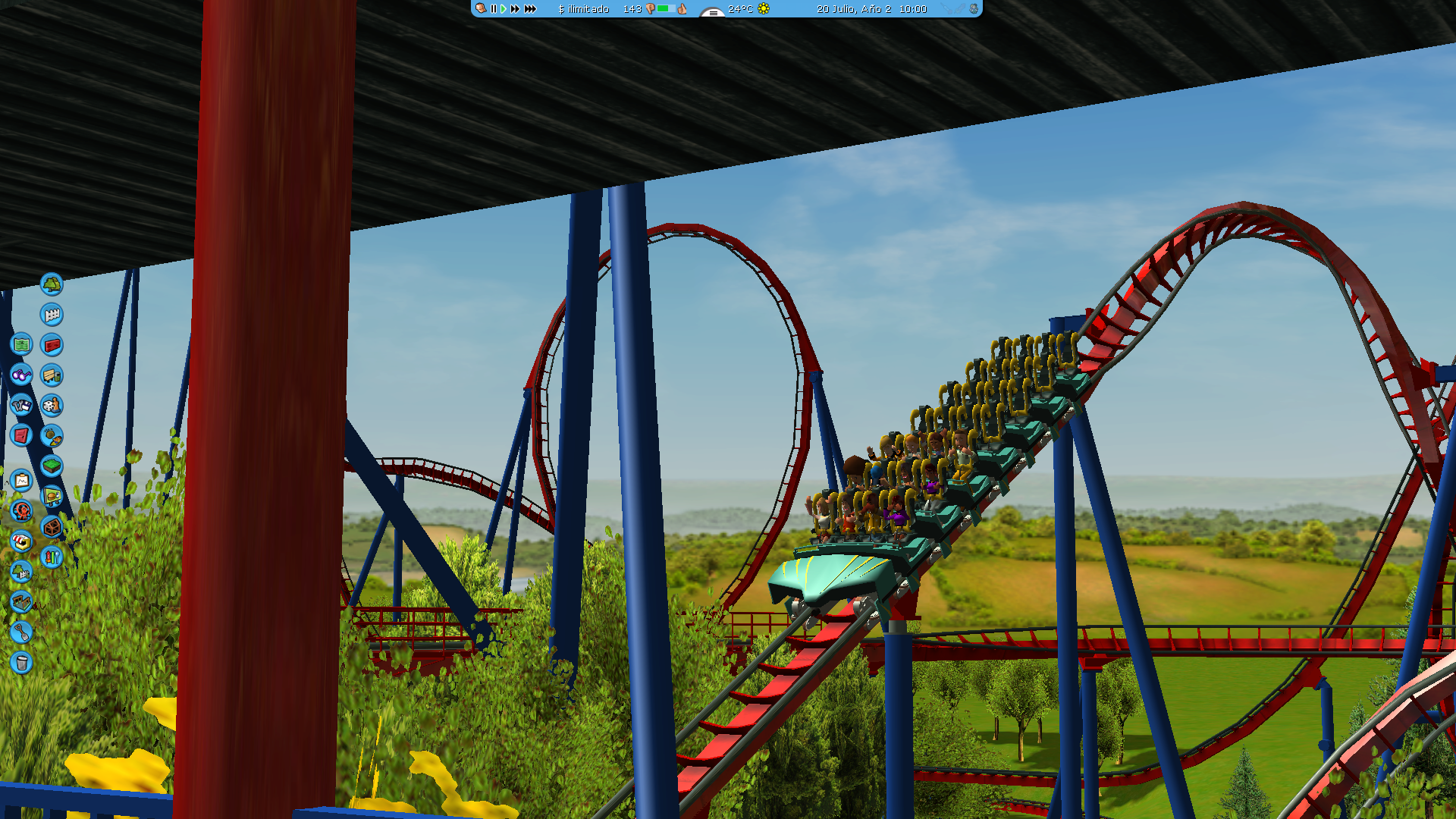
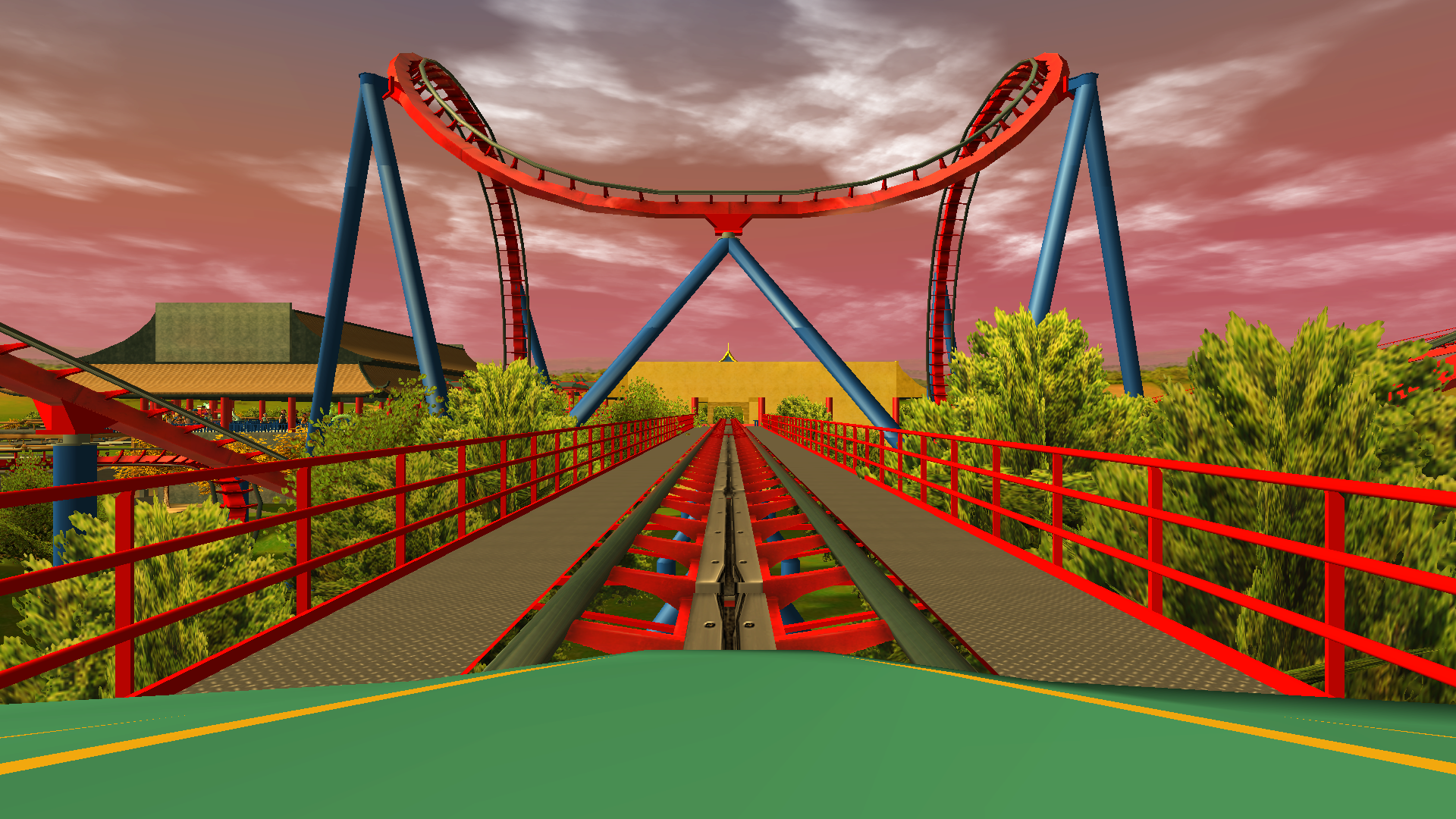
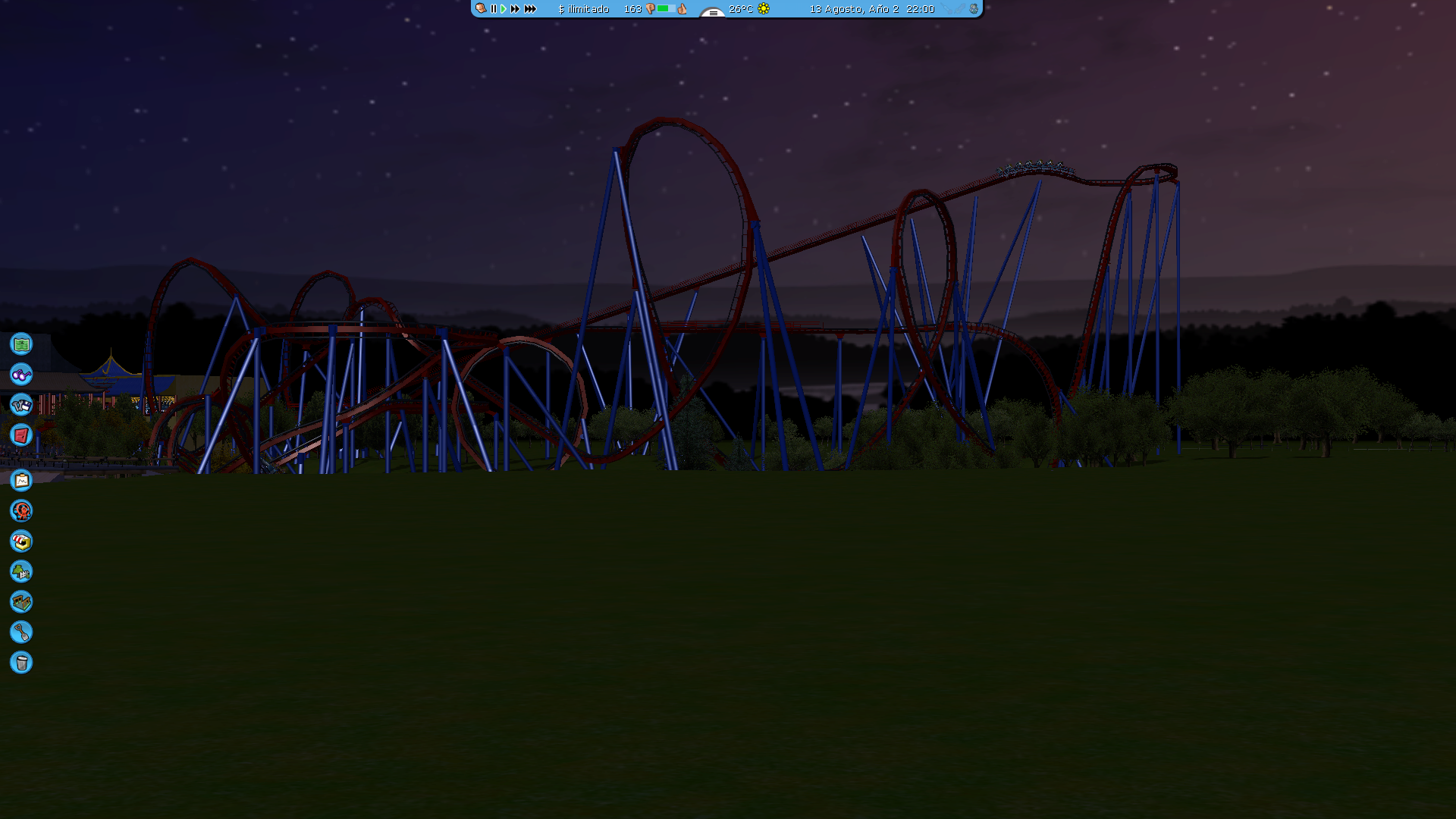
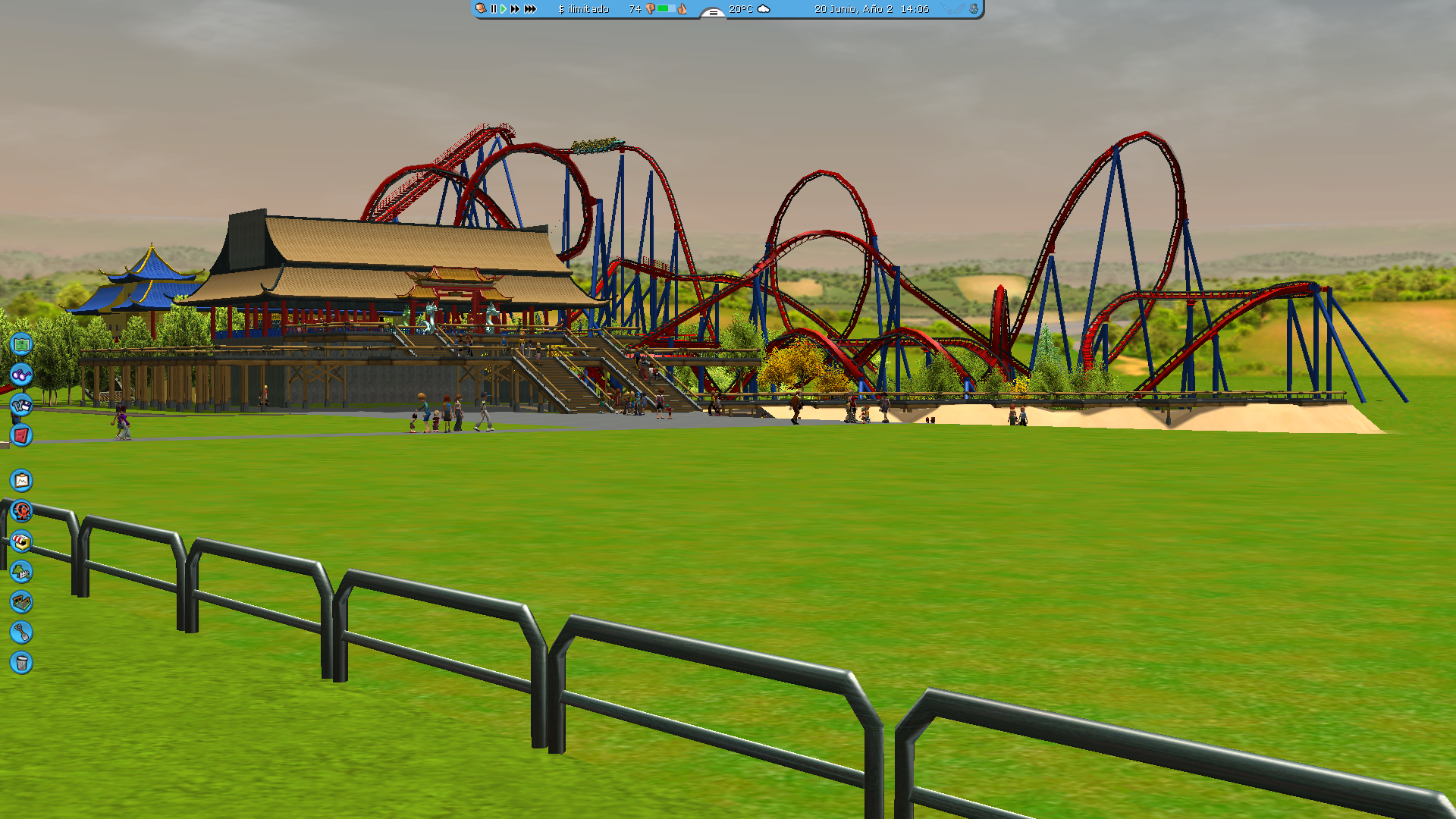
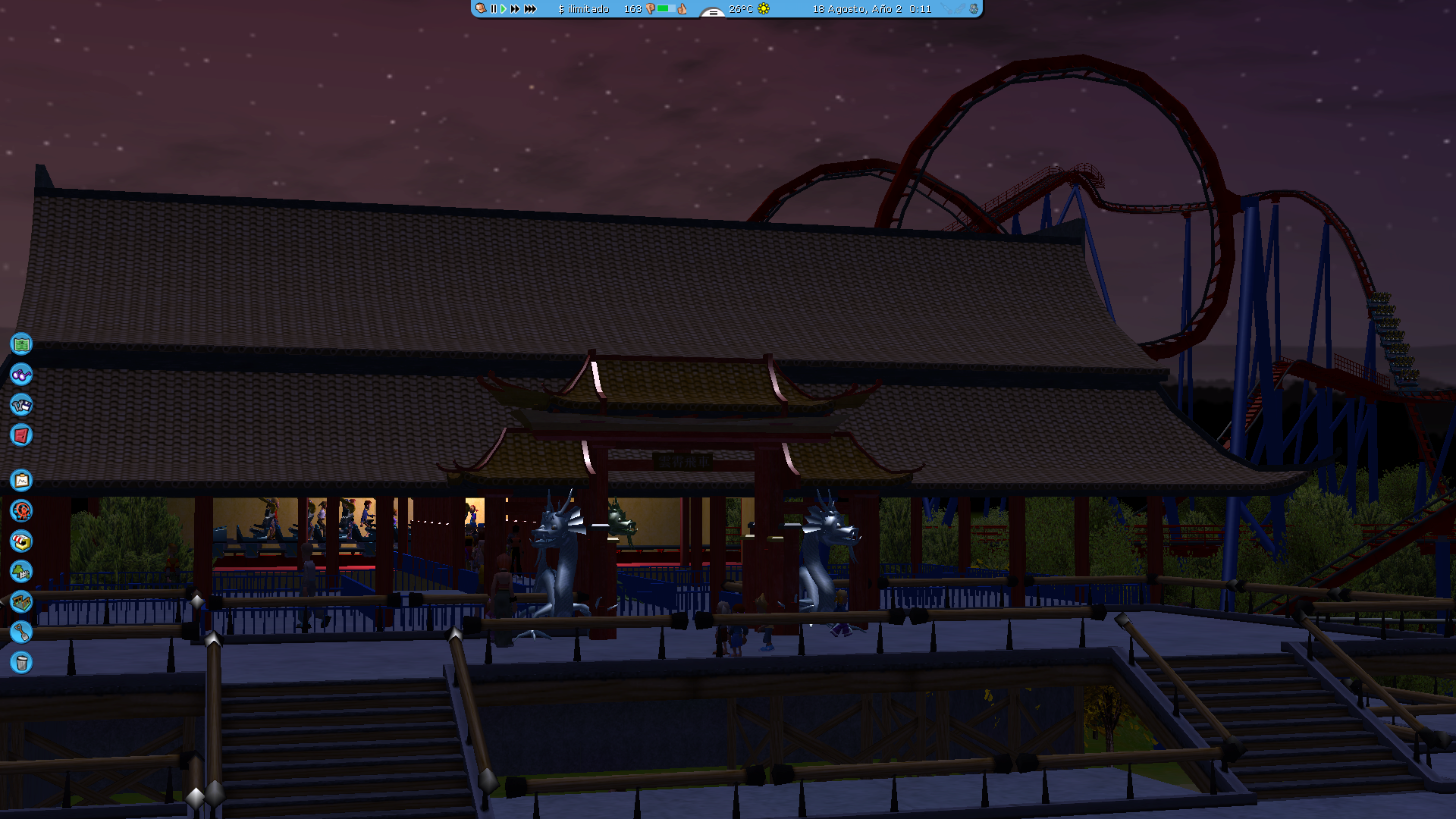
  2. Sorry for the update delay, I didn't remember to upload it as I had too much stuff on my head lately. I know a Shambhala CT exists, but I dared to made the track myself to make the interlocks right with Dragon Khan. Overall view 2 Far away The 2 lifts Shambhala's queue and station [It didn't turn out that good :')b] Night time!
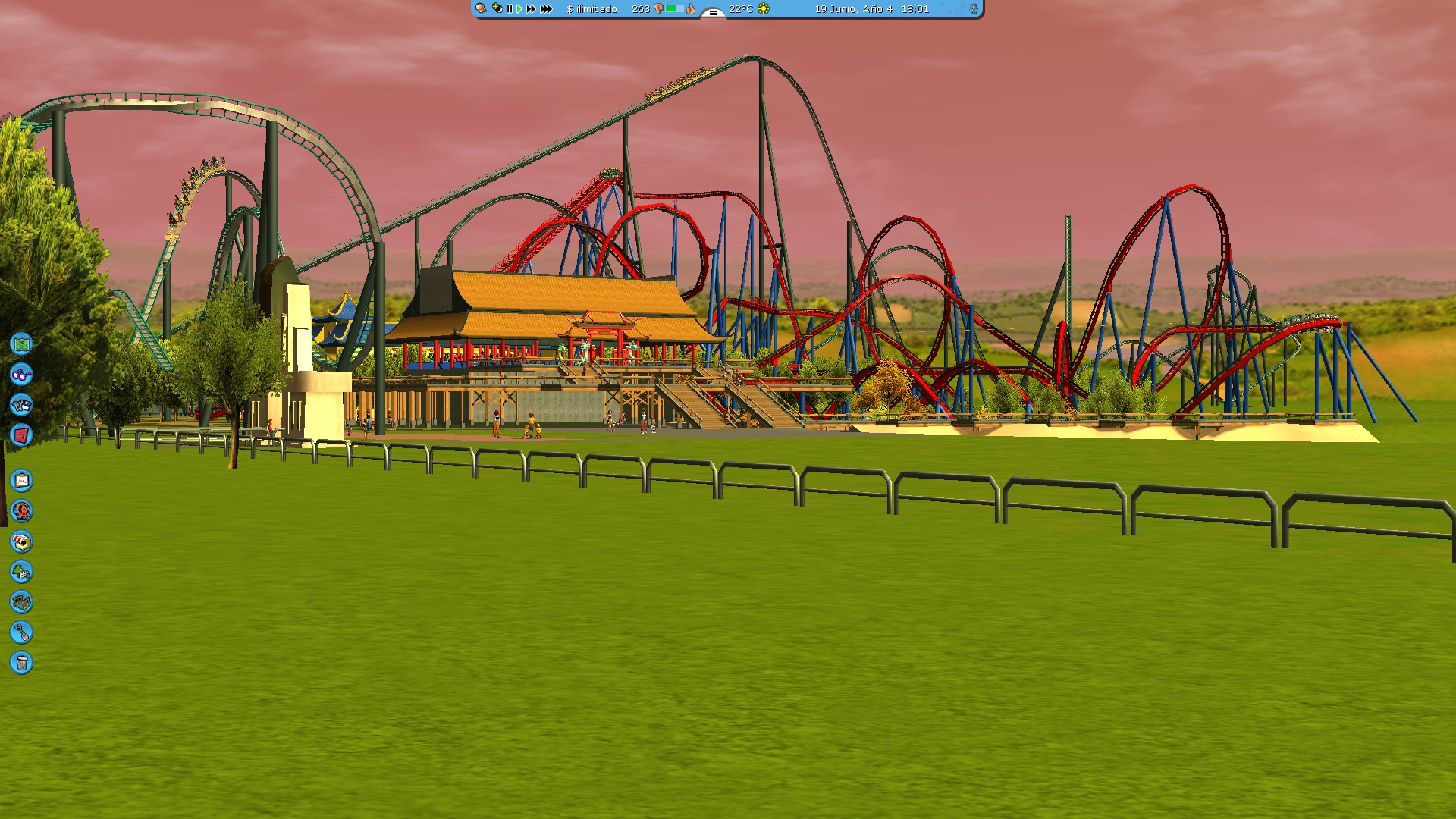
  3. Peak fireworks show
  4. Sneak peek of what's coming next: Shambhala
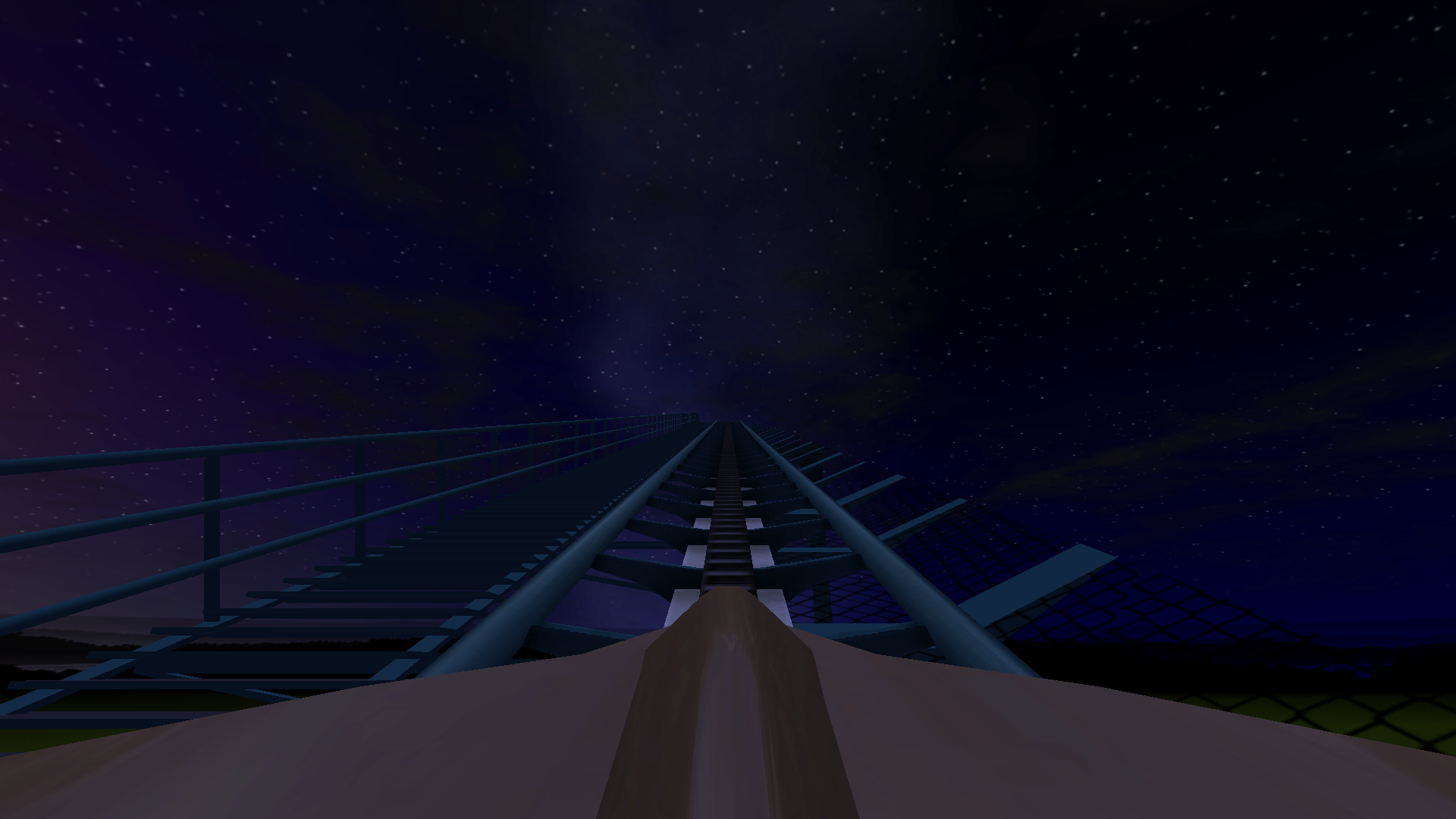
  5. I have great feeling about this
Account

Navigation

Search

Search

Configure browser push notifications

Chrome (Android)
  1. Tap the lock icon next to the address bar.
  2. Tap Permissions → Notifications.
  3. Adjust your preference.
Chrome (Desktop)
  1. Click the padlock icon in the address bar.
  2. Select Site settings.
  3. Find Notifications and adjust your preference.