


.gif.b7cc7ac1fbdd407fc5422ed8622ef69a.gif)
Featured Projects
SPECTROMAGIC(PUBLIC)
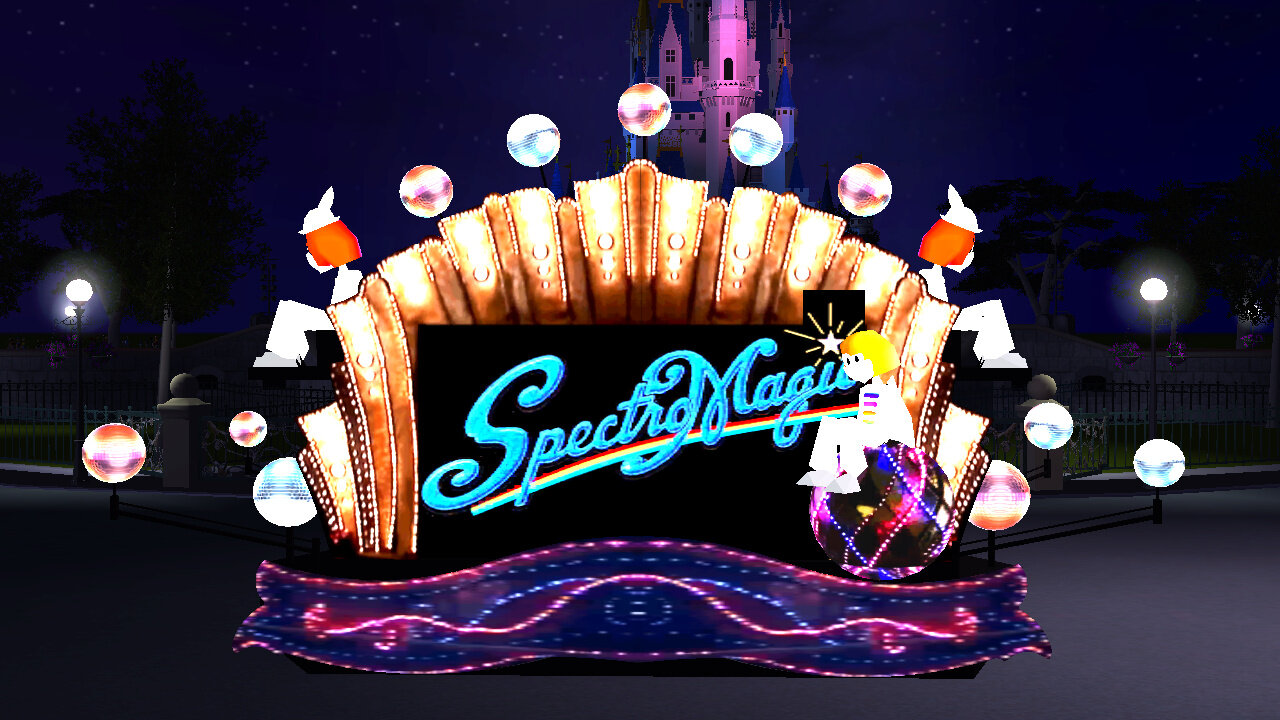
This Is My Largest Custom Content Piece. It Features The Full Parade With Animated Textures, Lights & All Your Favourite Characters! Download it here: SPECTROMAGIC : The Ultimate RCT3 Parade - Custom Attractions - ParkCrafters
HOGWARTS EXPRESS(PRIVATE)
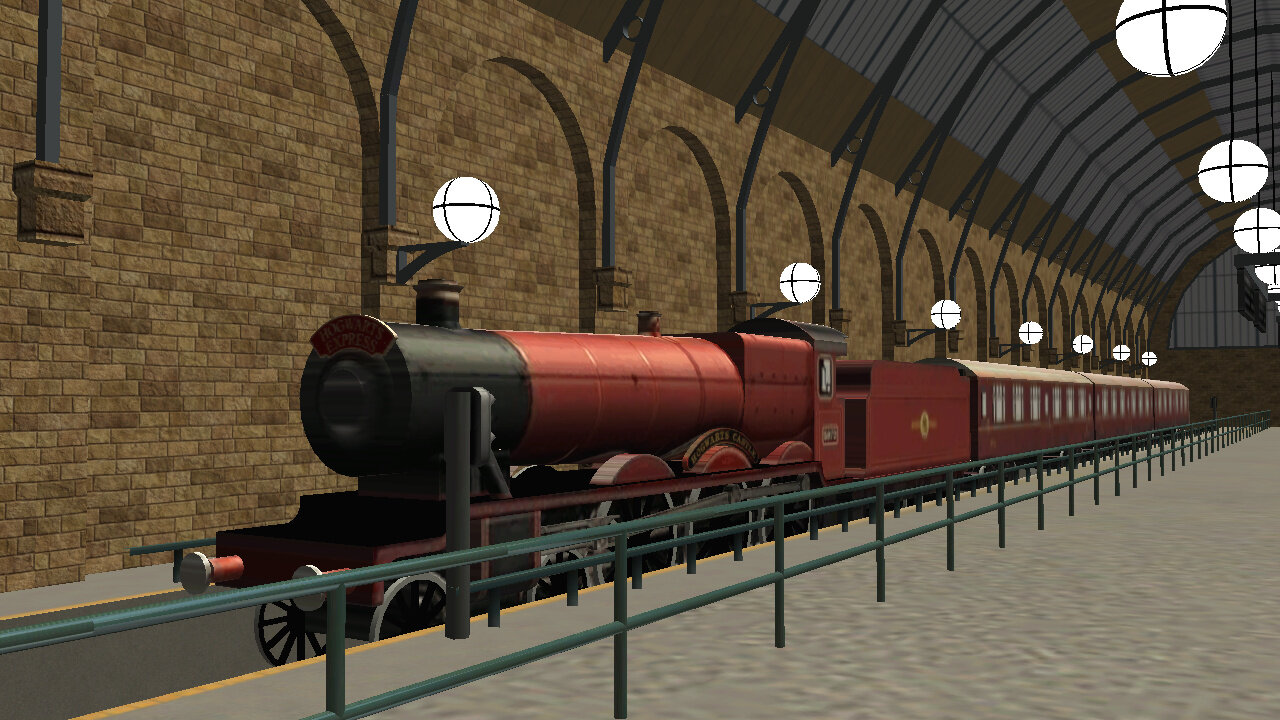
This Was My Very First CTR for RCT3, The Hogwarts Express From Universal Studios. This Was Built Specifically For @Cody 's Universal Studio Project, where it has made frequent appearances. The CTR also came with Kings Cross Station, The London Facade & Hogsmede Station, all modelled by me!
CASTLE OF MAGICAL DREAMS(PUBLIC)
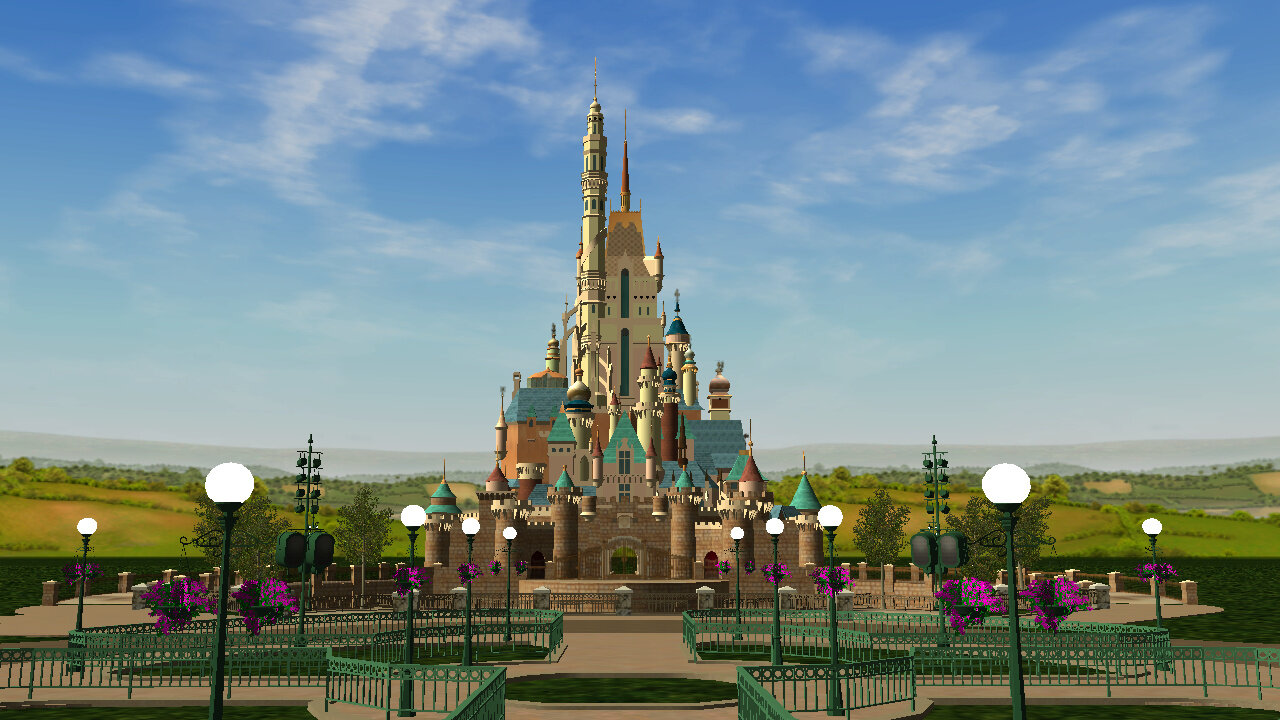
My largest Custom Scenery Piece, I had such an amazing time modeling this, and the final result couldn't have been better. It always brings us to a total of 5/6 Disney Castles available for RCT3!
HK - CASTLE OF MAGICAL DREAMS SET - Custom Scenery - ParkCrafters
DISNEY SEA(IN PROGRESS)
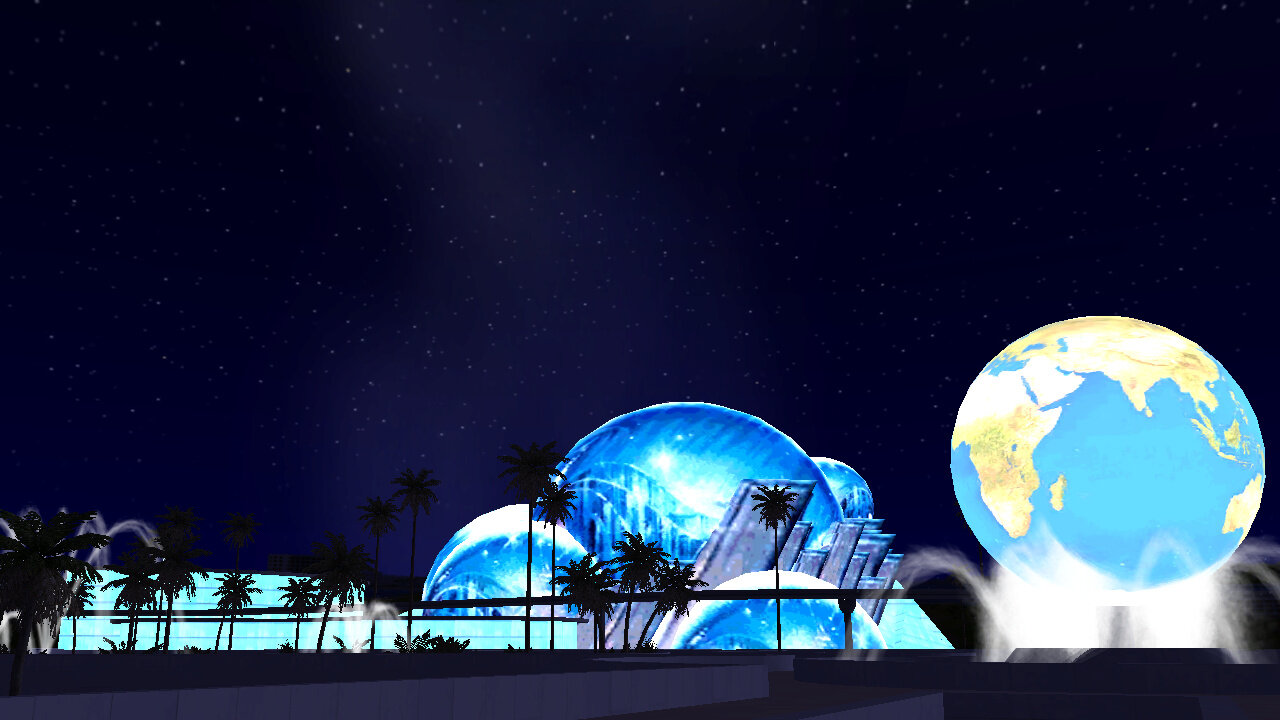
More Information About My First Ever Theme park Can Be Found Here: