Skip to content
View in the app

A better way to browse. Learn more.

ParkCrafters

A full-screen app on your home screen with push notifications, badges and more.

To install this app on iOS and iPadOS
  1. Tap the Share icon in Safari
  2. Scroll the menu and tap Add to Home Screen.
  3. Tap Add in the top-right corner.
To install this app on Android
  1. Tap the 3-dot menu (⋮) in the top-right corner of the browser.
  2. Tap Add to Home screen or Install app.
  3. Confirm by tapping Install.

Dutchie

Members
  • Joined

  • Last visited

Everything posted by Dutchie

  1. Dutchie replied to JPTV's topic in Projects
    Gnomeland is such a peculiar addition to Copper Creek, and yet you made it work and look&feel totally at home in CP. As usual and always, I am in AWE.
  2. So nice to see one of my favourite projects got the platform it deserved. Wonderful updates, MissB. You have sucha vidid imagination..!
  3. I can tell from all the shots how much fun you are having :-) And that overview shot... wow! Love the floating candles, the Potteresque portraits.. Gift shop looking great..
  4. The insane amount of detail.. God.. It's just playing PlanCo on a whole different level. Wonderful work, I am pretty much glued to your updates now :-)
  5. I like how natural this park looks and feels, wowman. Also: You are making the absolute most of the in-game themes!
  6. Dutchie replied to shyguy's topic in Projects
    Ah, Shy.. just a wonderful parks that is somehow very dear to me. One of the projects that got me to take my building skill (ahem) in RCT3 seriously. It shaped me :-) I like how it's all coming together, not a thing feels redundant or out of place. So well thought-out.
  7. Dutchie replied to Dutchie's topic in Introductions
    Thanks @shyguy, @wolfpaw and the ethereal legend that is @Wabigbear ! I feel at home already :-)
  8. Dutchie replied to Dutchie's topic in Introductions
    Thanks @shyguy, @wolfpaw and the ethereal legend that is @Wabigbear !
  9. Dutchie posted a topic in Introductions
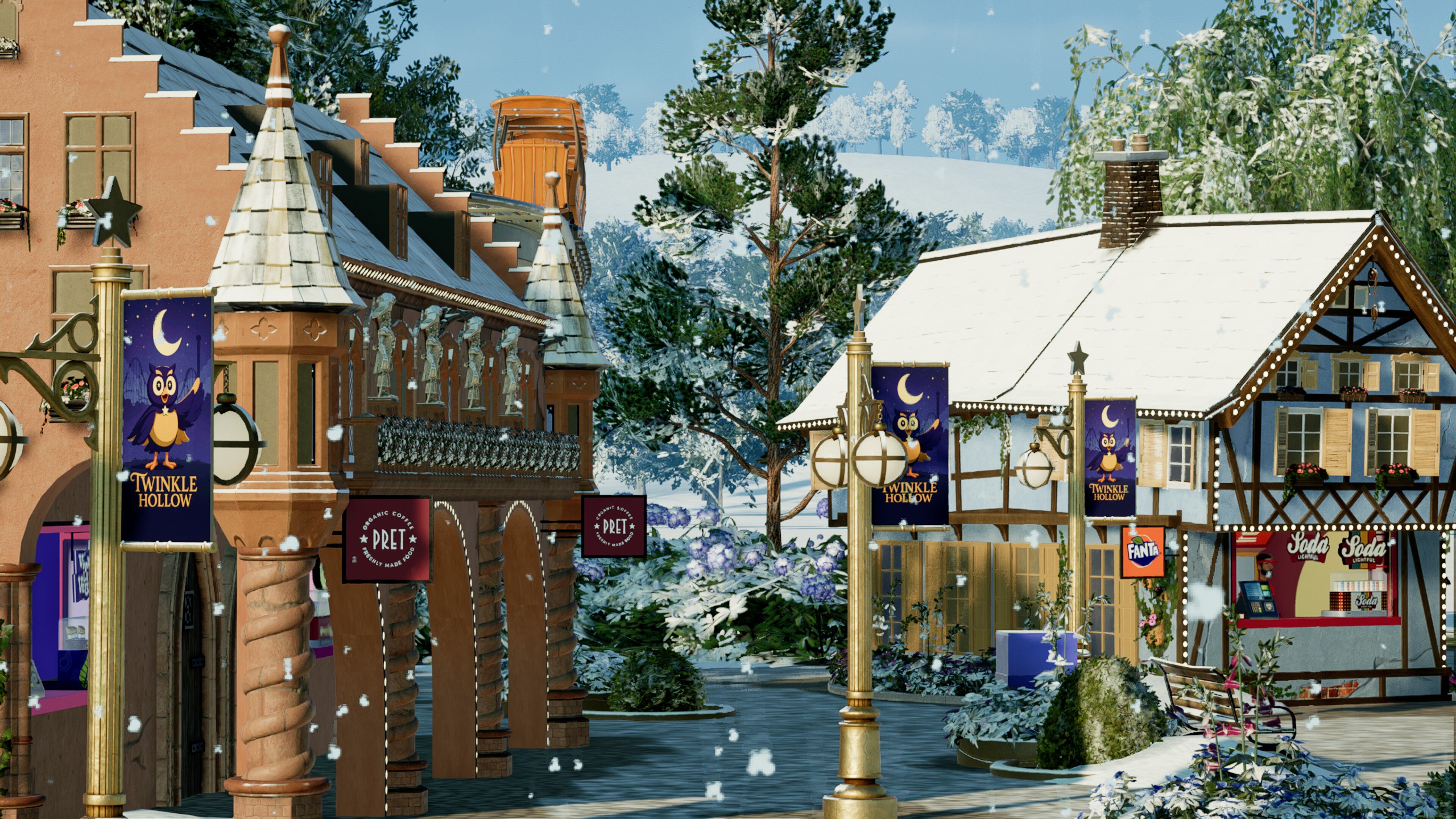
    Hello everyone, my goodness, how wonderful to have "discovered" this worthy follow-up to the revered ShyGuysWorld forums.. Remember me? "Amsterdam87" back in those days... It's great to see so many names still around, and I am very much looking forward to sharing my work, and admiring yours, on this forum :-) My first project here will be all about "Twinkle Hollow"... See you around!


Account

Navigation

Search

Search

Configure browser push notifications

Chrome (Android)
  1. Tap the lock icon next to the address bar.
  2. Tap Permissions → Notifications.
  3. Adjust your preference.
Chrome (Desktop)
  1. Click the padlock icon in the address bar.
  2. Select Site settings.
  3. Find Notifications and adjust your preference.