
Anon-P
Members
-
Joined
-
Last visited
-
Here comes my entry
-
I should treat this as an interim solution. I'm currently looking for a permanent solution
-
I just found out today that NVIDIA app no longer recognizes RCT3 for screen recording. It shows a prompt about desktop recording instead. Is there any way to fix it? I tried to add the game in the app but it's still fruitless. Other games records just fine but not RCT3
-
-
-
I guess the runner-up should get some love too!
-
-
You know what? I didn't signed up for the last two editions so, BRING IT.
-
-
You know what? I'll just join as well. Gotta get that competition started to be HOT
-
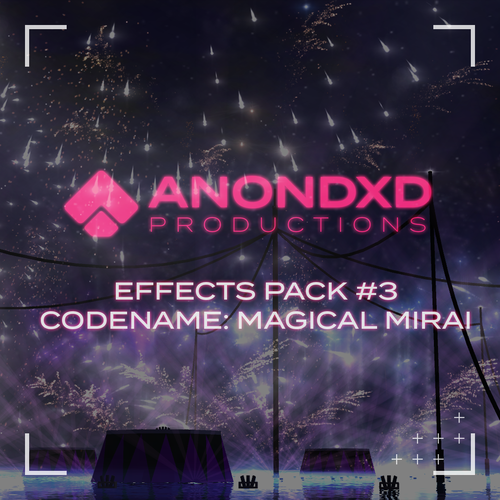 Here it is! My third effects pack containing 650+ effects in overall. Consider this as a new years gift from yours truly. KEY: Ch - Chrysanthemum Co - Comet LF - Liquid Fire LFX - Light Effect Mi - Mine Pa - Palm Po - Peony Ri - Ring SE - Special Effect SP - Special WB - Waterbombs Wi - Willow
 -
LET. ME. COOK.
-
-
-