Skip to content
View in the app

A better way to browse. Learn more.

ParkCrafters

A full-screen app on your home screen with push notifications, badges and more.

To install this app on iOS and iPadOS
  1. Tap the Share icon in Safari
  2. Scroll the menu and tap Add to Home Screen.
  3. Tap Add in the top-right corner.
To install this app on Android
  1. Tap the 3-dot menu (⋮) in the top-right corner of the browser.
  2. Tap Add to Home screen or Install app.
  3. Confirm by tapping Install.

pradiggitydog

Members
  • Joined

  • Last visited

  1. A few months since I announced the beginning of this project, it is finished! My first ever fountain show is now in the books! Since today happens to be Valentine's Day, I think starting off with "A Thousand Years" by Christina Perri is the best way to open up a new chapter in my career as an RCT3 show creator! Enjoy!
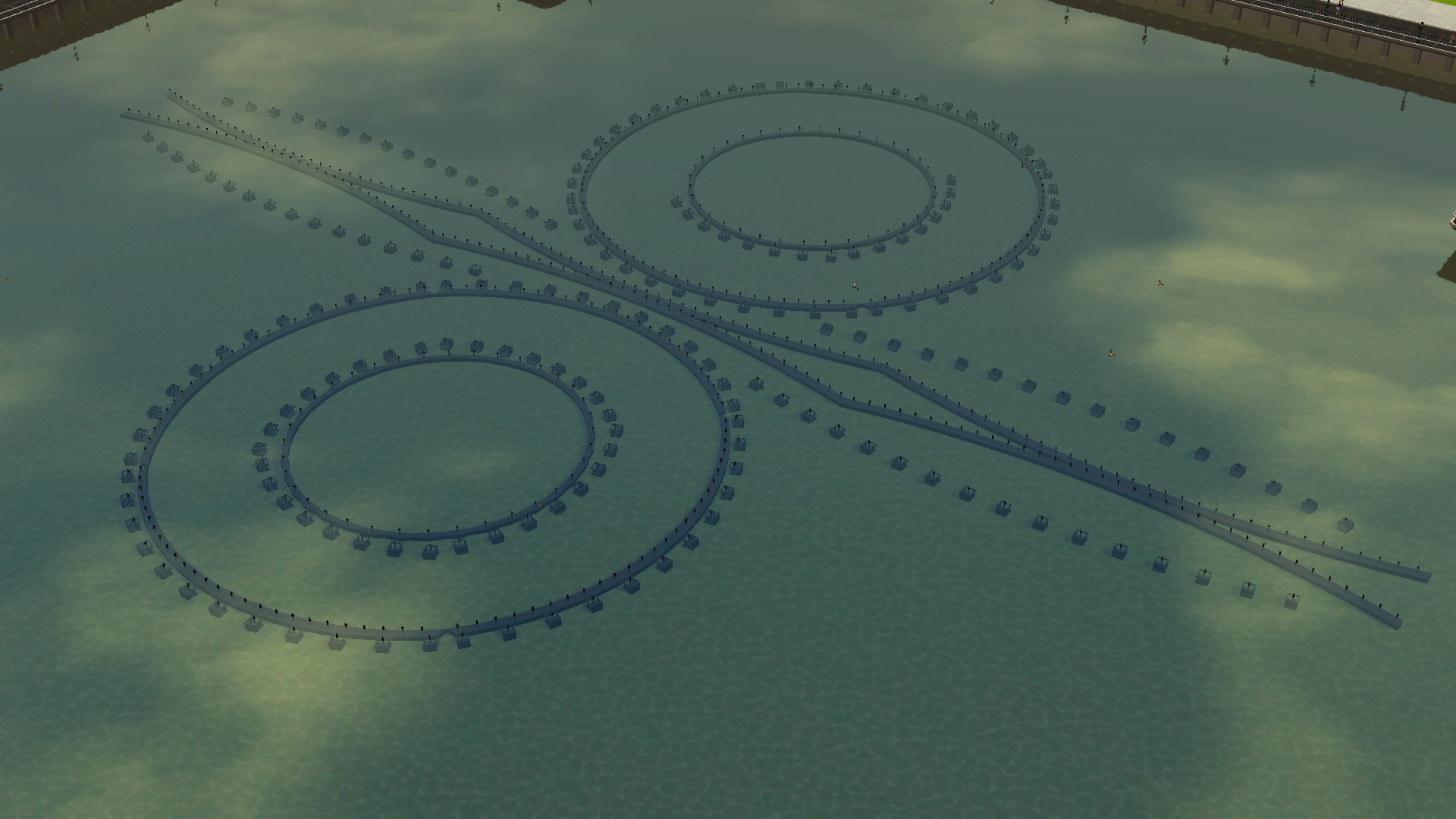
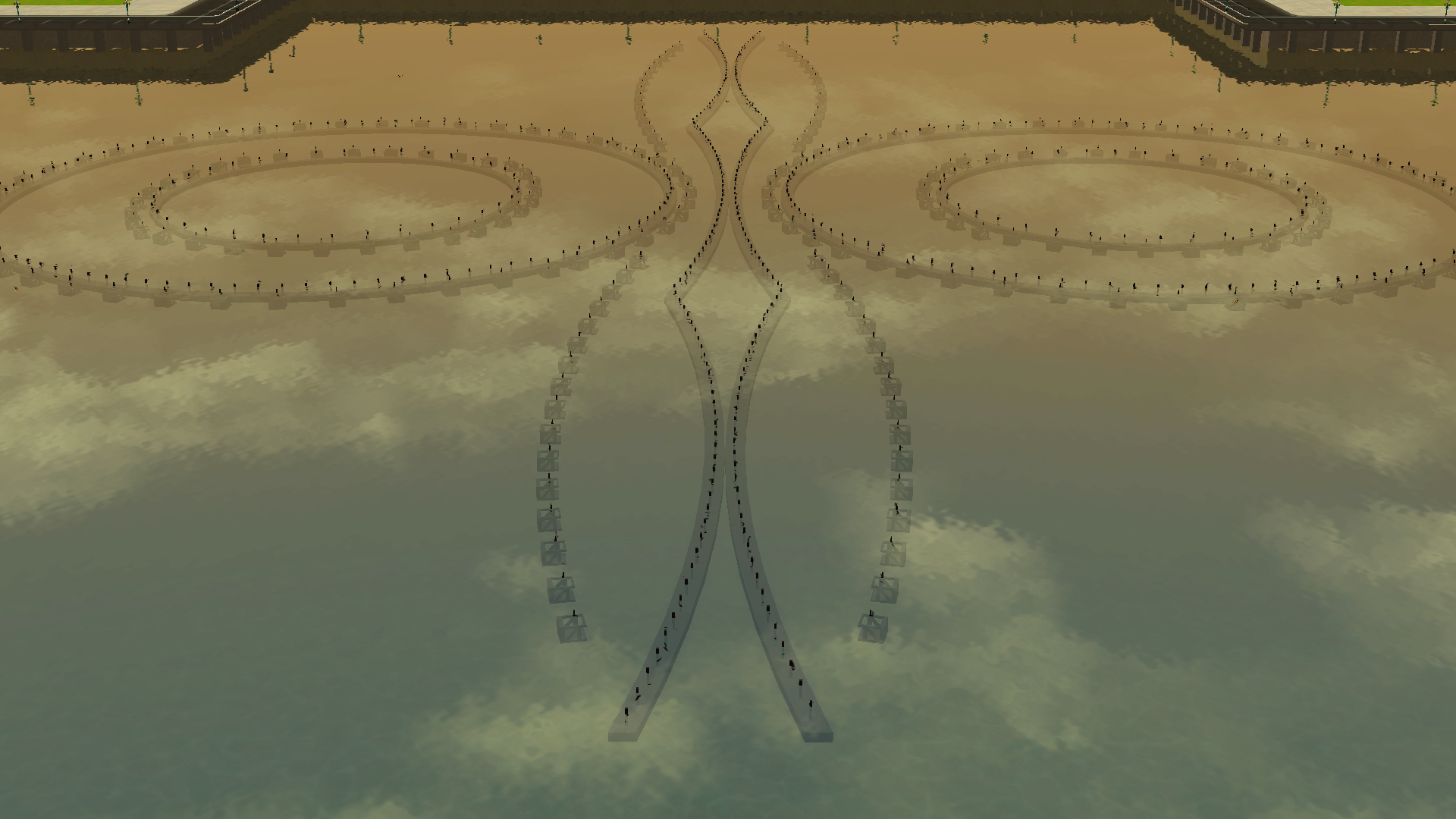
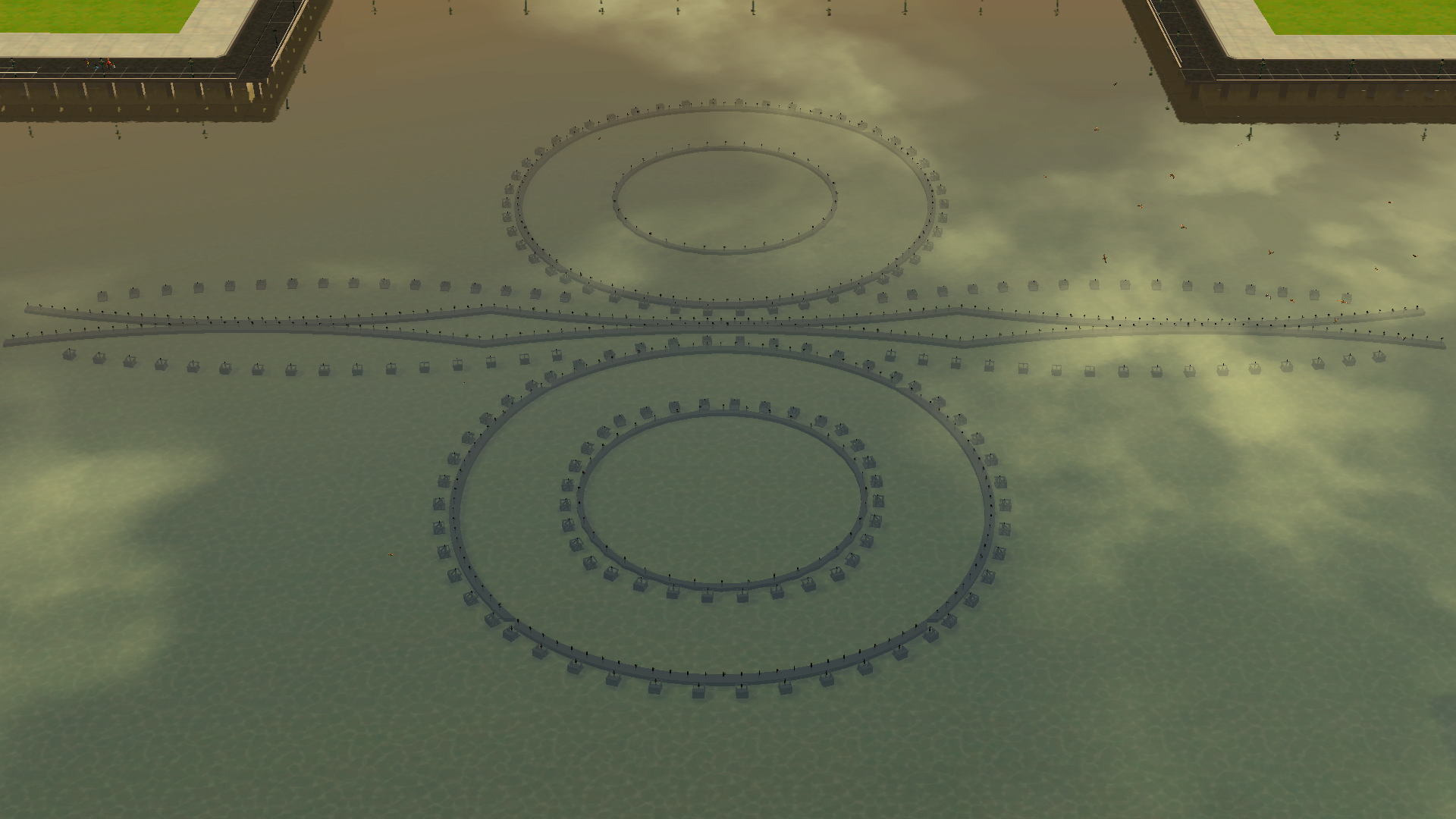
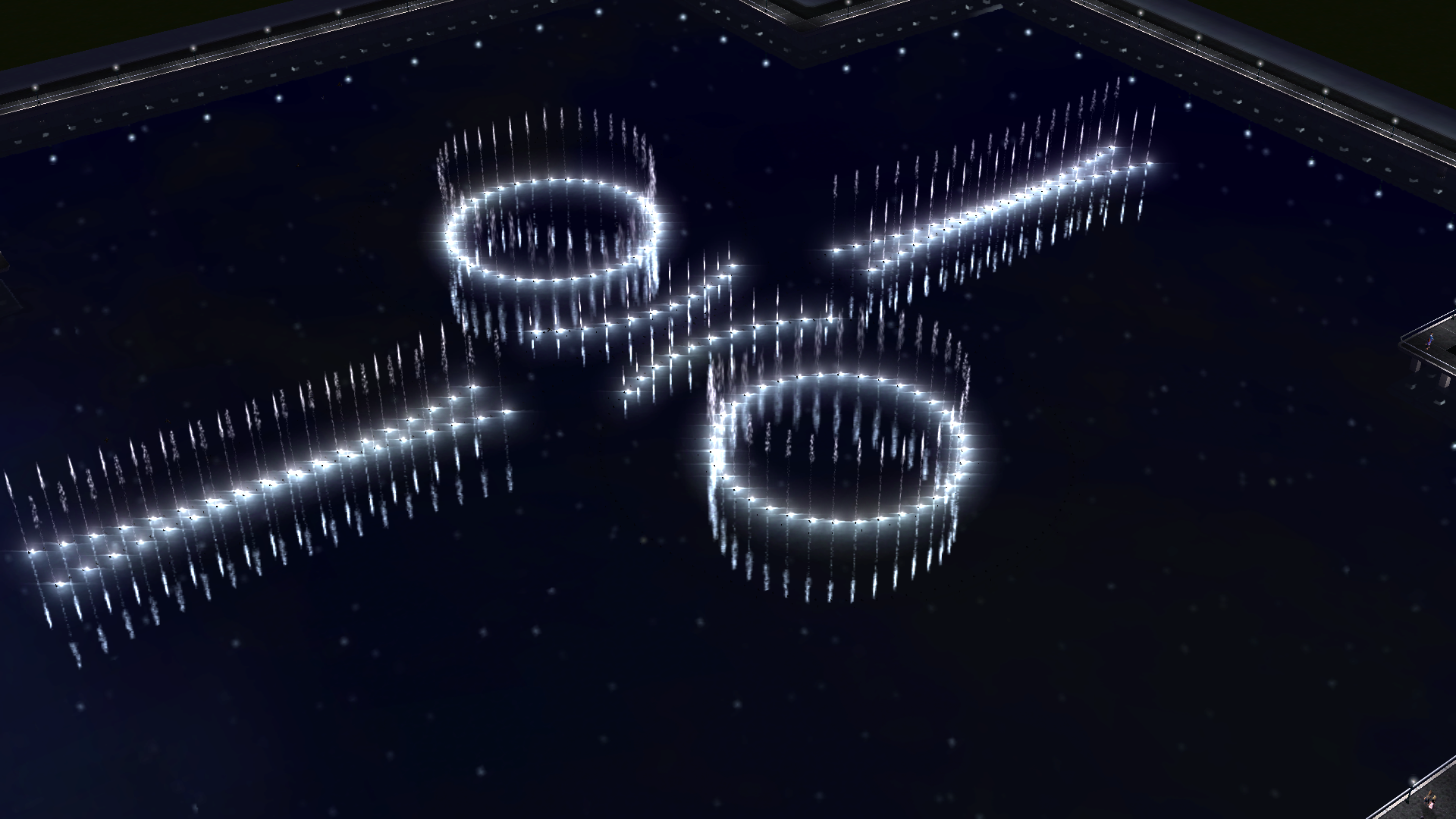
  2. First look at the fountain in action! Full video releasing this Saturday!
  3. Happy New Year! Here's a couple of more screenshots, showcasing the oarsmen and hyper-shooters!
  4. pradiggitydog changed their profile photo

Account

Navigation

Search

Search

Configure browser push notifications

Chrome (Android)
  1. Tap the lock icon next to the address bar.
  2. Tap Permissions → Notifications.
  3. Adjust your preference.
Chrome (Desktop)
  1. Click the padlock icon in the address bar.
  2. Select Site settings.
  3. Find Notifications and adjust your preference.