
Philipp Wille
Members
-
Joined
-
Last visited
-
Philipp Wille changed their profile photo
-
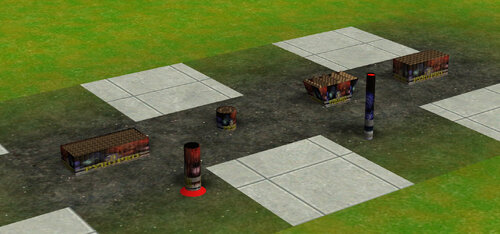 Hey Wastad here just to clarify ... the user Pyro Pro was hitting me up with his idea, but ive created almost everything on my own from 3D models to textures and so on. After import he was trying to rename the "imported by wastad" piece of the folder to cancel me, thats why there a non working version around in other fora. If there a problems with Placement (quater tile, Full tile etc. just tell me and i can fix it, i got all original data on my harddisc)
 -
Hello dear community, My Name is Philipp aka. Wastad, back in the days. Some of you might heared about my Mortar sets and some other stuff ic created für RCT3. I want to to a little RCT3 stuff but not much at the moment we will see. Have a nice day and cya soon :)