MrBill
Members
-
Joined
-
Last visited
Everything posted by MrBill
-
I have added the Main Street arcade next to the Garden Cafe. Share Code: 6MMBLNCYW
-
Thanks for the idea, next time I am over there I will update the blocks. Glad you like the cafe.
-
Started to work on my Main Street. First up, the Garden Cafe Restaurant. It sits on the corner, and has some nice outdoor seating. It is the first creation I've shared to the workshop. Share Code: 82S3JKXBQ
-
Thanks, yeah, the Theater isn't finished yet, still have a lot of detailing to do on the inside, and I want to put up movie style posters on the outside, but of the various rides in the park. Doors are on my list, just going where the inspiration takes me.
-
Worked on a small pair of Flat Rides over the weekend.
-
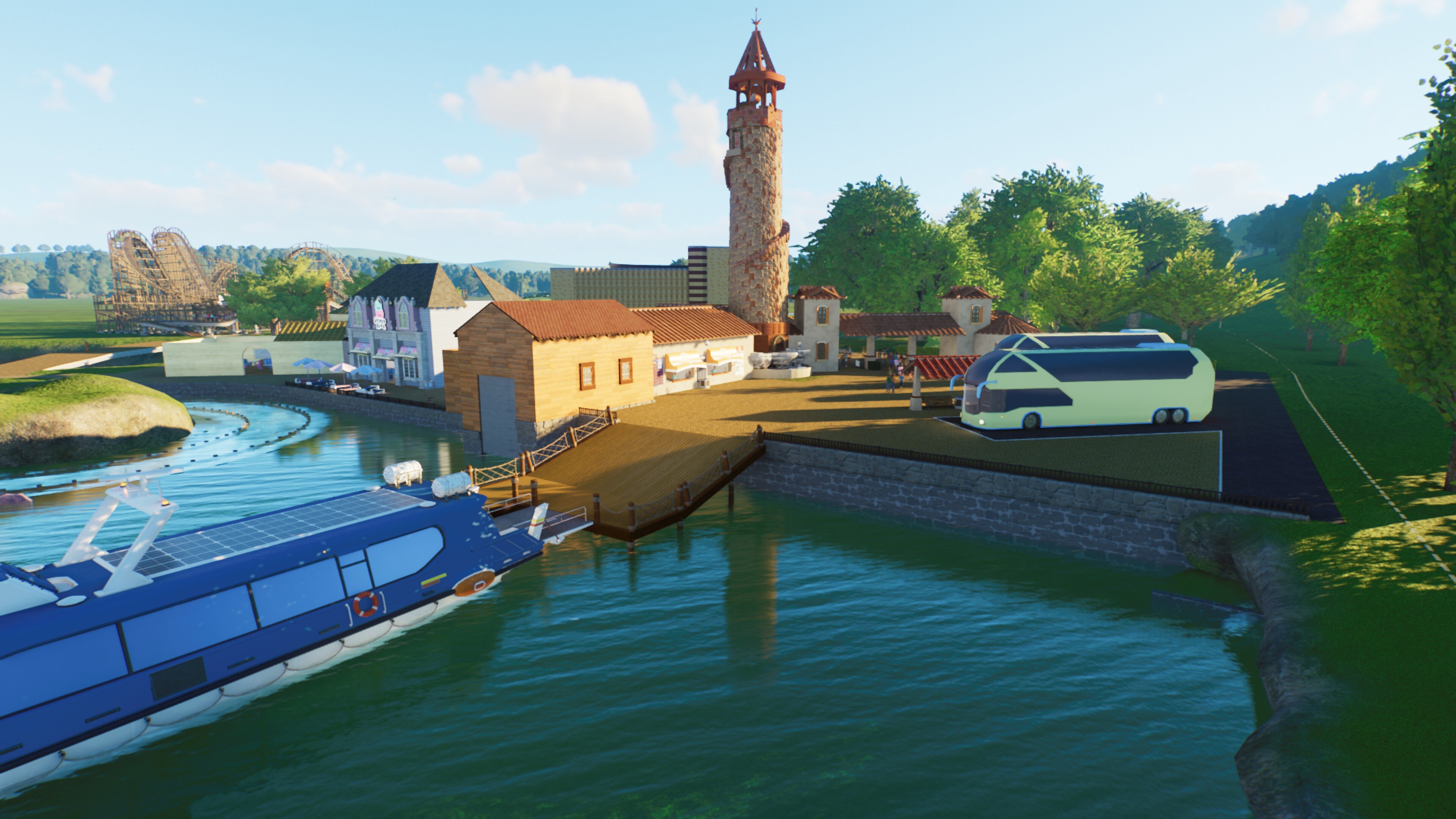
Finally found some time, and have been working on my park more, especially with the new Small-Town set. That set has a lot of pieces I have been wanting to use. For comparison here was my theater before the new set. And here it is after I changed out some of the items with pieces form the small-town set. It has definitely helped with the lighting, as before I had a lot of little globe lights, and now it doesn't clip as much during the night. Here is my updated theater, it isn't finished yet, still have some work to don on the inside, and some more to add to the outside. You can also see where I am going to add parades. Been spending a lot of time on my first dark ride, it is a shooting ride, themed around outer space, and using Max Stormcloud as the hero. More to come on this later, but here is the front of the building. It is going to be a part of the area in my park around Toys. Also spent some time building out a Train Station, it isn't quite finished yet. And then I have a small water front area that overlooks the river rapids. Going to be adding event points in soon to have the guest shoot water at the ride when they go past. That is all for now, I have more ideas to come.
-
-
Been a long-time viewer, loved all of the projects even back when it was Shy Guy's World. Glad I found this new location. Been getting some inspiration on what to build, so finally getting into Planet Coaster 2 and starting my park.