


warcat
Members
-
Joined
-
Last visited
-
-
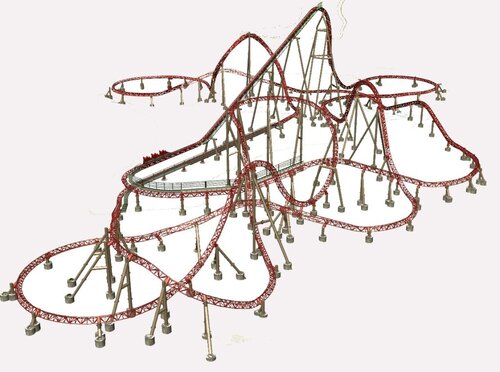 Tried 4 times to open and look at this but no luck. Opened the file, place in correct fold, docs, rct 3 parks, and nothing. See it listed but never shows up in game. Click on property and just says "File", not dat file. Finally gave up....how did anyone open the file and look at the ride. Looks neat but then I can only go by the picture that is included in the download. Never had issue with other parks I've downloaded and installed. EDIT: Sorry for posting this in the review instead of in Comments. Can you delete the above? Thank You.
- 2 comments
- 1 review