

Leaderboard
-

Overxhaul
Members1Points59Posts -

m00nkinftw
Members1Points104Posts -
Timbo87
Members1Points0Posts

Popular Content
Showing content with the highest reputation since 12/01/2024 in File Reviews
-
1 point
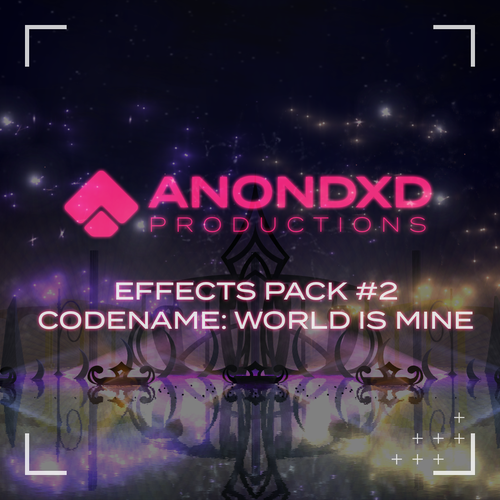 Wow i recently played RCT3 again after years, this pack is insane. I wish i had these effects years ago. Thanks so much!1 point
 -
1 point
 I gotta say, this has to be one of the BEST mods for RCT3! I always disliked the standard wooden supports because even if you would paint them white, because of the lighting they would always look too dark. These absolutely transform wooden rides and besides putting some files in your supports folder (which takes 20 seconds) it does everything automatically! This has given me a big boost in motivation to make more coasters with wooden supports so I would rate this 6 stars if I could! Here's some before and after pictures of how much of a difference this mod makes:1 point
 -
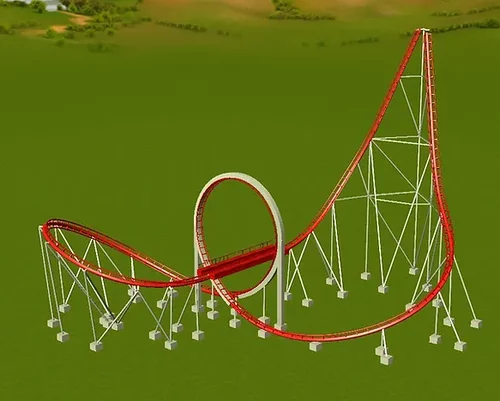 I tried this pack once, and it's really worth it. You get 5 iconic Schwarzkopf rides: Dreier Looping (All American Triple Loop), Bullet (the only portable launch coaster made by the manifacturer), the timeless classic Olympia Looping, the Weight Drop launched loop (King Kobra/Golden Loop for reference) and the sadly now-dismantled Thriller (or, if you're American/Mexican, Zonga, Texas Tornado and Tsunami as it operated under those names). The rides are really smooth and they work really well, but beware as i experienced some extreme near misses with Dreier Looping and some issues with multi-train operations. If you love classic rides, this is definitely a pack for you!1 point